


Organise data exchanges between Alfred and Shopware
When commercial data is managed in Alfred and used in the store, its exchanges need to be explicit. AlfredSync provides an integration organised by data type, tailored to the project scope.
Define which data is actually exchanged
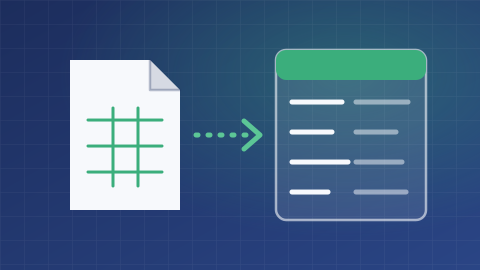
The existing adaptations cover products, offers, prices, packs, media, customers and orders, among other data. A registry allows types that should not take part in exchanges to be excluded.
For each type, your teams define the source of truth, the direction of exchange and field mappings. Not all objects necessarily follow the same processing path.
Process updates through the chosen flow
Services handle reading, writing and sending content. Some operations can go through a processing queue for deferred execution.
Synchronous or deferred processing is selected by operation. A request accepted into a queue does not mean the data is already available in the receiving system.
Track errors and prepare recovery
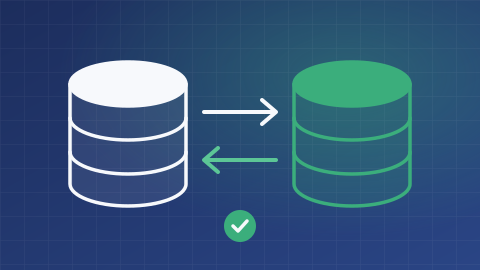
Processing has statuses and recovery mechanisms. A task can retry failed content according to the configured types, servers and modes.
Teams need to distinguish invalid data, missing access and an unavailable service before restarting an exchange.

An Alfred integration, not a universal ERP connector
The scope depends on data contracts and installed adaptations. Another enterprise resource planning system, or ERP, needs its own assessment; the presence of AlfredSync does not establish compatibility.
Commissioning includes validating permissions, processing queues, deletions and recovery procedures against your data.

What is the scope of your project?
Tell us about your needs and the tools you use. We can clarify the possibilities, conditions, alternatives and scope of work suited to your project.
Discuss your needs