



Scope your migration to Shopware with Alfred
Define which data from your existing systems to migrate into Shopware, its sources and its mappings with Alfred. Each ERP, PIM or other source system requires an assessment of its interfaces and any adaptations needed: the Alfred integration is not a universal connector.
Define which data to migrate into Shopware
Initial data migration involves selecting the data, preparing its mappings and checking the results in Shopware. Recurring exchanges after go-live need separate scoping: flow direction, processing modes and error monitoring. For each source, check access, data quality and the coverage of Alfred adaptations before agreeing on the migration scope.


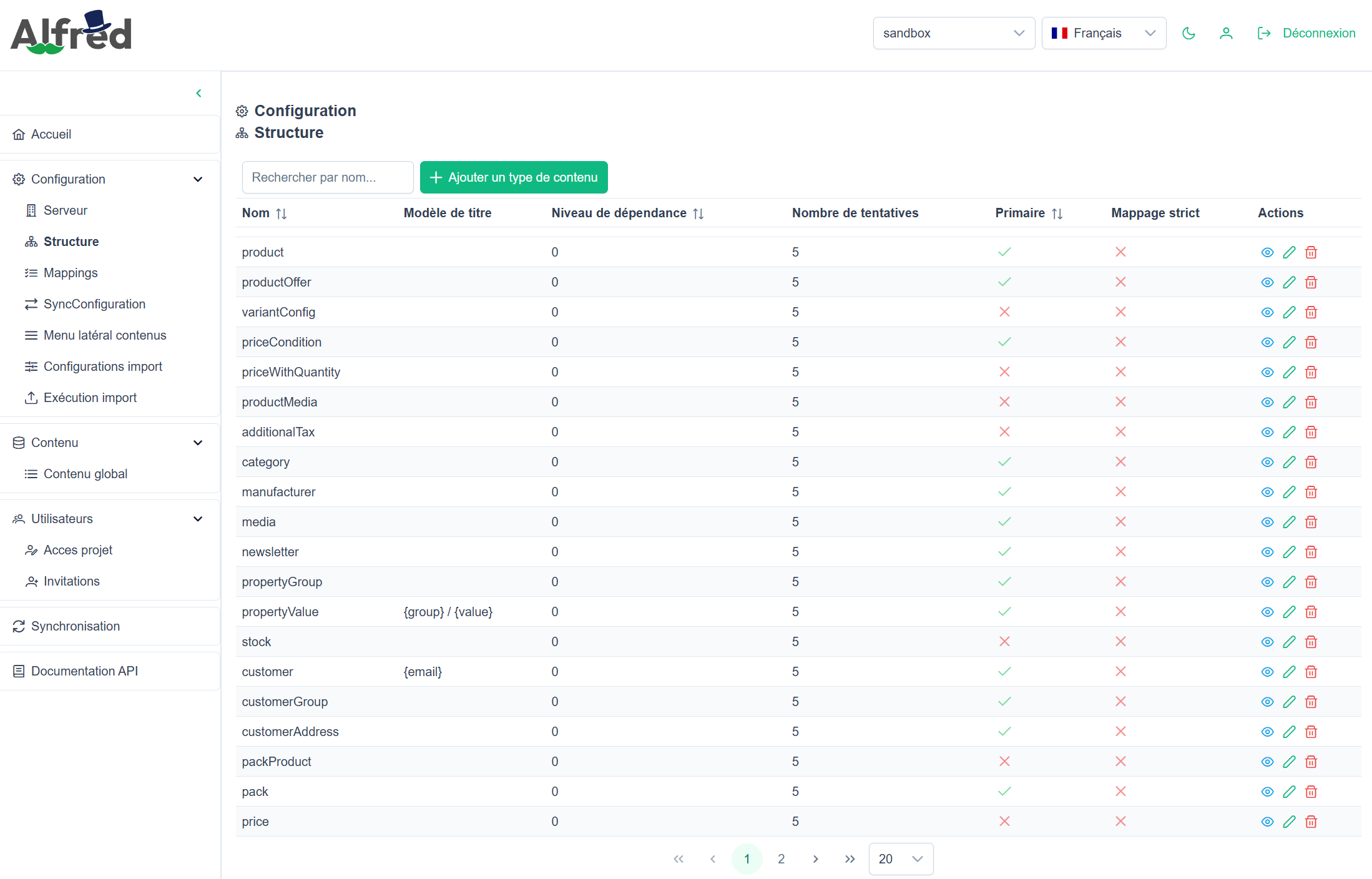
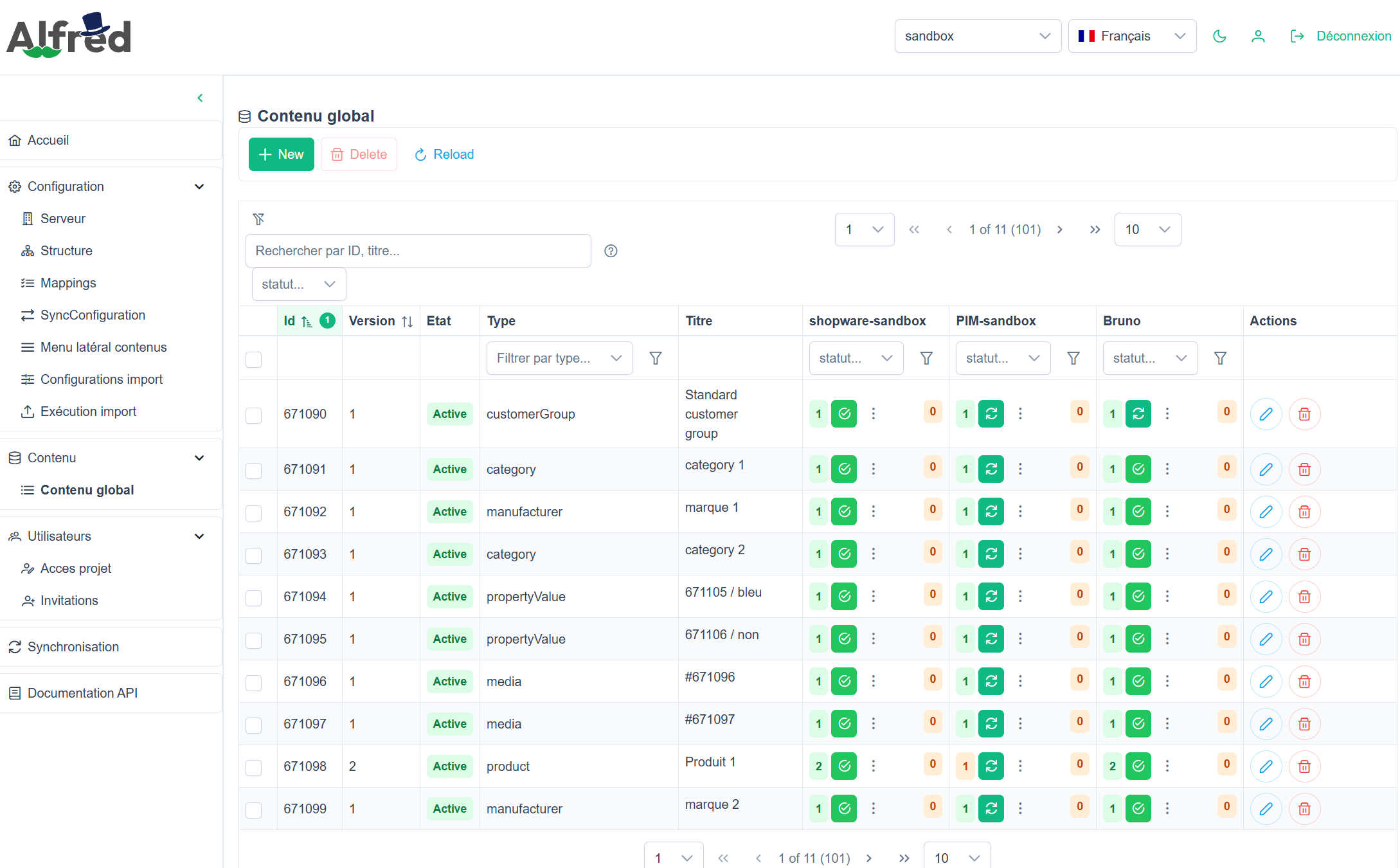
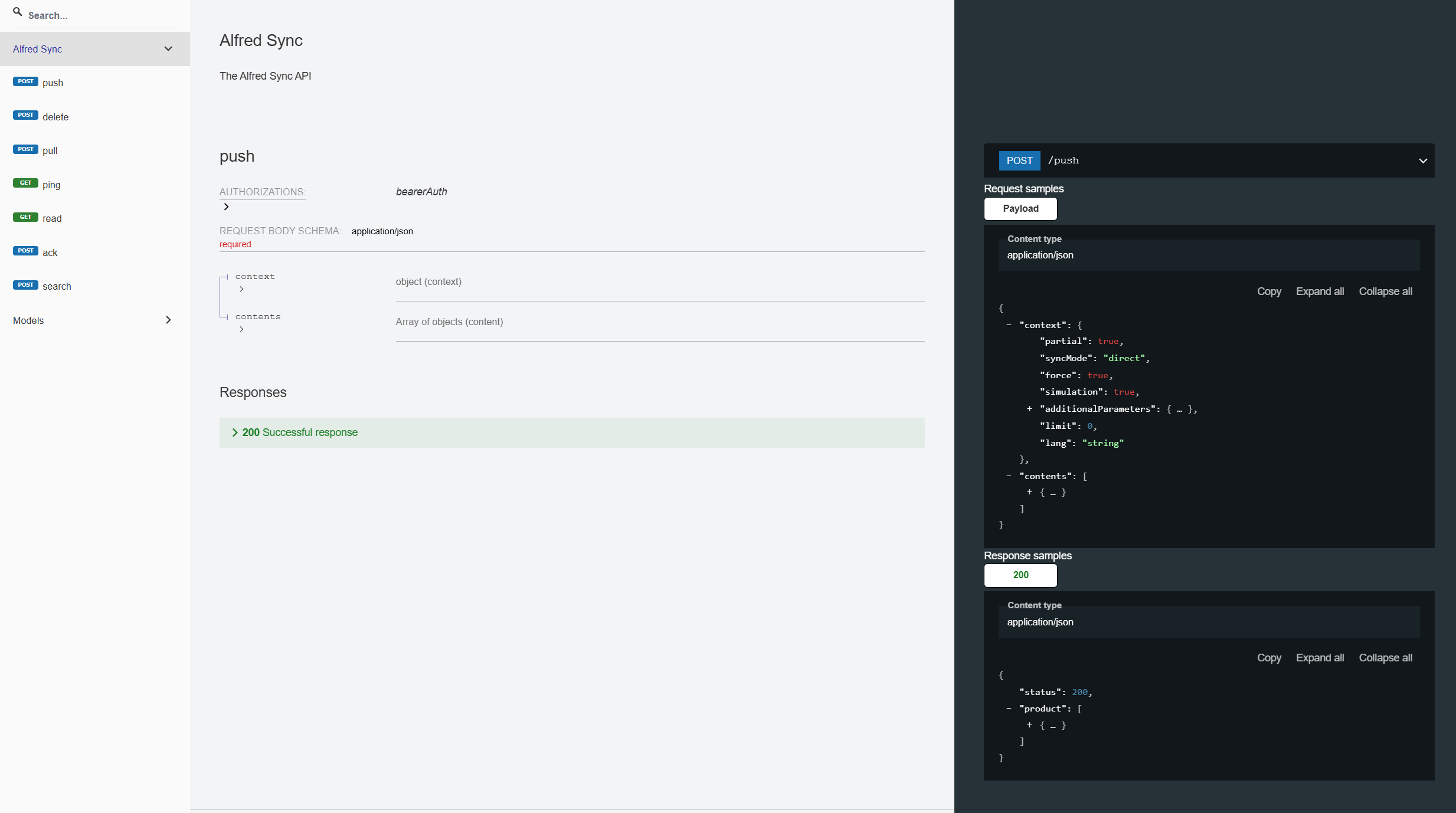

Prepare migration mappings with Alfred
Products, variants and media to migrate
Identify the product references, product relationships, media, prices and stock to transfer. Check the fields available in the source and their Shopware mappings; the existence of an Alfred type alone does not validate the migration.
Identifiers, accounts and addresses
Define the matching identifiers, groups and addresses to retain. Check for missing data and review the activation conditions for imported accounts before making them available to customers.
Order history and relationships
Define the history worth retaining and check the links between customers, line items, amounts and statuses. Migrating transaction or delivery data does not execute a payment or a shipment.
Categories, brands and properties
Identify the systems of record and prepare the relationships the catalogue needs. Define how to handle missing relationships; migrating legacy URLs also requires checking destinations and redirects.
Incomplete data and migration discrepancies
Plan checks in Shopware and assign responsibility for resolving discrepancies. Queued content is not migrated and validated data; technical statuses complement business acceptance testing rather than replace it.
Permissions and destination systems
Assess source access and Alfred permissions by type and operation. Validate authorised destinations and responsibilities for reading, writing and deleting data before transfers begin.
Distinguish initial migration from ongoing data exchanges
A validated migration does not, by itself, define how day-to-day exchanges will operate. Before cutover, the IT team must scope the flows to maintain, their execution conditions and error handling. The Alfred synchronisation feature page details exchange types, statuses and recovery; this page focuses on project preparation.
Choose processing conditions
Assess the processing modes and scheduling needed for the selected flows. Actual delays depend on factors including queues, processing and target systems; they must be checked in the project environment.
Assign responsibility for error monitoring
Define who reviews statuses, corrects source data and authorises retries. Assign these responsibilities before go-live, without treating a technical retry as a business data correction.
Validate project-specific adaptations
Compare the expected fields and relationships with the available mappings. Identify the adaptations needed, then test them with representative data rather than assuming every source system is covered.
Set the scope and cutover criteria
Sources and mappings
Document the systems of record, identifiers and agreed mappings. Record exclusions and any data that requires preparation before migration.
IT and business responsibilities
Assign responsibility for data validation, access and error monitoring. Agree with the teams involved on the conditions for stopping or rolling back the migration.
Validation before go-live
Define the catalogue, account and history checks required in Shopware. Base the cutover decision on acceptance test results and accepted discrepancies, without assuming a financial gain.
Which data from your existing systems should move to Shopware?
Share your sources, the data you need to retain and your cutover constraints to assess the migration scope with Alfred and the adaptations required.
Discuss your migration