


Email templates: control content across environments in Shopware
A store change must preserve the expected transactional communications. FroggShop lets teams extract email templates from the database to review, retain and reimport them.
Keep the elements that make up each message
Templates, their translated content, headers and footers can be exported. These files provide a basis for comparing changes and retaining selected versions.
Managing their history then depends on the versioning process chosen by your team.

Prepare and apply an update
The technical team selects the relevant templates and languages, prepares the files and uses the import tools to apply them to the intended environment.
The tools provide difference checks and safeguards for database changes. Their use must be integrated into the deployment process.
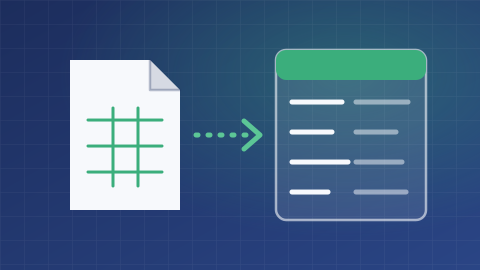
Validate content and available data
A template depends on its variables, translations and sending context. Reimporting a file does not validate the accuracy of the message or its rendering in every email client.
Review messages with test data and retain the exports needed for recovery before applying changes in production.
What is the scope of your project?
Tell us about your needs and the tools you use. We can clarify the possibilities, conditions, alternatives and scope of work suited to your project.
Discuss your needs