


Media library maintenance in Shopware
Media maintenance lets technical teams identify inconsistencies before deleting files or library entries. Analysis and cleanup remain two separate steps.
Start with a report of candidates
Diagnostics look for orphaned files, old media entries with no file specified and media whose file is missing. Candidates are distinguished from skipped items.
An analysis session retains results for review before intervention. The scope covers the public and private storage areas defined in the configuration.

Check again before deleting
Cleanup checks the conditions for each candidate again. A restored file, a path that has been linked again or a modified media entry may be skipped rather than deleted.
Media still referenced is protected by default. Extensions can also veto a candidate to preserve a project-specific use.
Control a destructive operation
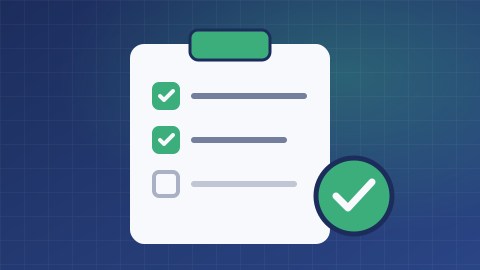
Deletions require report approval and a suitable backup policy. Results distinguish deletions, skipped items and failures.
A reference used outside known relationships must be examined with the technical team. This mechanism does not justify claims of risk-free cleanup or automatic restoration.
What is the scope of your project?
Tell us about your needs and the tools you use. We can clarify the possibilities, conditions, alternatives and scope of work suited to your project.
Discuss your needs