


Move from PrestaShop to Shopware without stopping sales
A module to install on your PrestaShop shop, from 1.6 to 9. It migrates your catalogue, customers and orders to Shopware, can be replayed with no duplicates, then follows every change within the minute while your new site is being built.
- PrestaShop 1.6 · 1.7 · 8 · 9
- Replayable
- Sync within the minute
- Several shops
Every version, one protocol
Is your shop still running PrestaShop 1.6? Has it already moved to 8 or 9? The module is the same: a single archive, compatible from PHP 5.4 to PHP 8.4, speaking the same protocol to Shopware whatever the version.
For your agency, that means one method, one test plan and one dashboard, whatever the client.
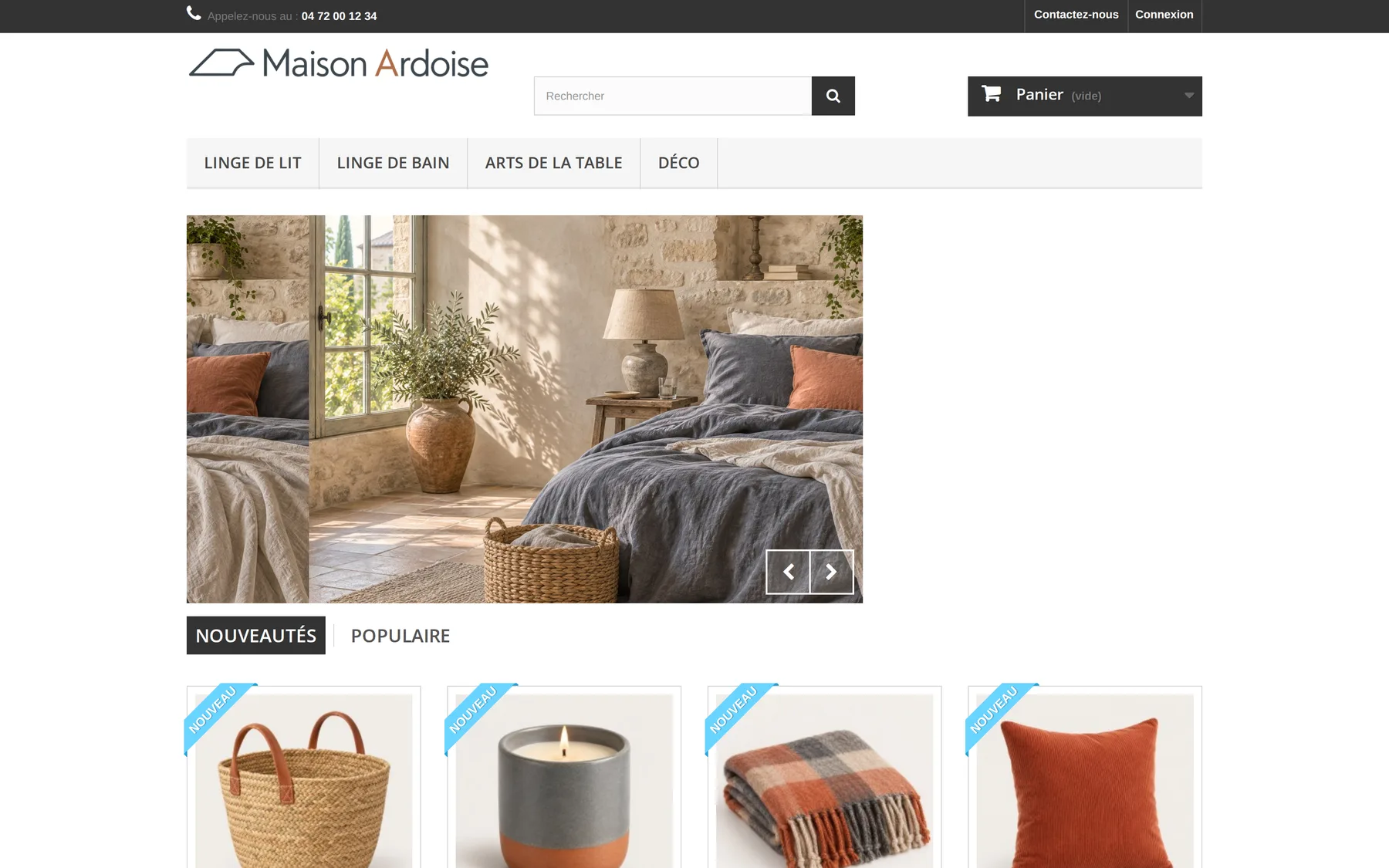
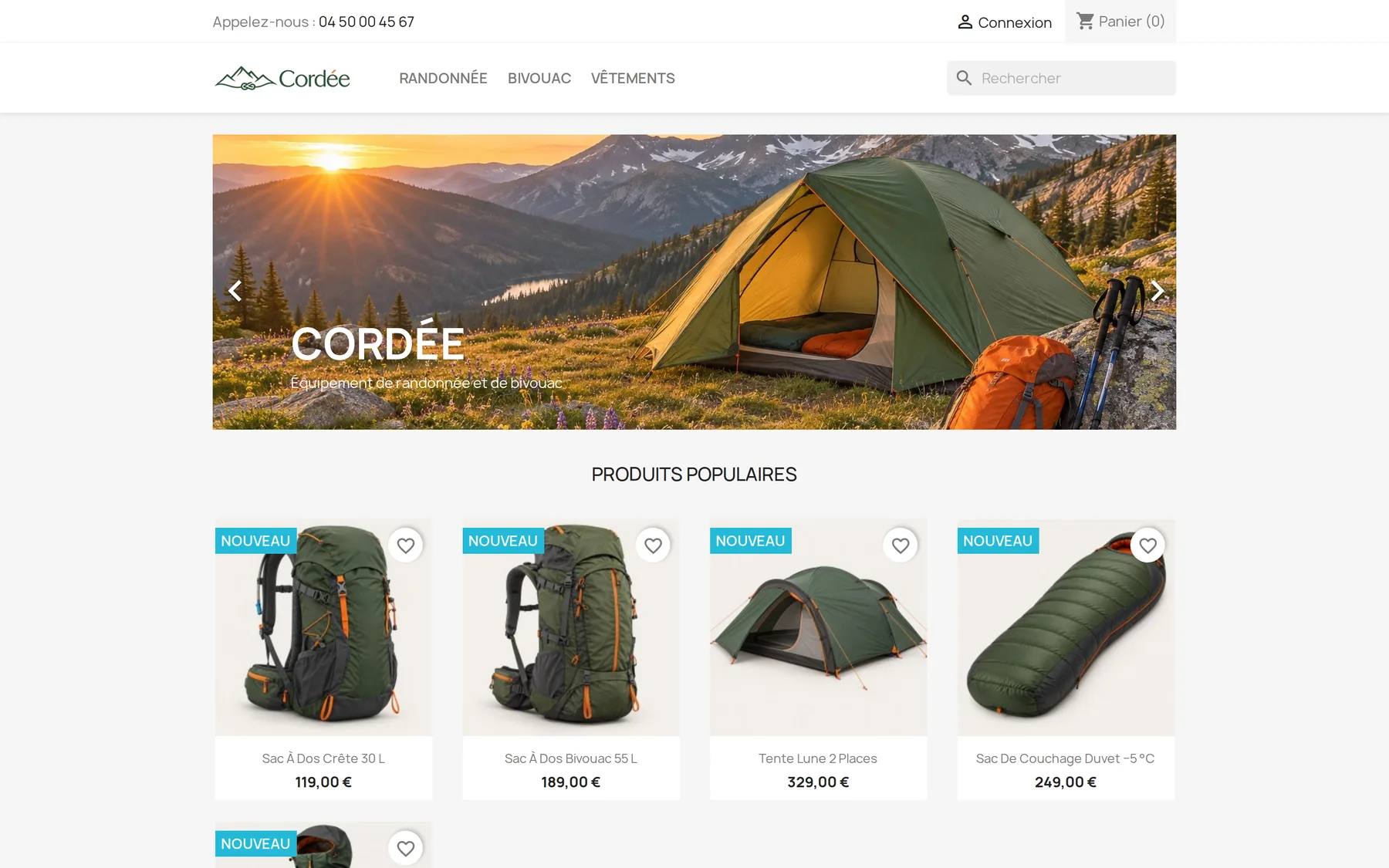
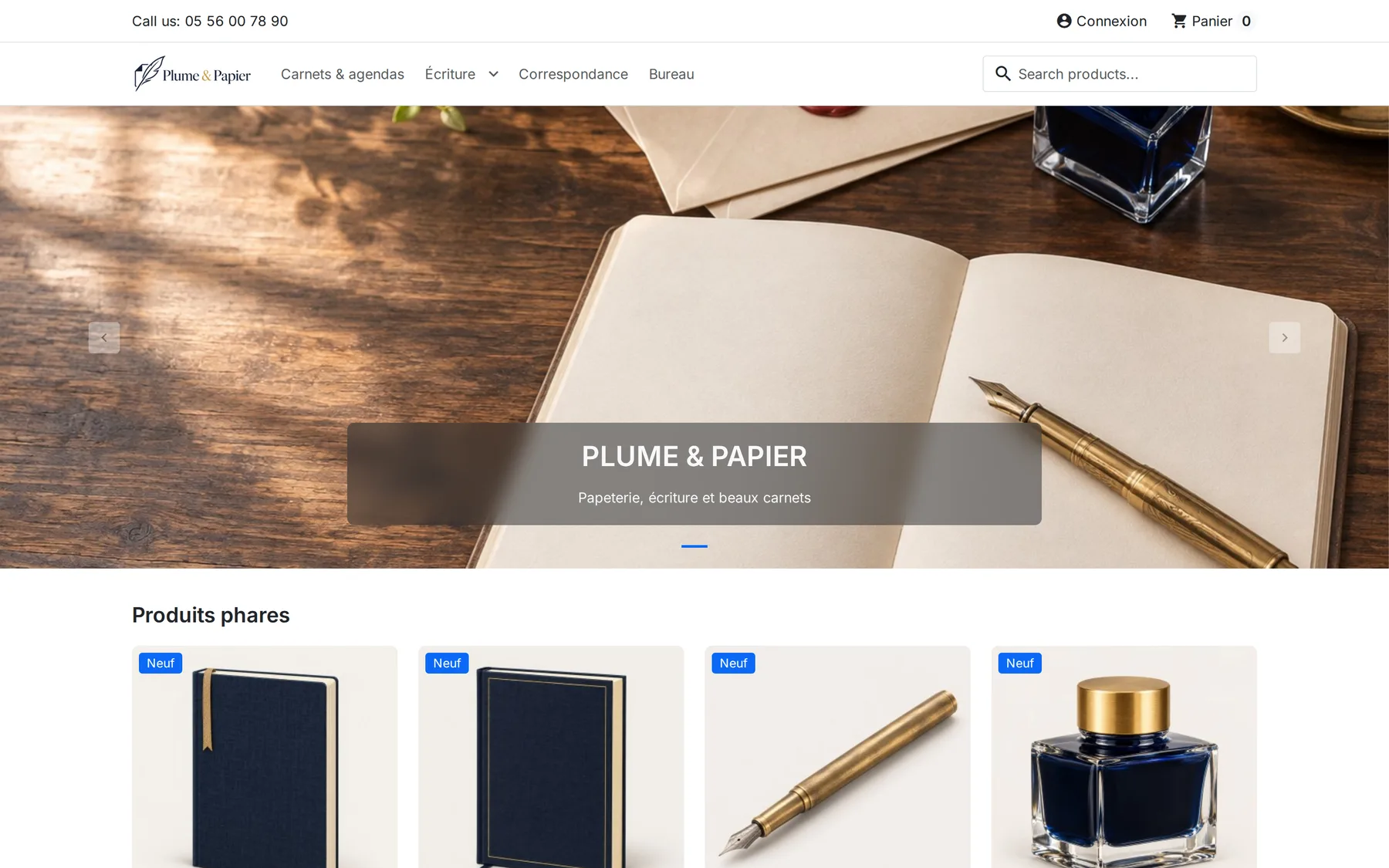
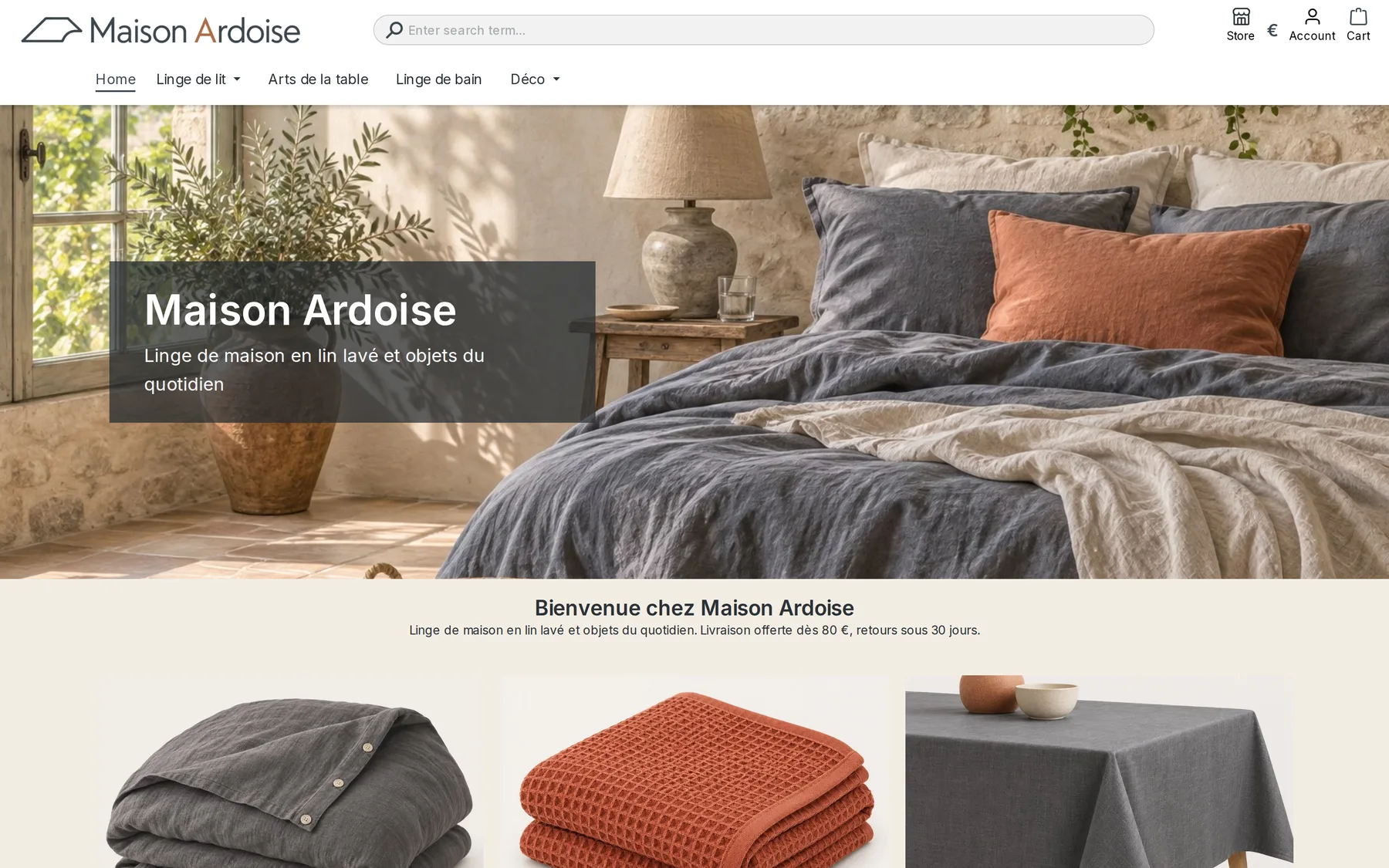
Demo shops, actually migrated with the same module.
Before, after
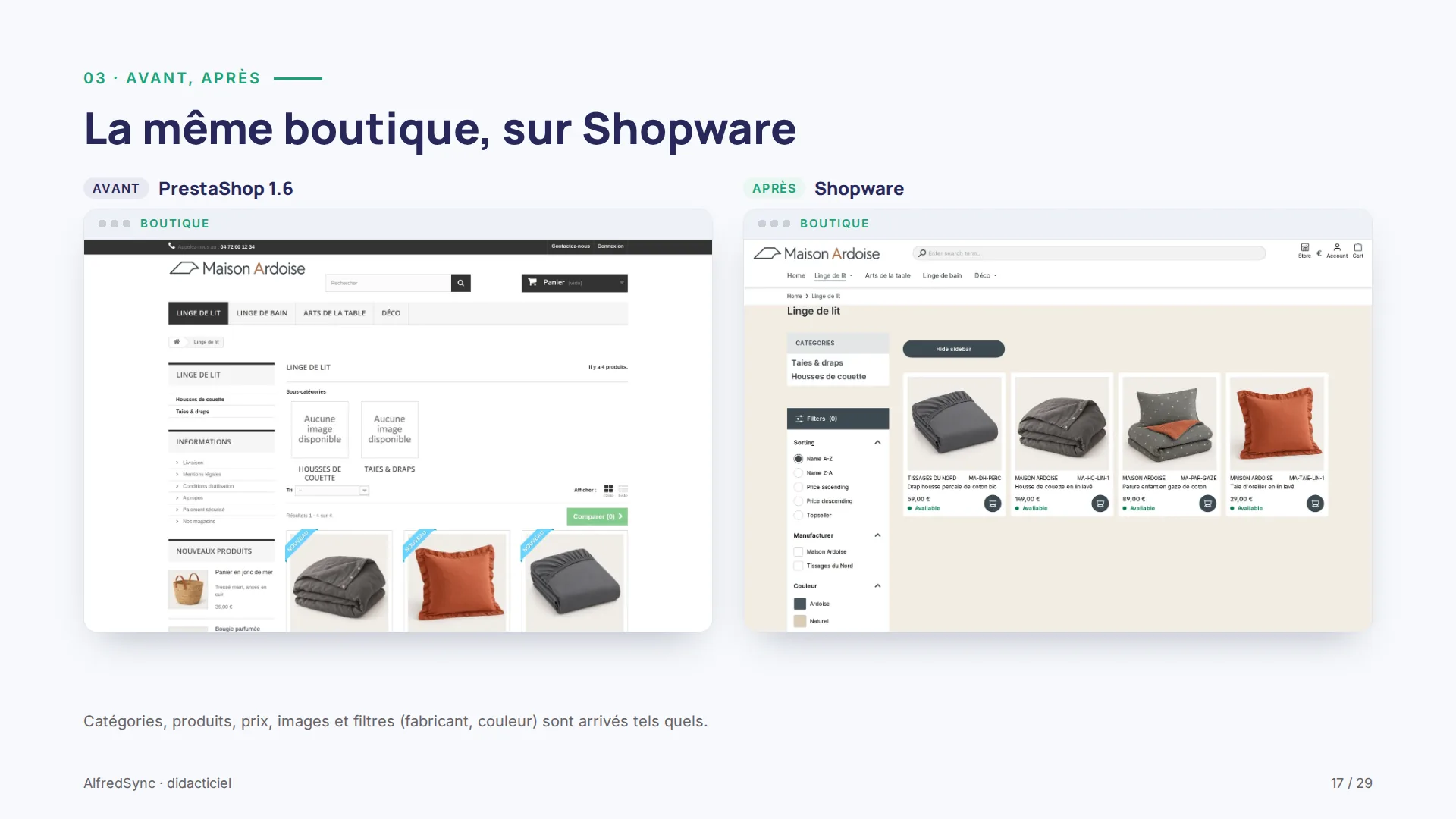
Maison Ardoise on PrestaShop 1.6, then on Shopware after the migration. Categories, products, prices and images arrived as they were; the new site then gets its own design. Drag the slider.
Before · PrestaShop 1.6After · Shopware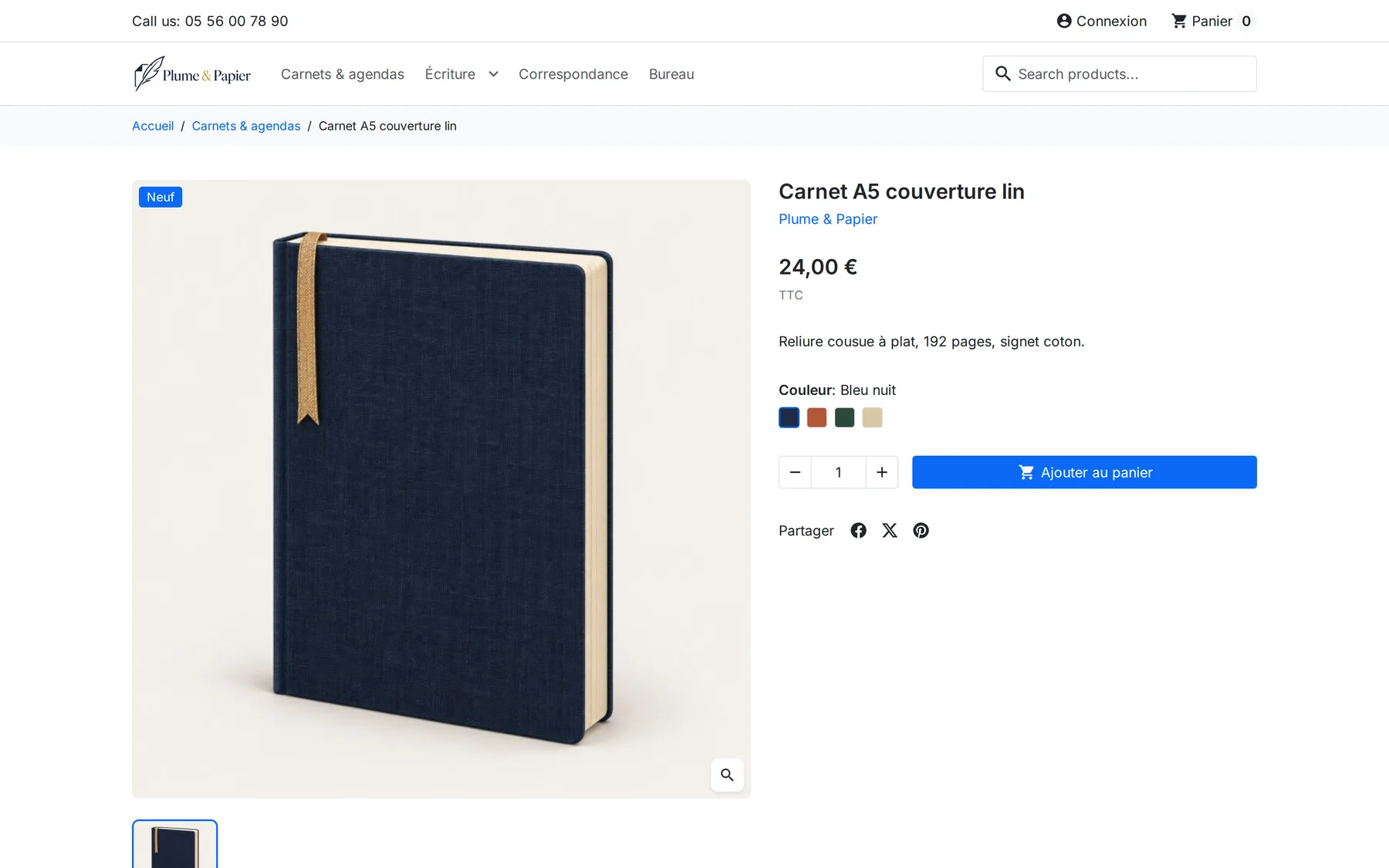
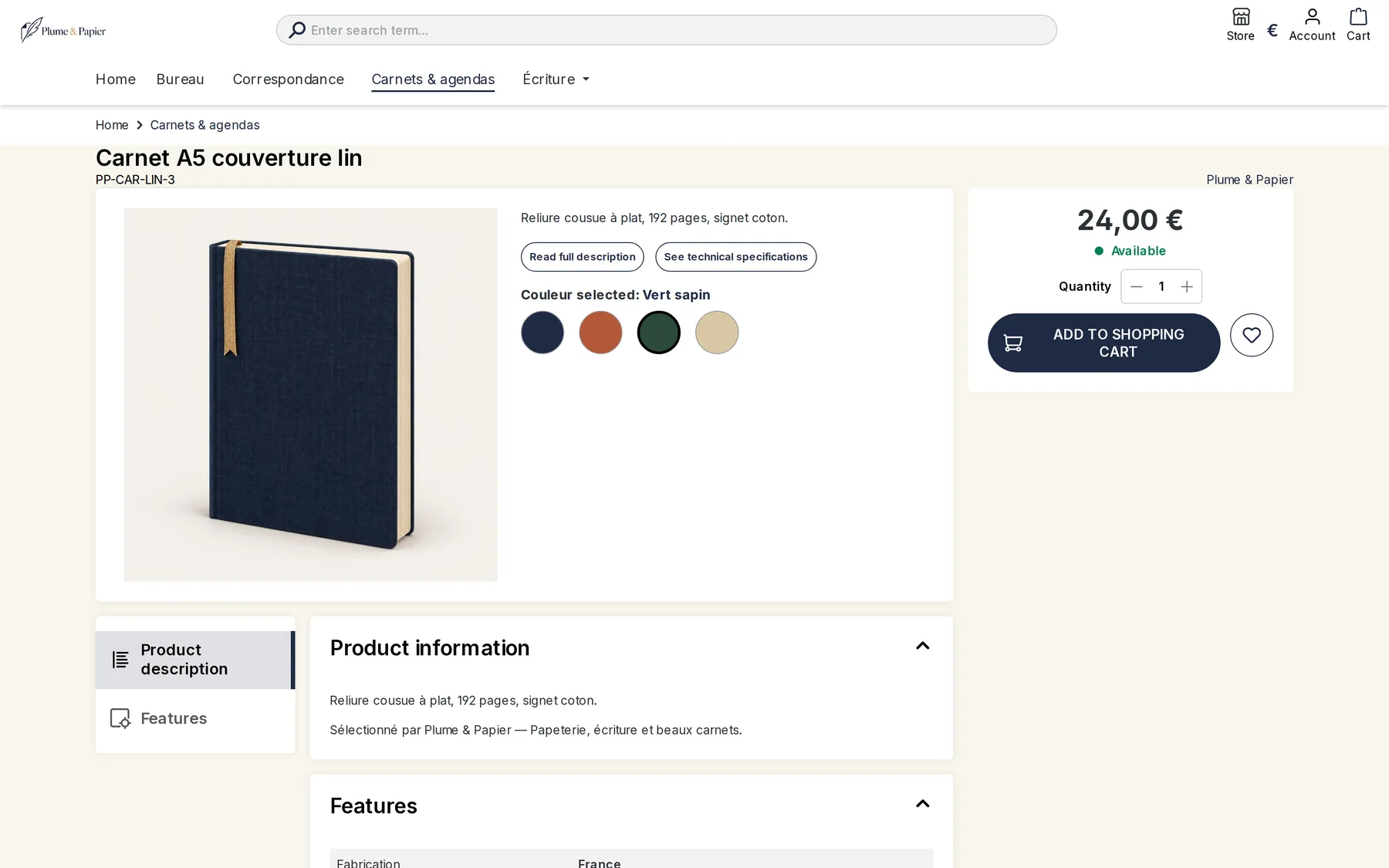
The full tour, narrated
Two minutes with Maison Ardoise: connect the module, migrate everything, find customers and orders again, keep your SEO, replay with no duplicates, then keep selling while the new site is built.
What is migrated
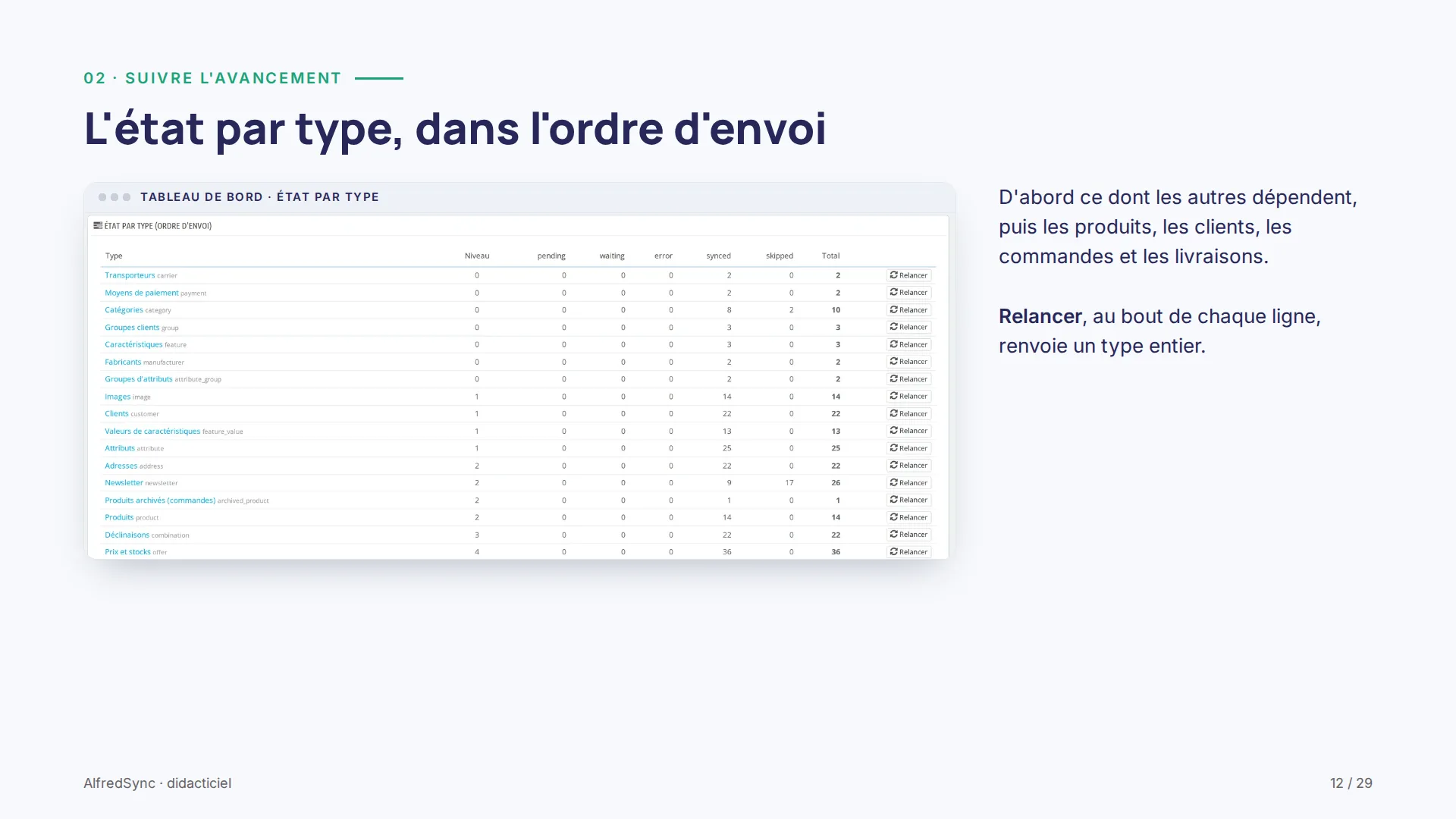
Data is sent in the right order, in batches: first what everything else depends on (carriers, categories, brands), then products, customers and finally orders.
Catalogue
- Categories and tree
- Brands
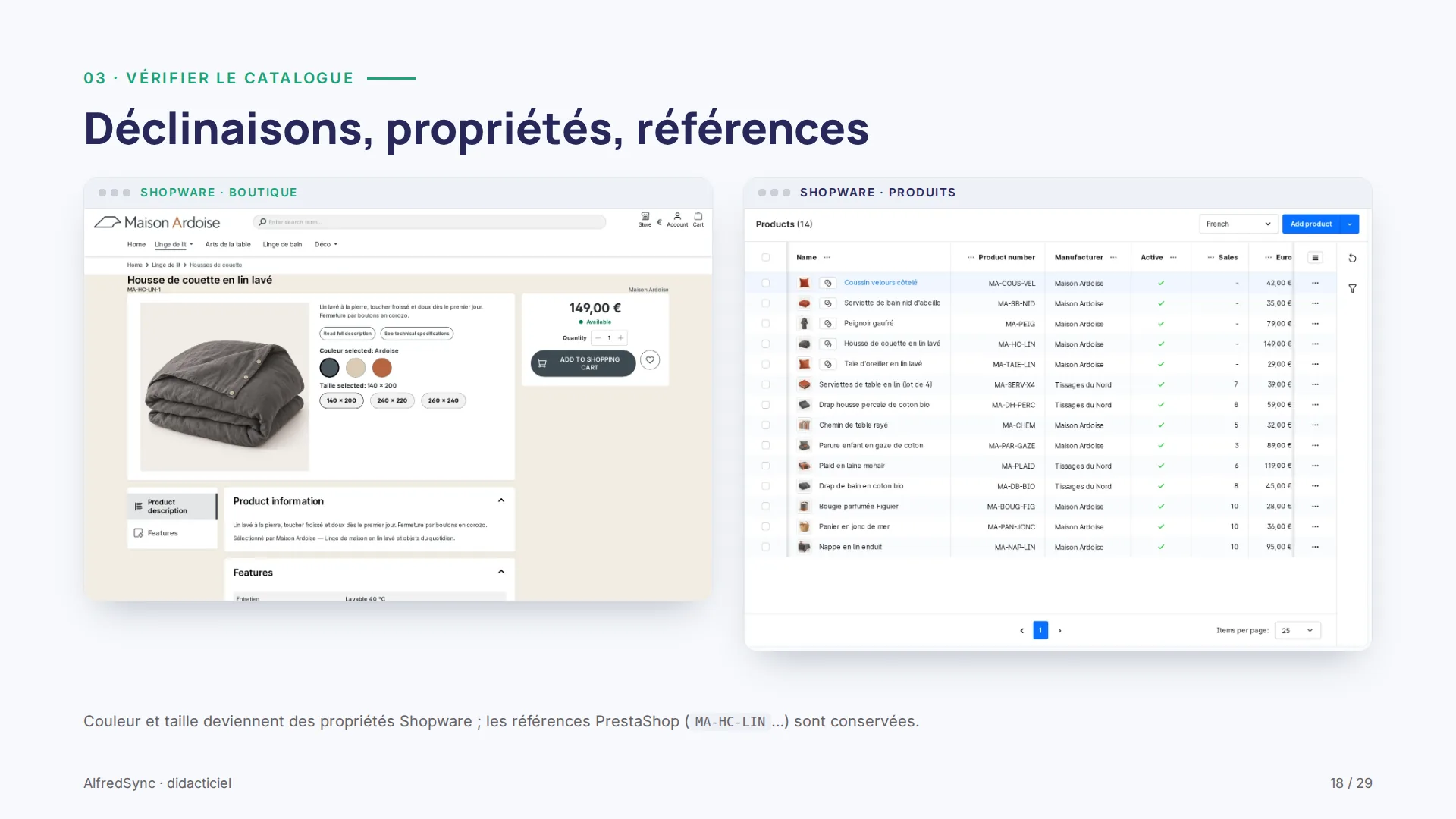
- Features and combinations, as Shopware properties
- Products, packs, tags
- Prices, specific prices, stock
- Images
Customers
- Customer and guest accounts
- Addresses
- Customer groups
- Newsletter subscription
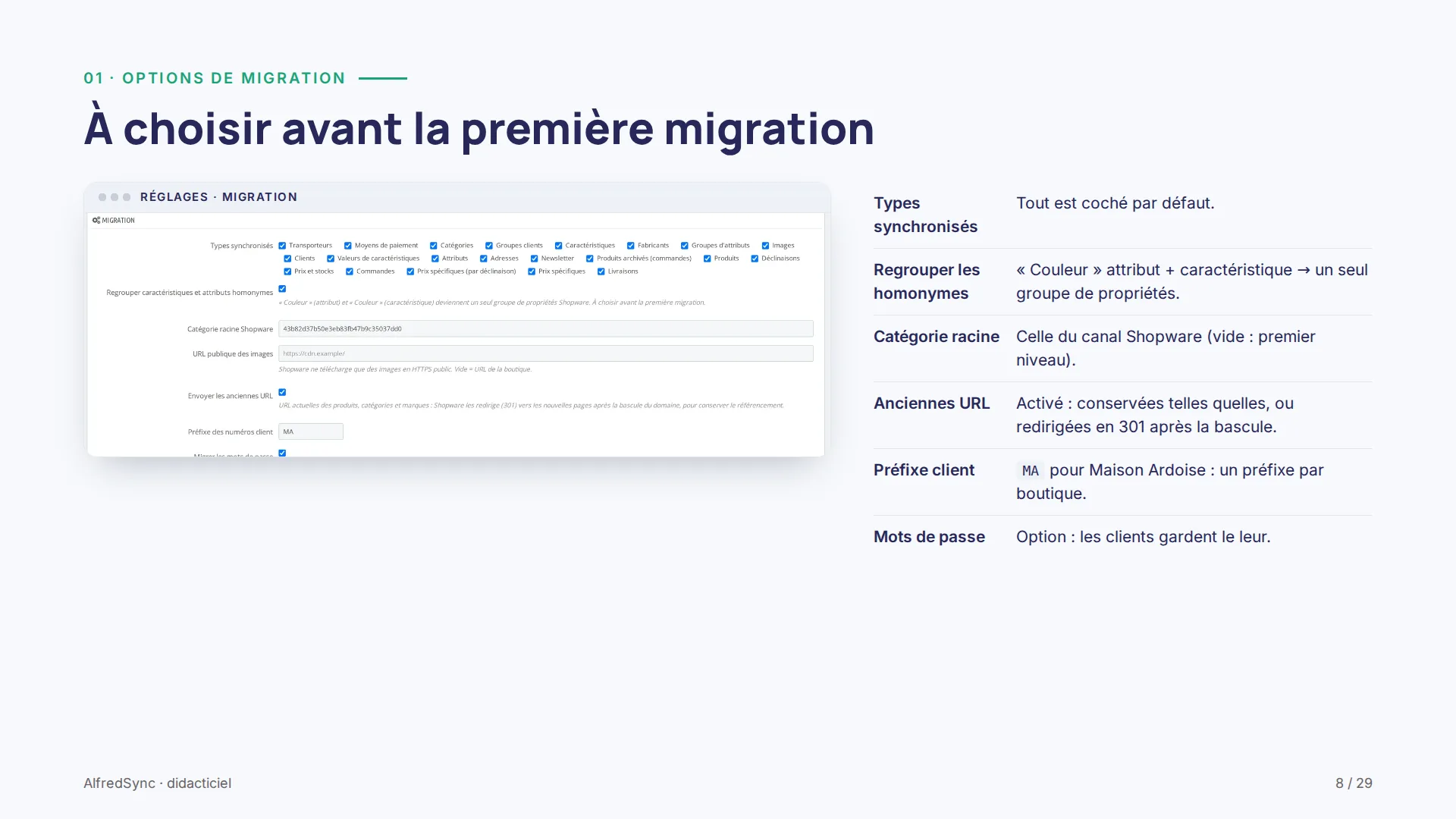
- Password, optional
Orders
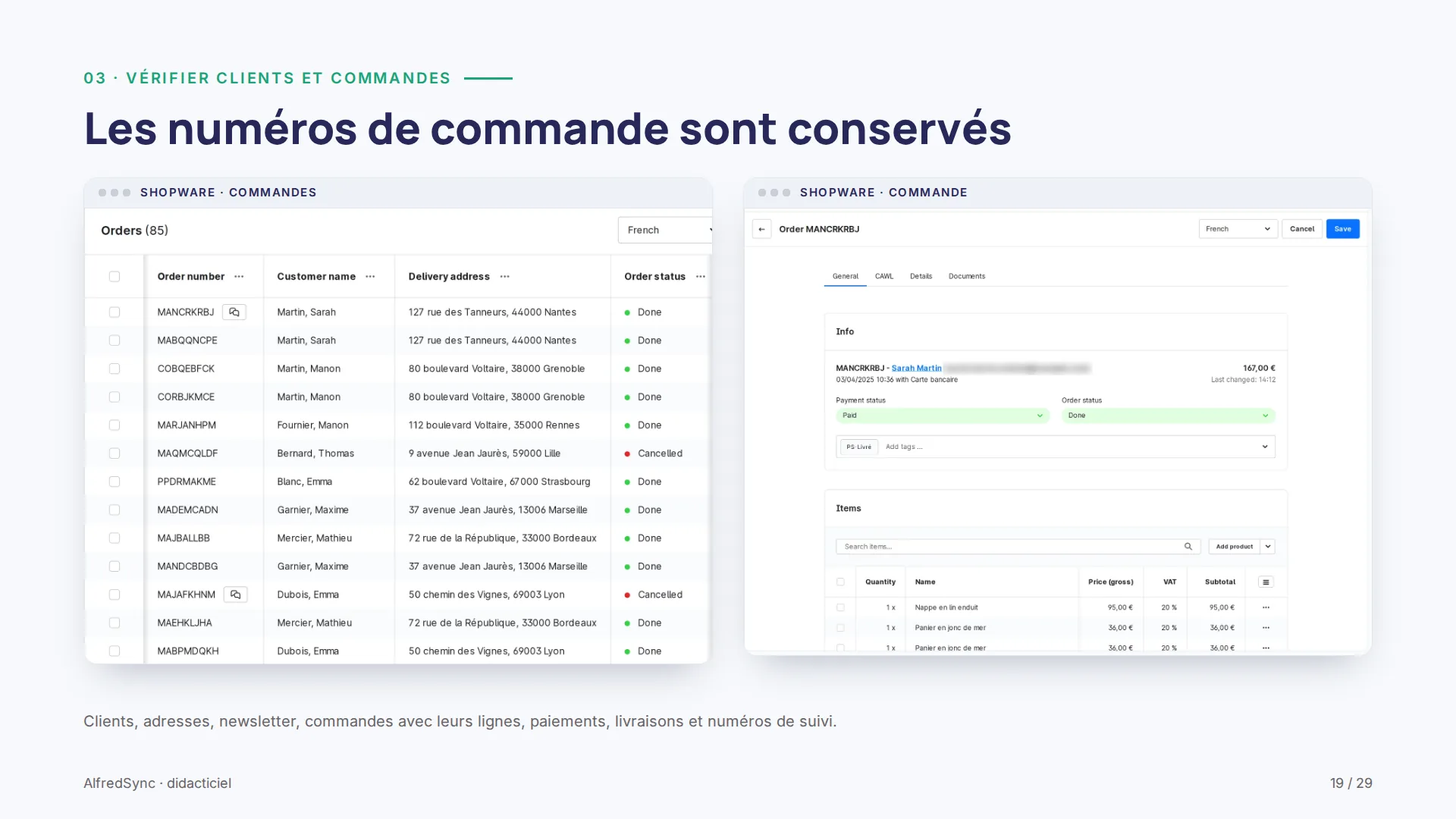
- Order number kept
- Line items, discounts, taxes
- Payments and transactions
- Deliveries and tracking number
- Invoices
- Comments
- Archived products referenced in orders
Settings
- Carriers and payment methods, created inactive
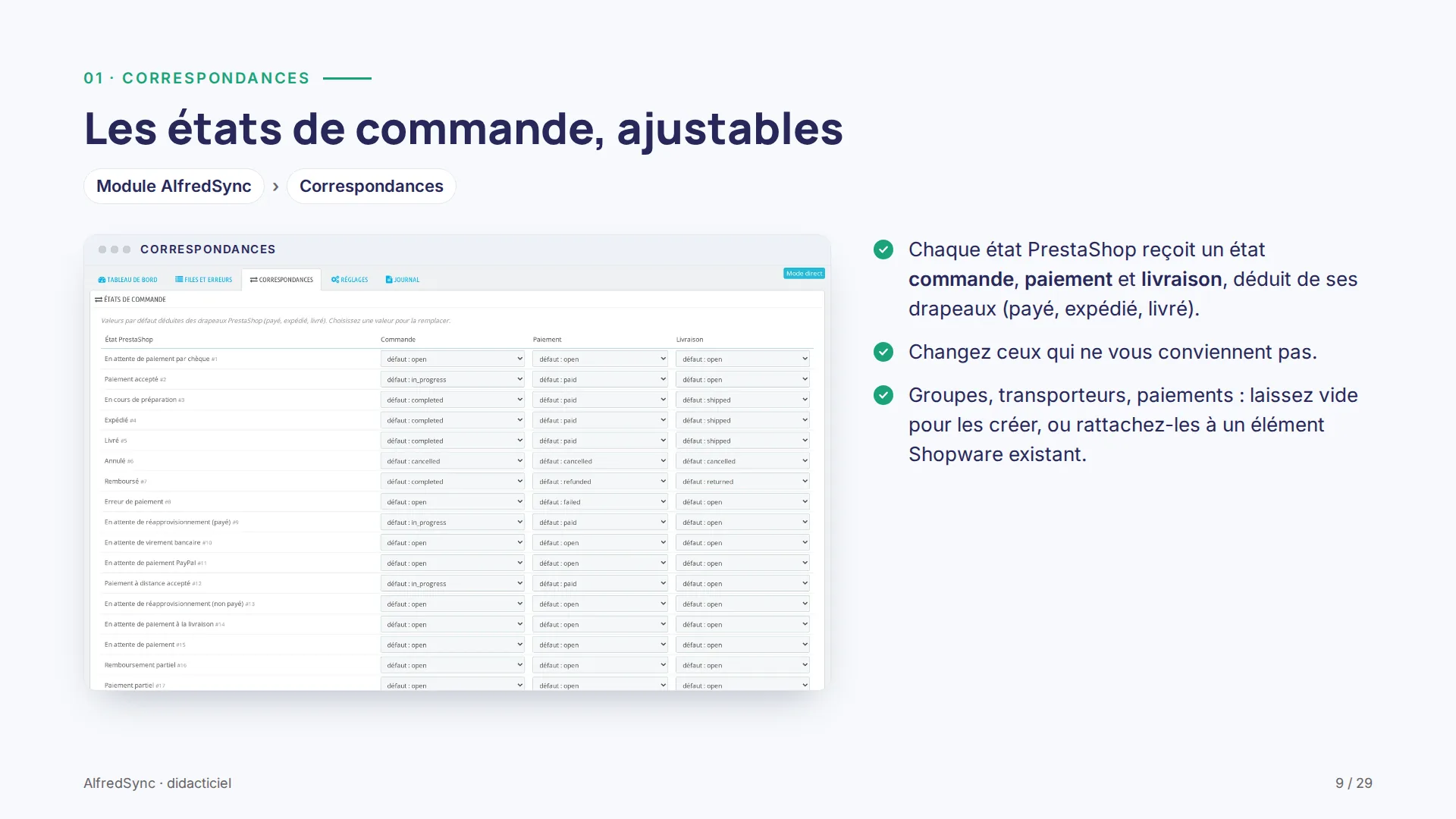
- Order status mapping, adjustable
SEO
- Old product and category URLs
- Kept as they are, or redirected with a 301
Coming soon
- PrestaShop 1.7+ passwords
- Several shops synchronised at the same time
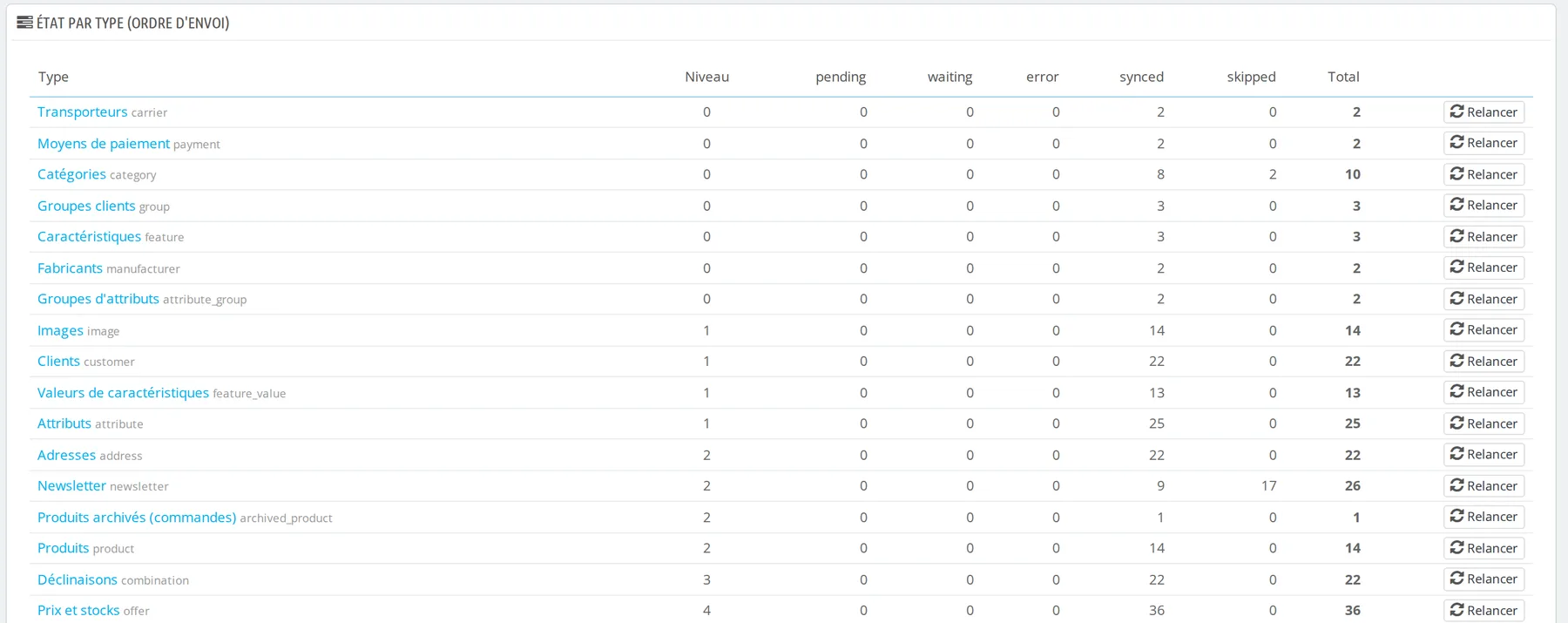
Your customers keep everything
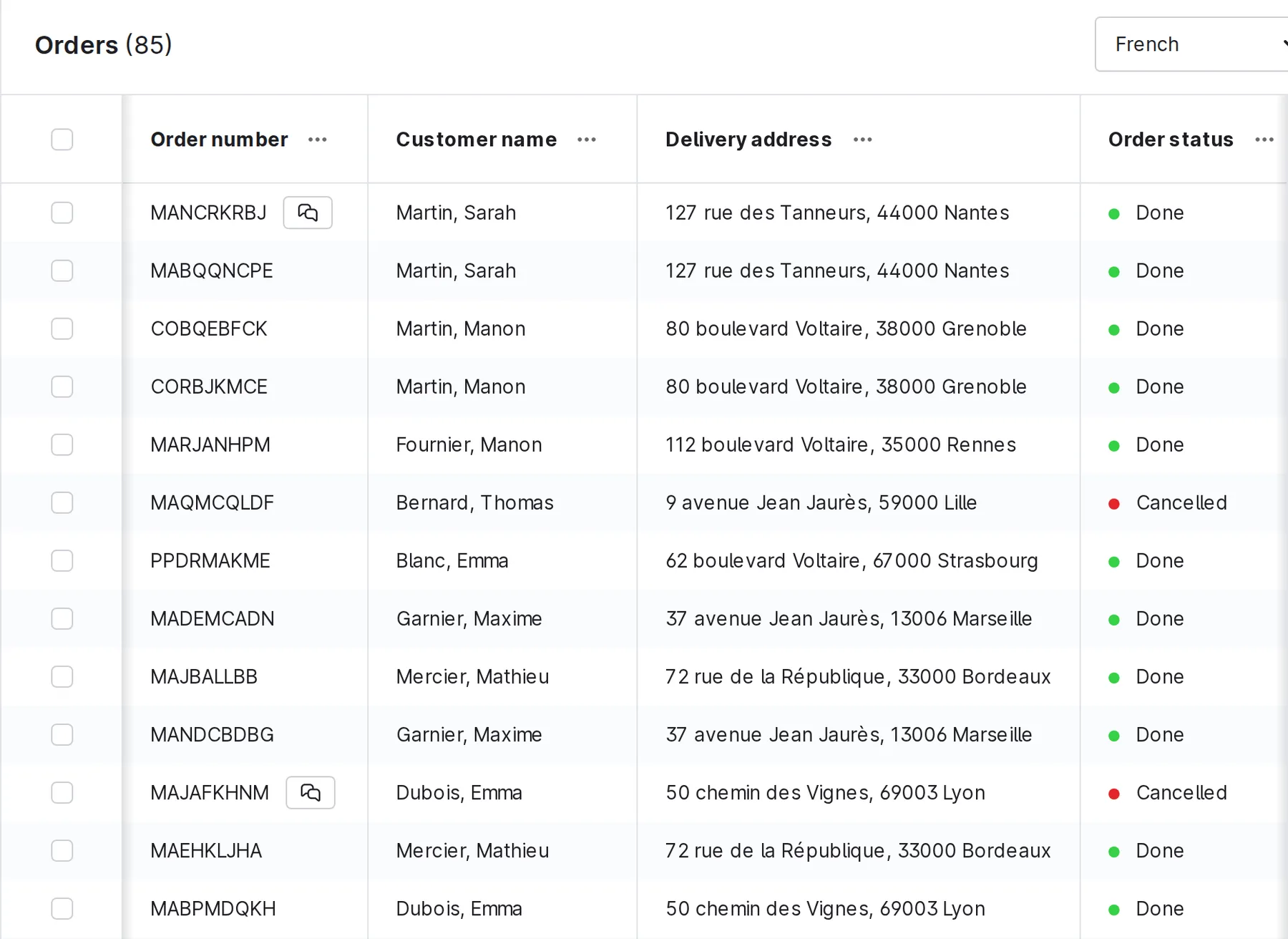
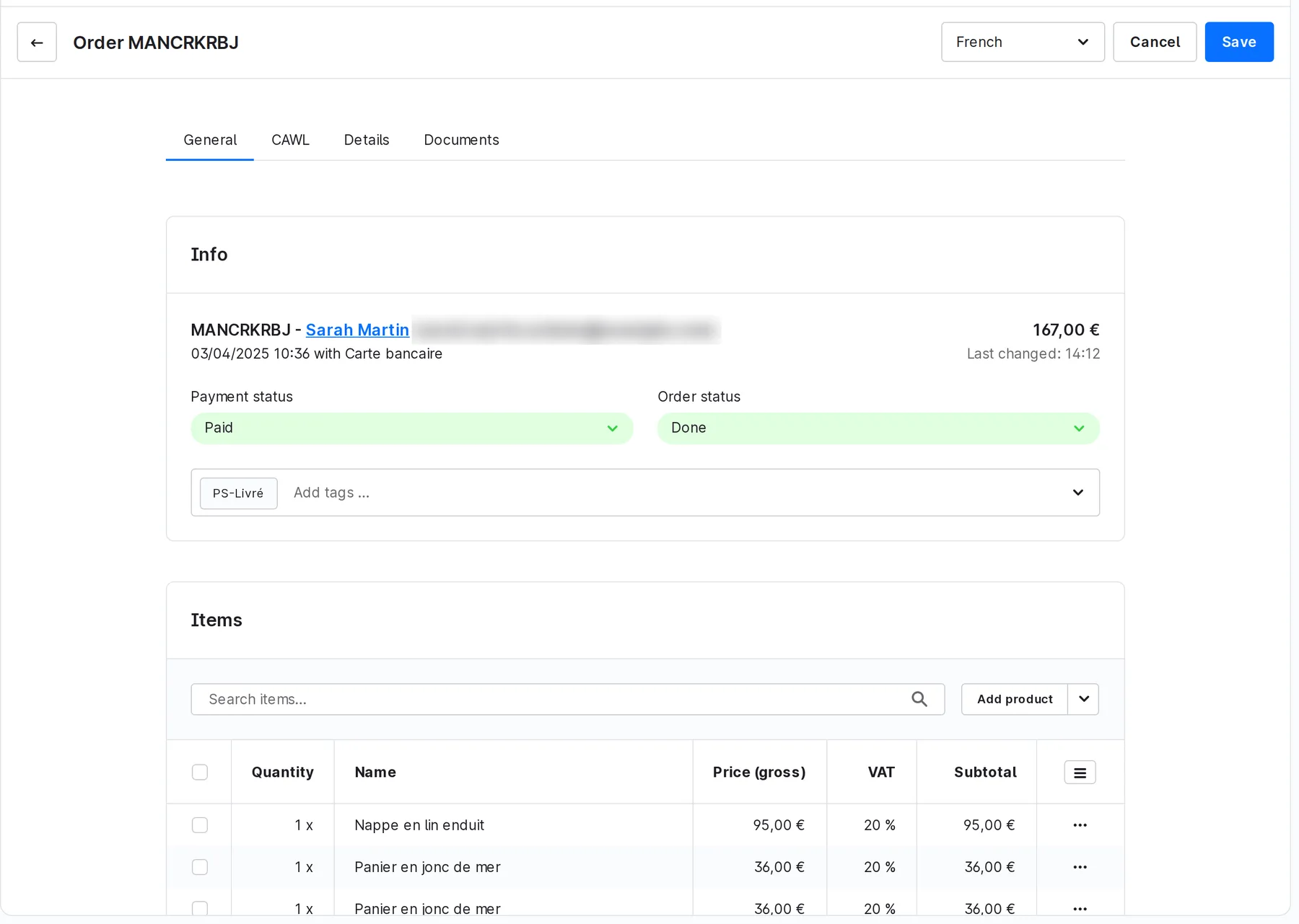
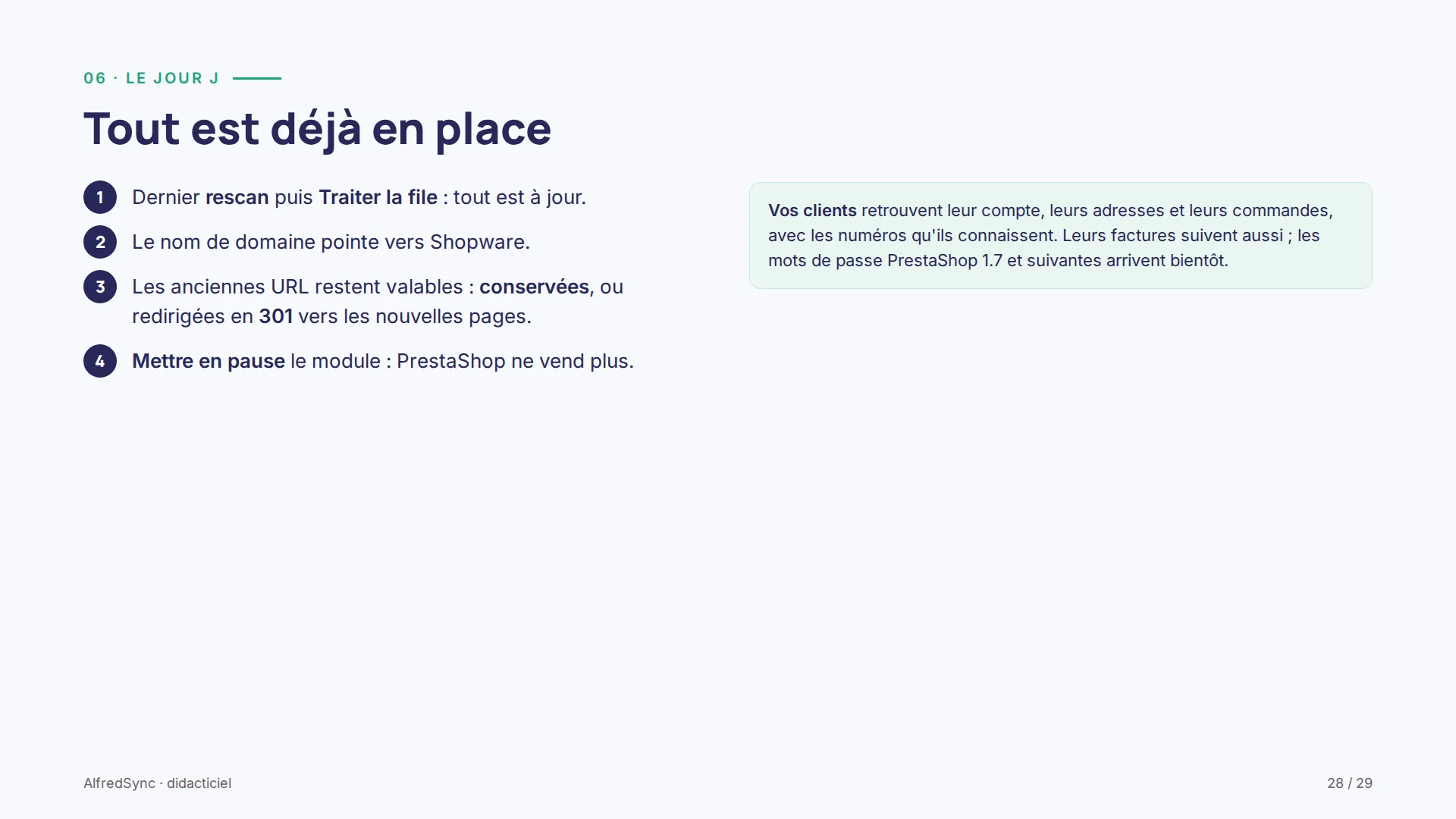
A customer coming back to the new site finds their account, their addresses and their order history, with the numbers they know. So does your customer service: order MANCRKRBJ has the same number in Shopware as in PrestaShop.
The password can follow, as an option: the customer logs in as before, with no reset. Their invoices follow too.
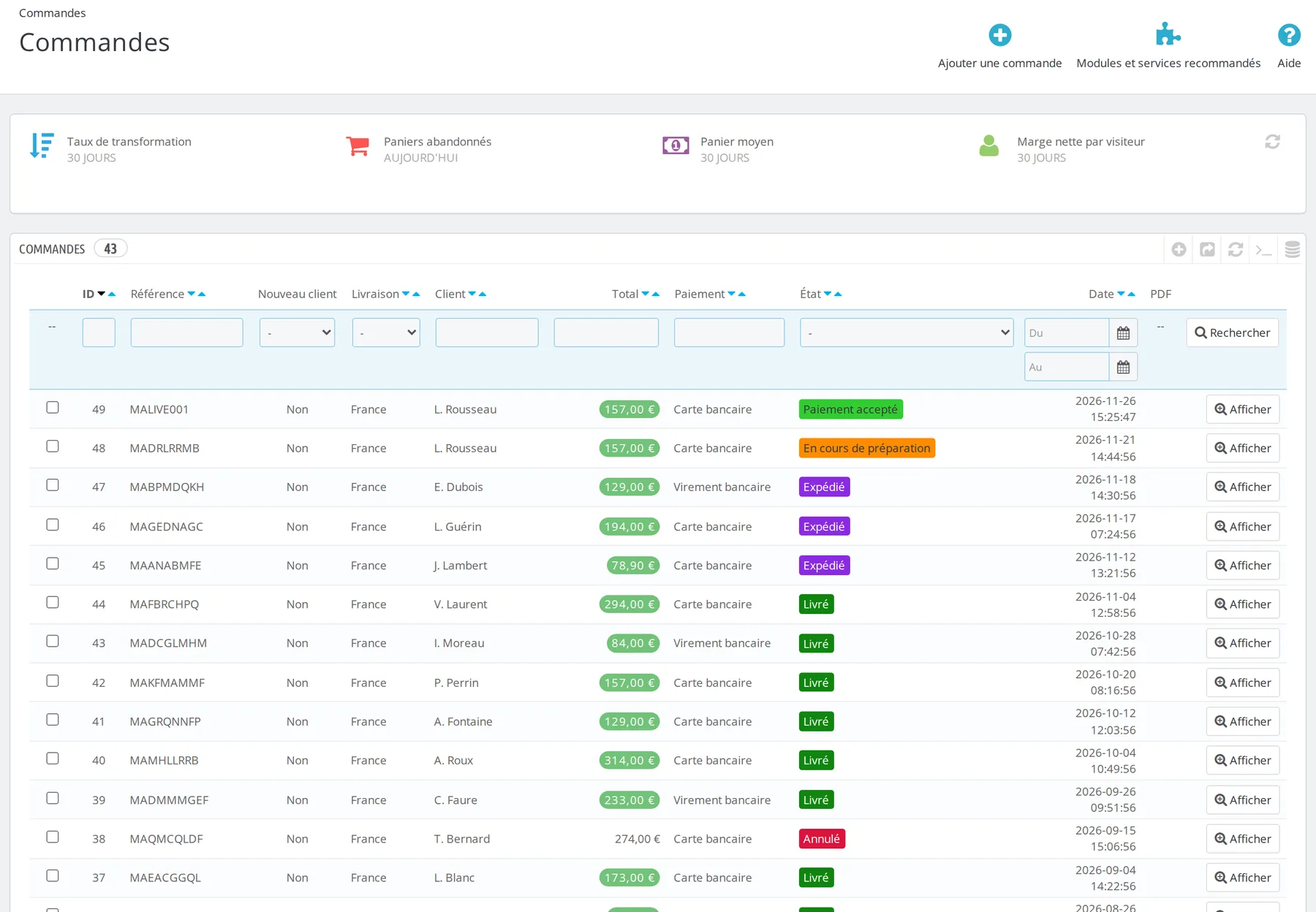
What about your SEO?
Changing platform changes page addresses. AlfredSync sends Shopware the old URLs of your products and categories. Your choice: they stay the pages' addresses, unchanged, or they are redirected with a 301 to the new ones. Either way, search engines follow, and so do shared links and your customers' bookmarks.
Keep the “Send old URLs” option enabled until the domain name is switched over.
Replayable, no duplicates
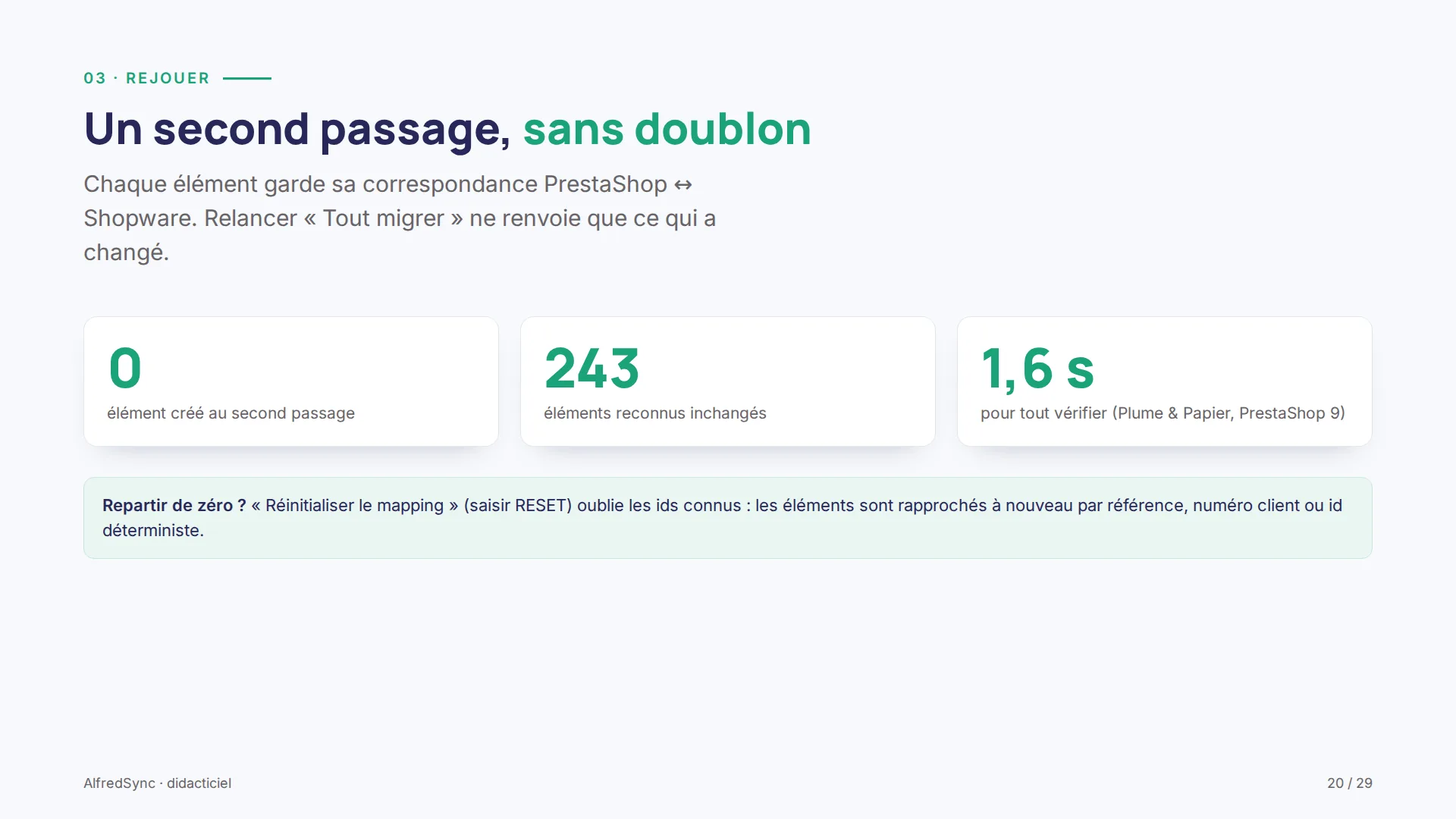
Every item sent keeps its PrestaShop ↔ Shopware mapping. Running the migration again creates no duplicates: only what has changed is sent again. So you can test, fix a setting and start again as many times as needed before the switchover.
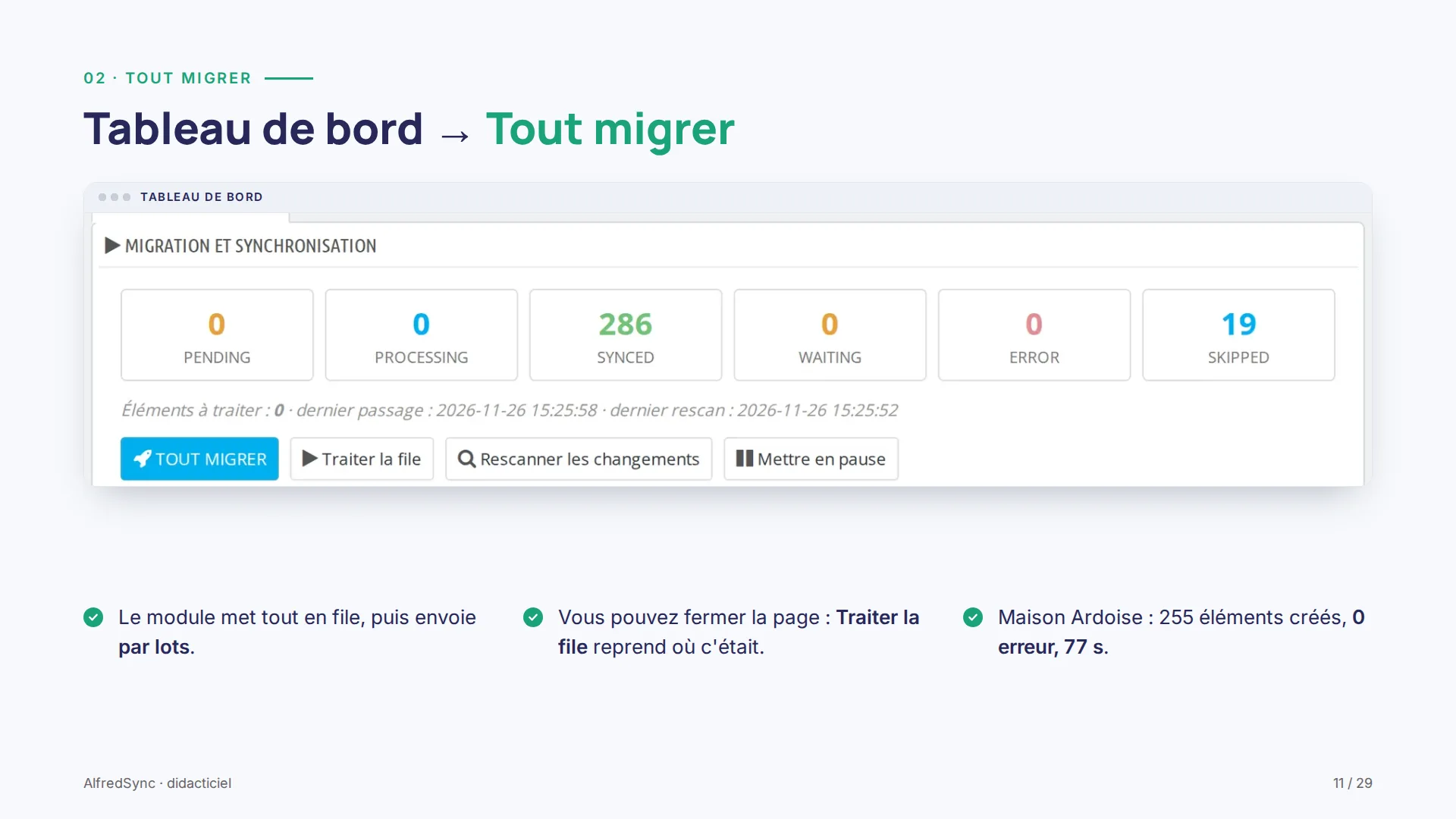
Measured on our demo shops; a first full migration of Maison Ardoise (14 products and their combinations, 22 customers, 42 orders) took 77 seconds, with no errors.
Soft migration: the shop keeps selling while the new site is built
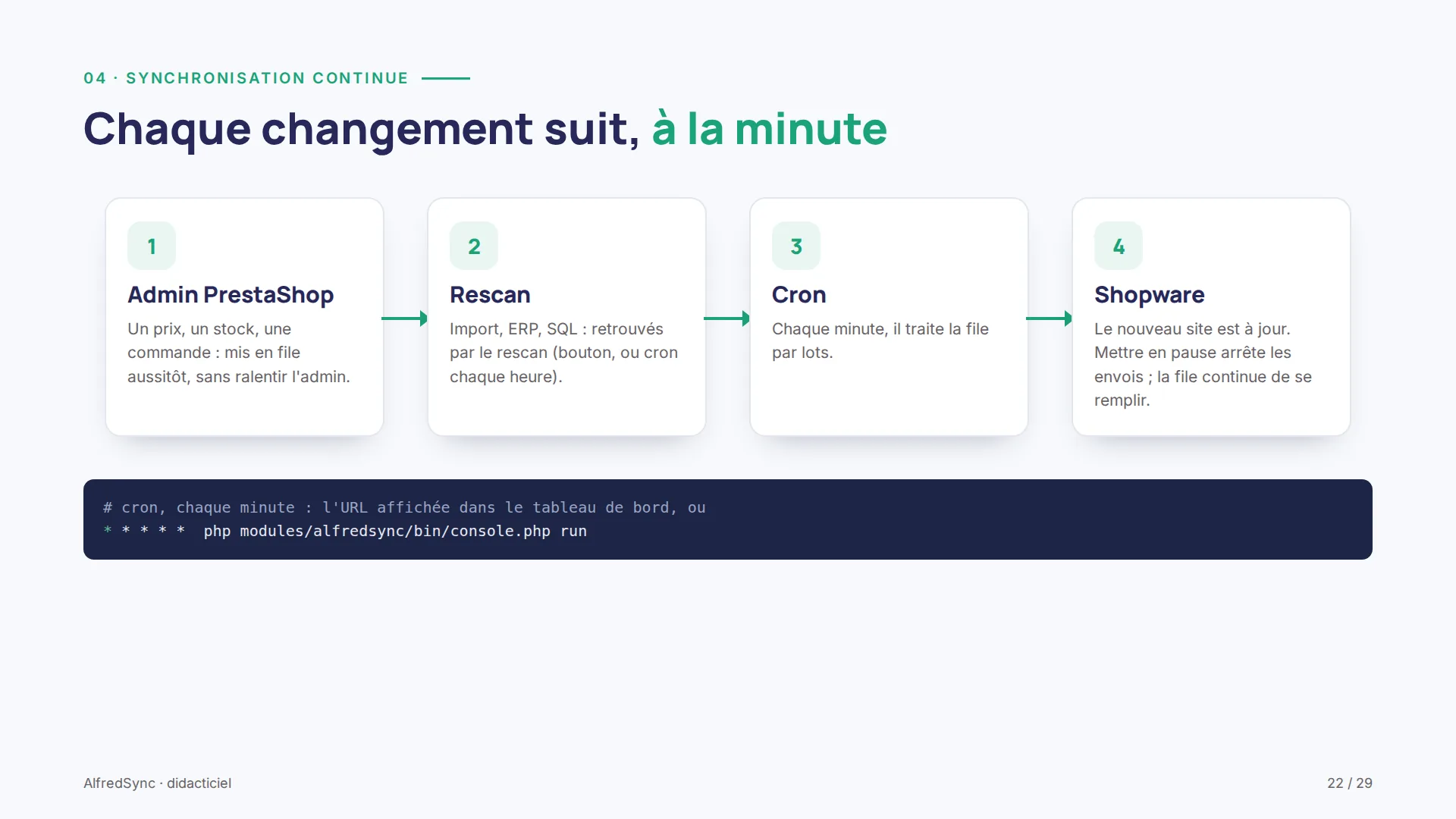
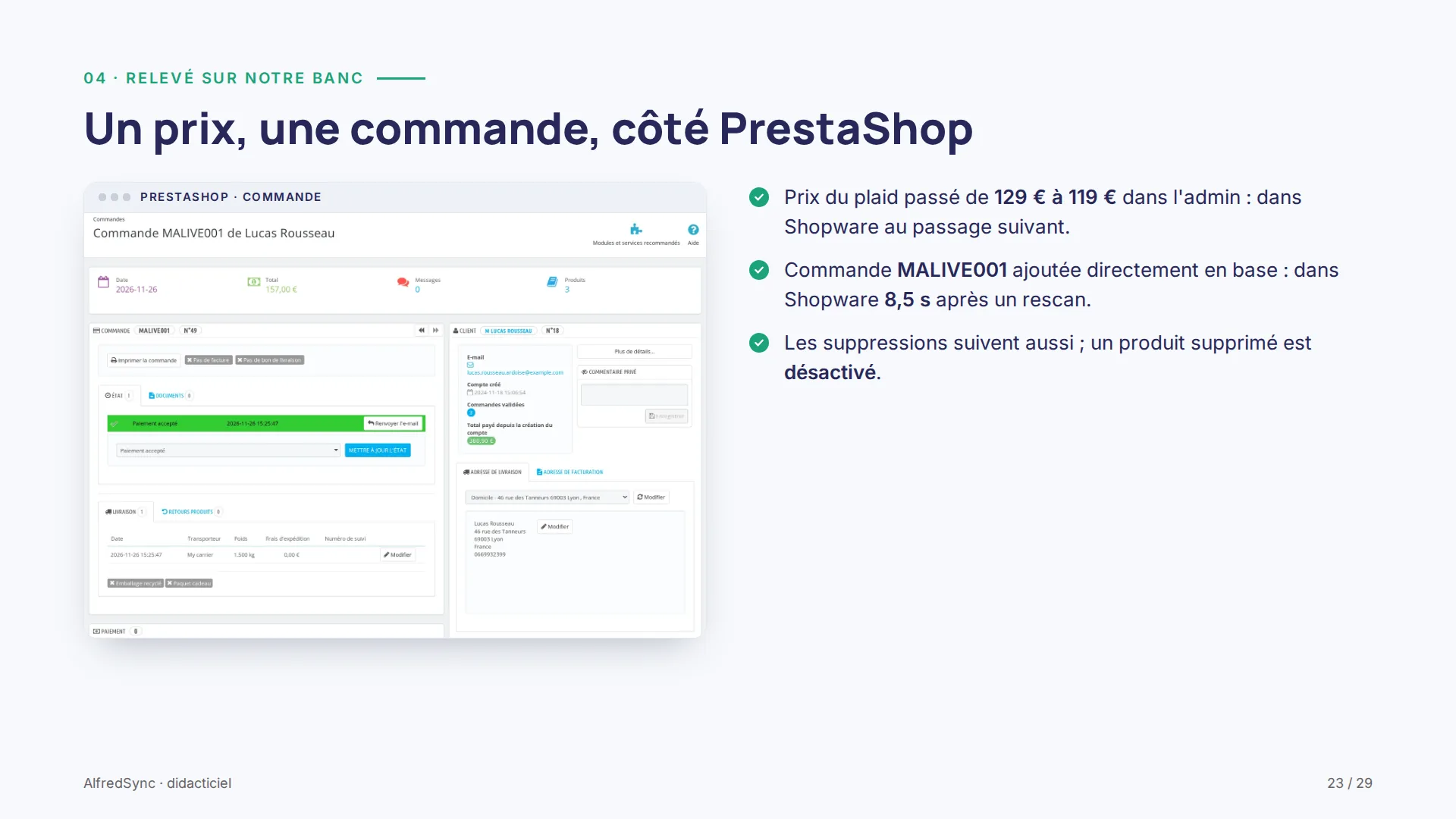
After the first migration, the module stays connected. Your PrestaShop keeps selling, and every change follows to Shopware within the minute: a modified price, a stock level, a new order, a new customer. Changes made outside the back office (import, ERP, script) are picked up by the rescan, scheduled every hour or launched in one click.
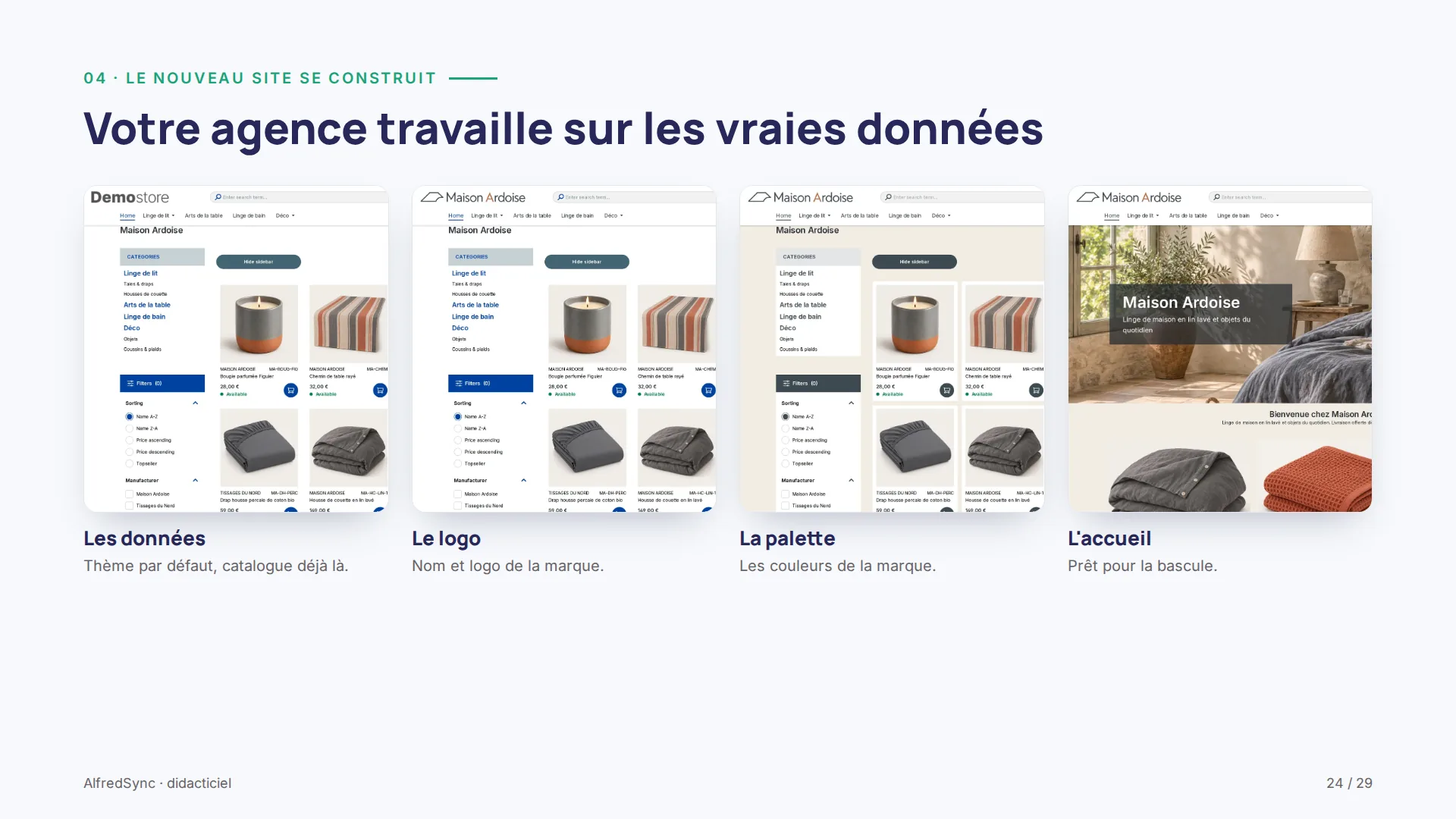
So your agency builds the new site on your real data, for weeks if need be. On switchover day, everything is already in place.
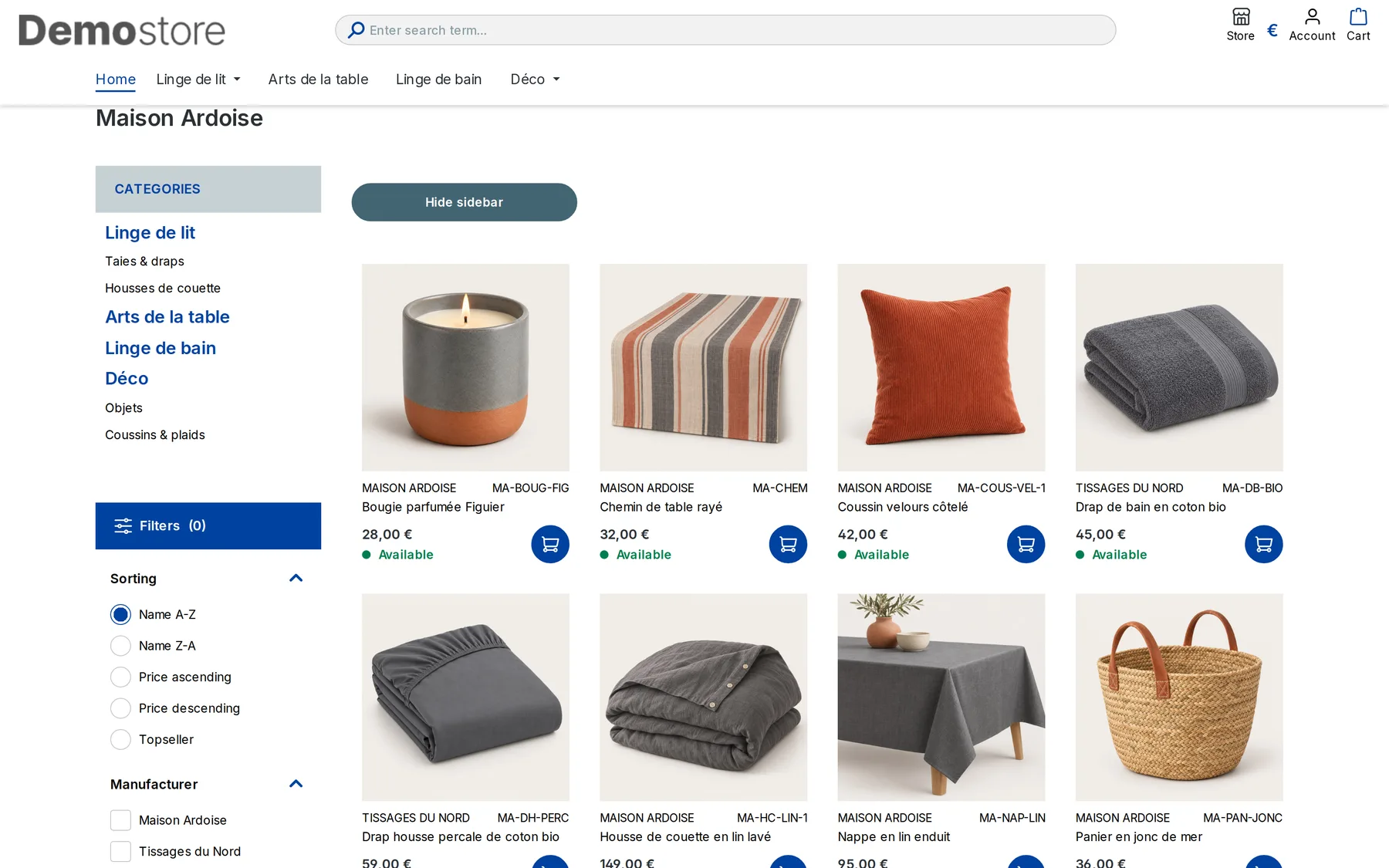
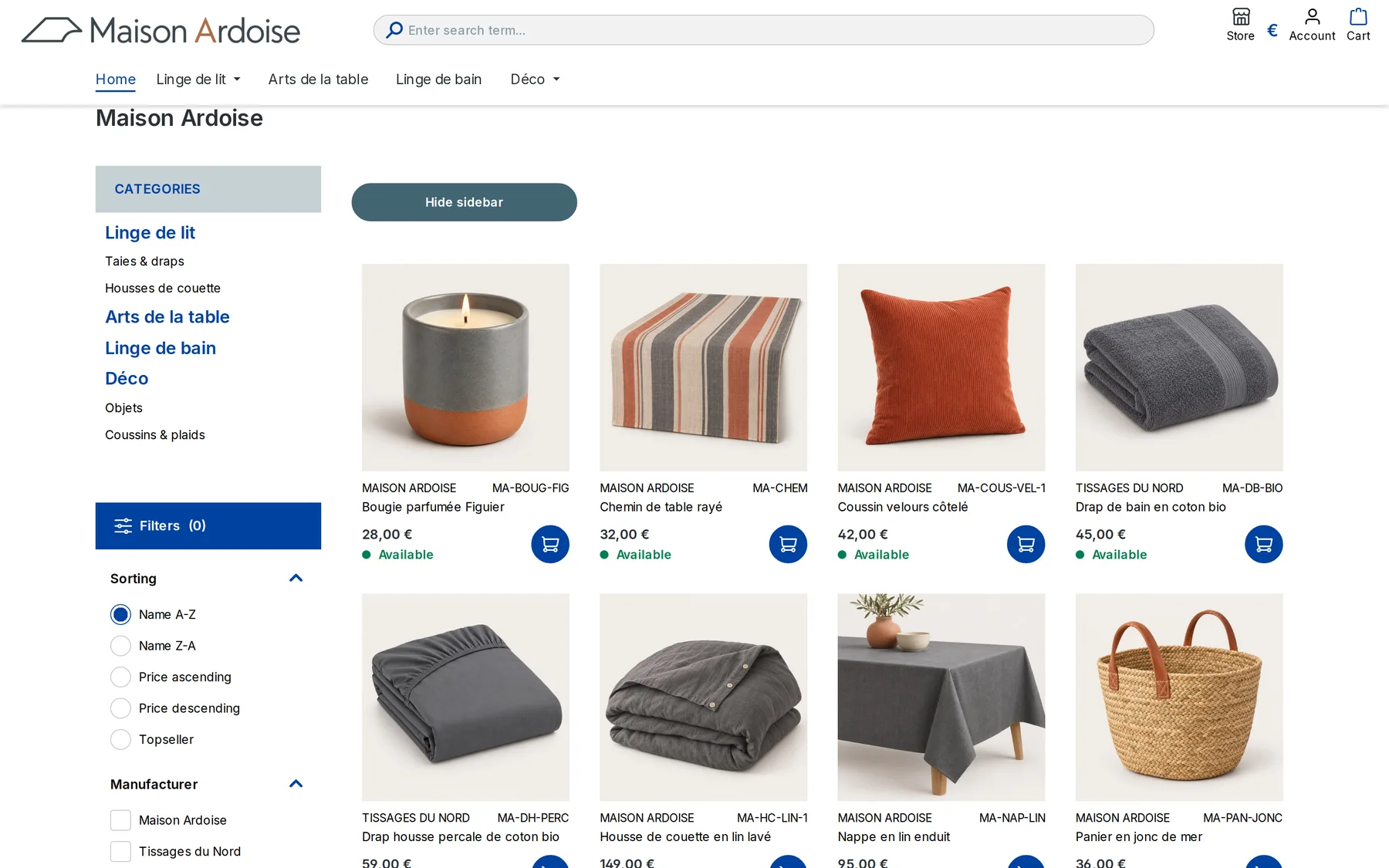
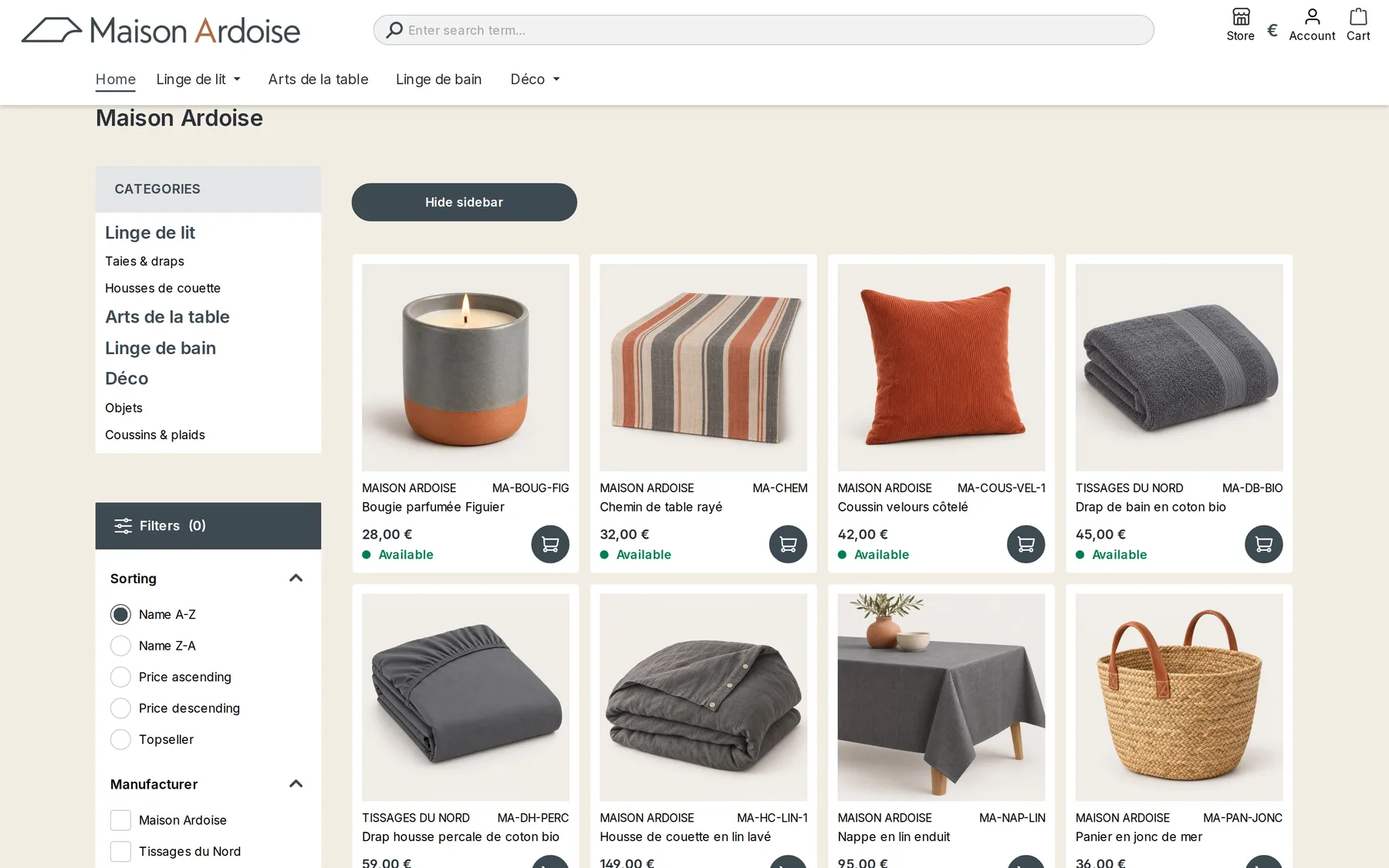
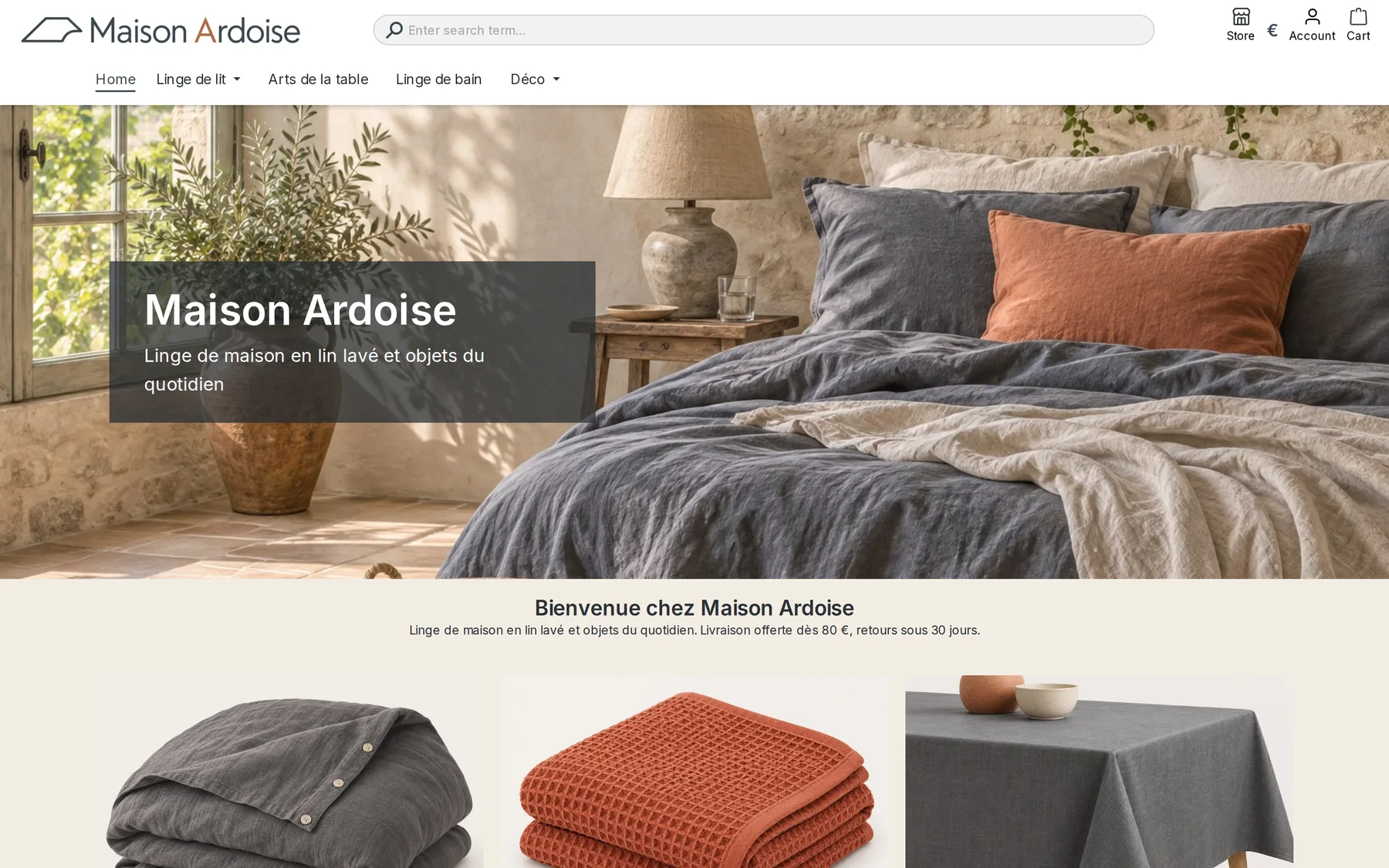
On the left, PrestaShop stays in production and keeps taking orders. On the right, the new site is being built: catalogue, logo, colours, home page. On D-day, everything is already there.
Several shops, one Shopware
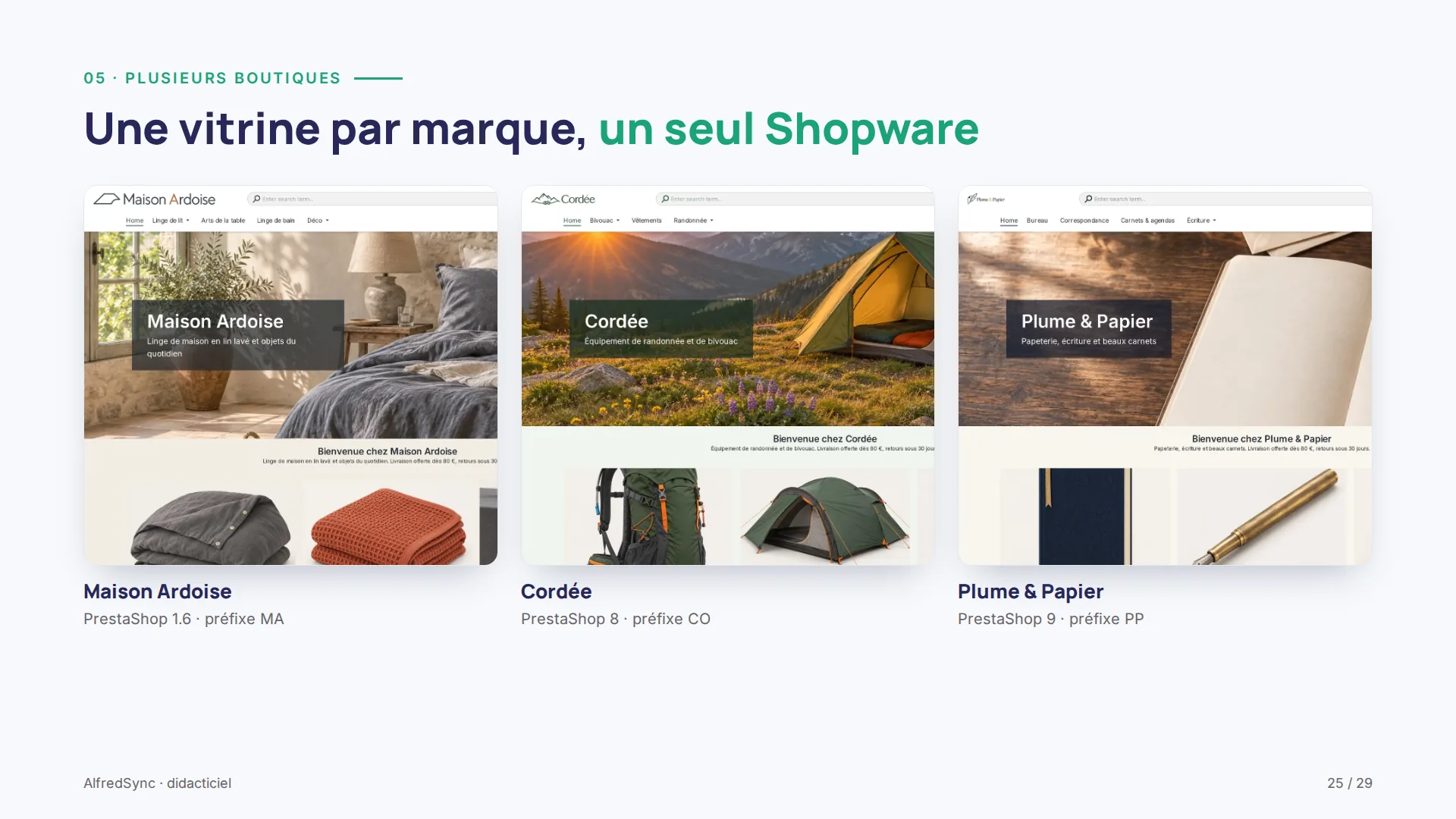
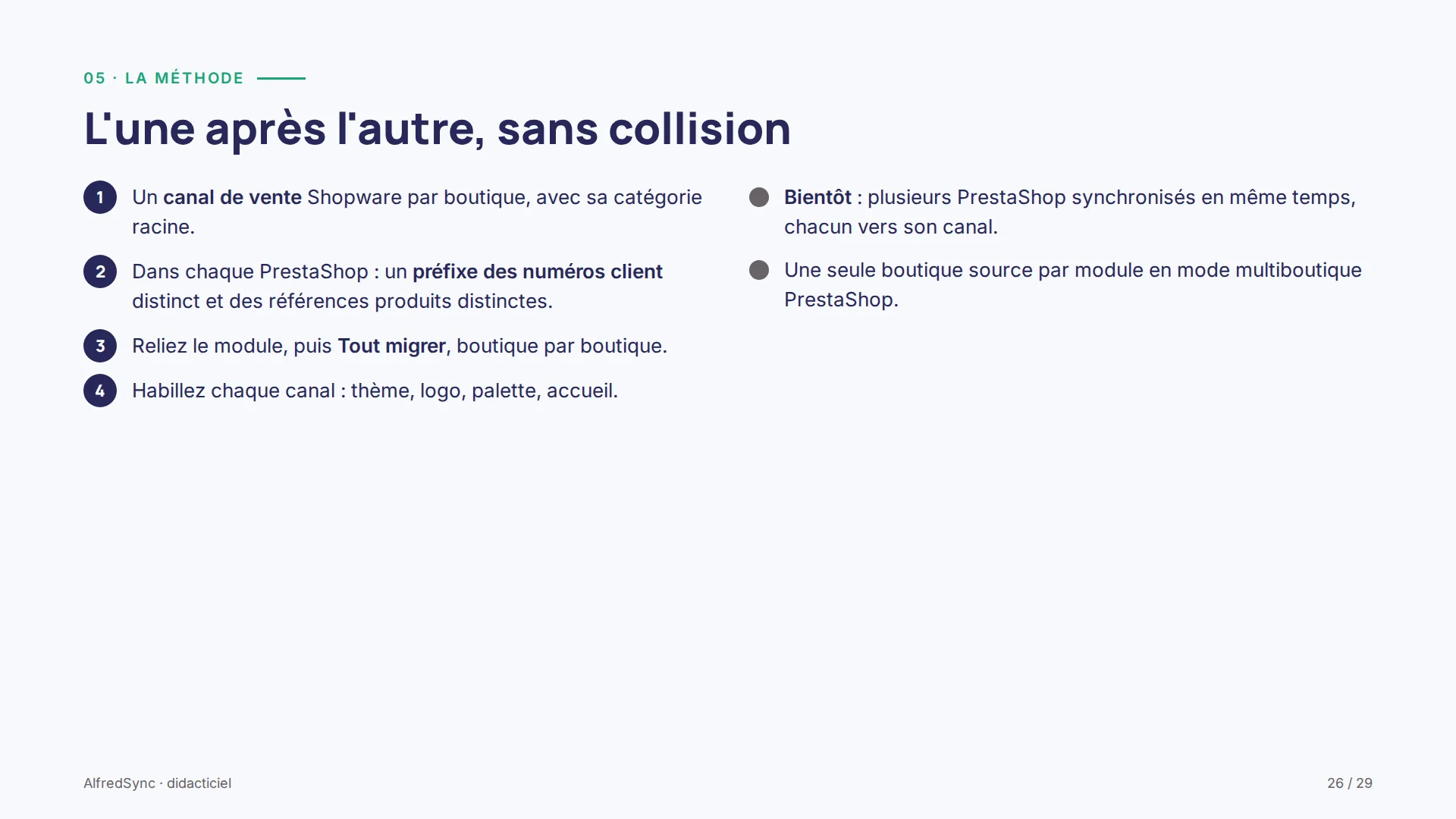
Several brands, several PrestaShop shops, sometimes on different versions? Bring them together in a single Shopware, with one storefront (sales channel) per brand. Distinct SKU and customer number prefixes: no collisions between shops.
Our three demo shops, on 1.6, 8 and 9, were migrated one after the other into the same instance. Simultaneous synchronisation of several shops, each to its own channel, is coming soon.


Illustrative scenario: orders of magnitude for a multi-brand group, not a measurement.
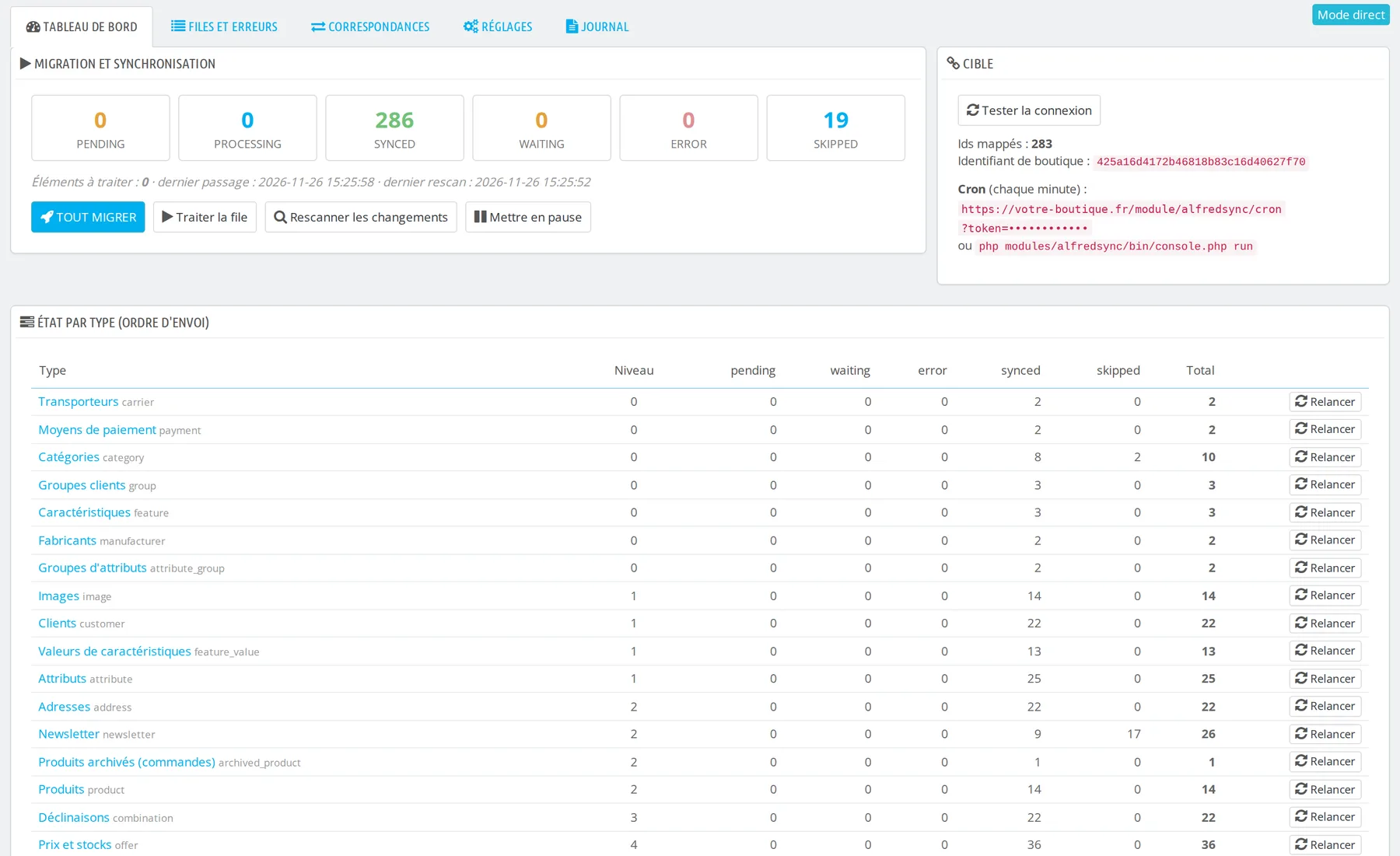
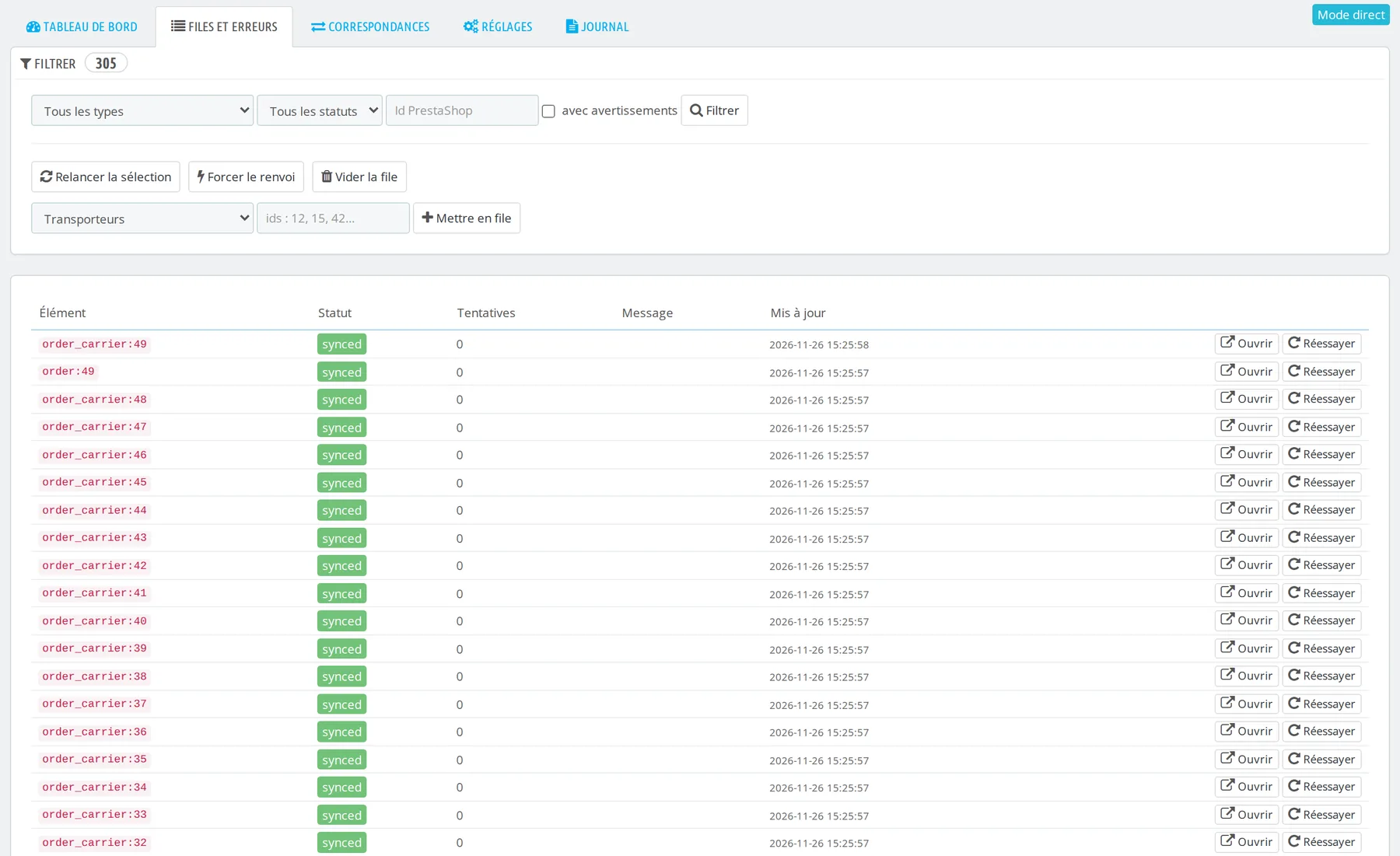
The dashboard, queues and errors
Everything is managed from the PrestaShop back office, in the module:
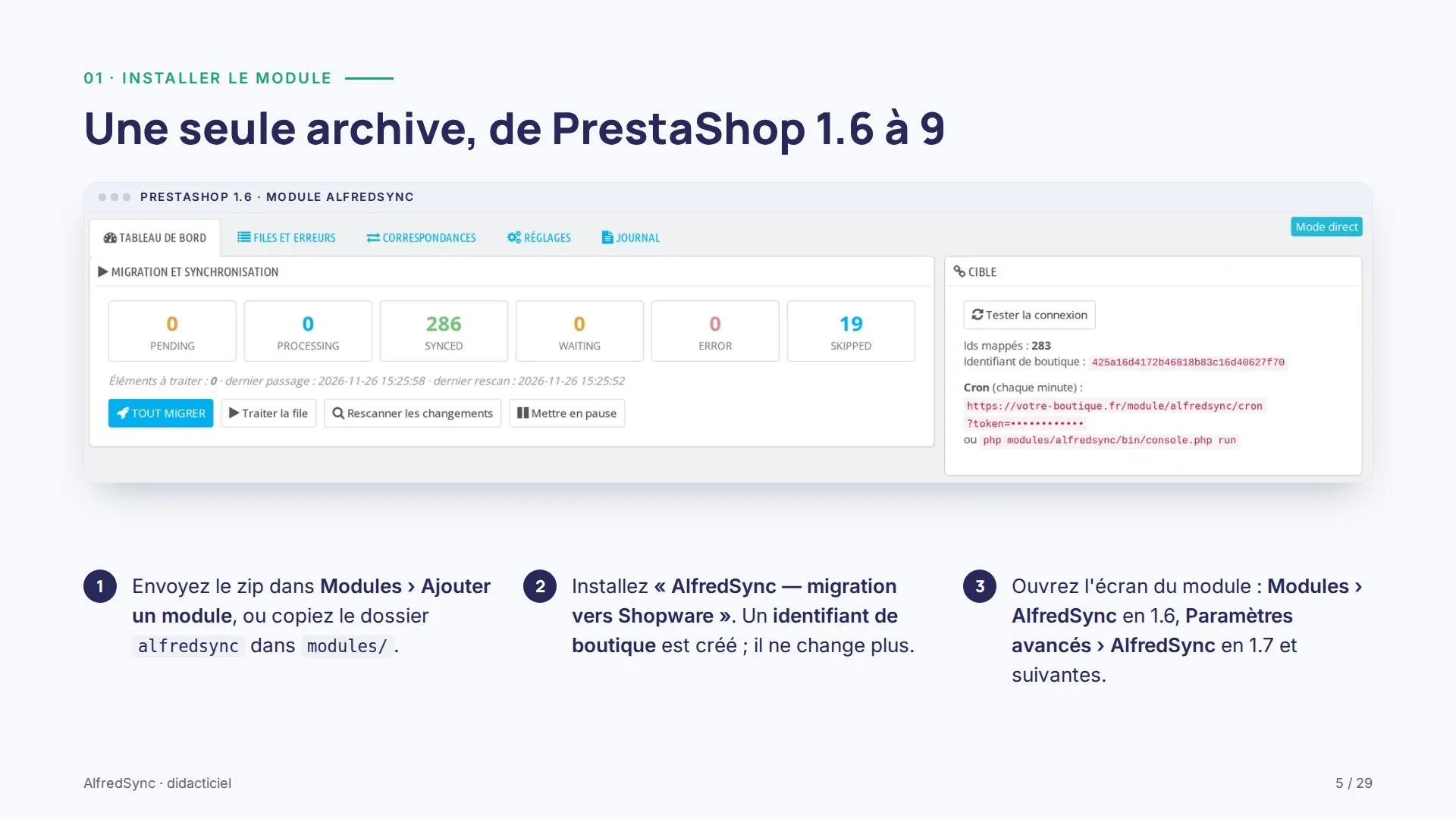
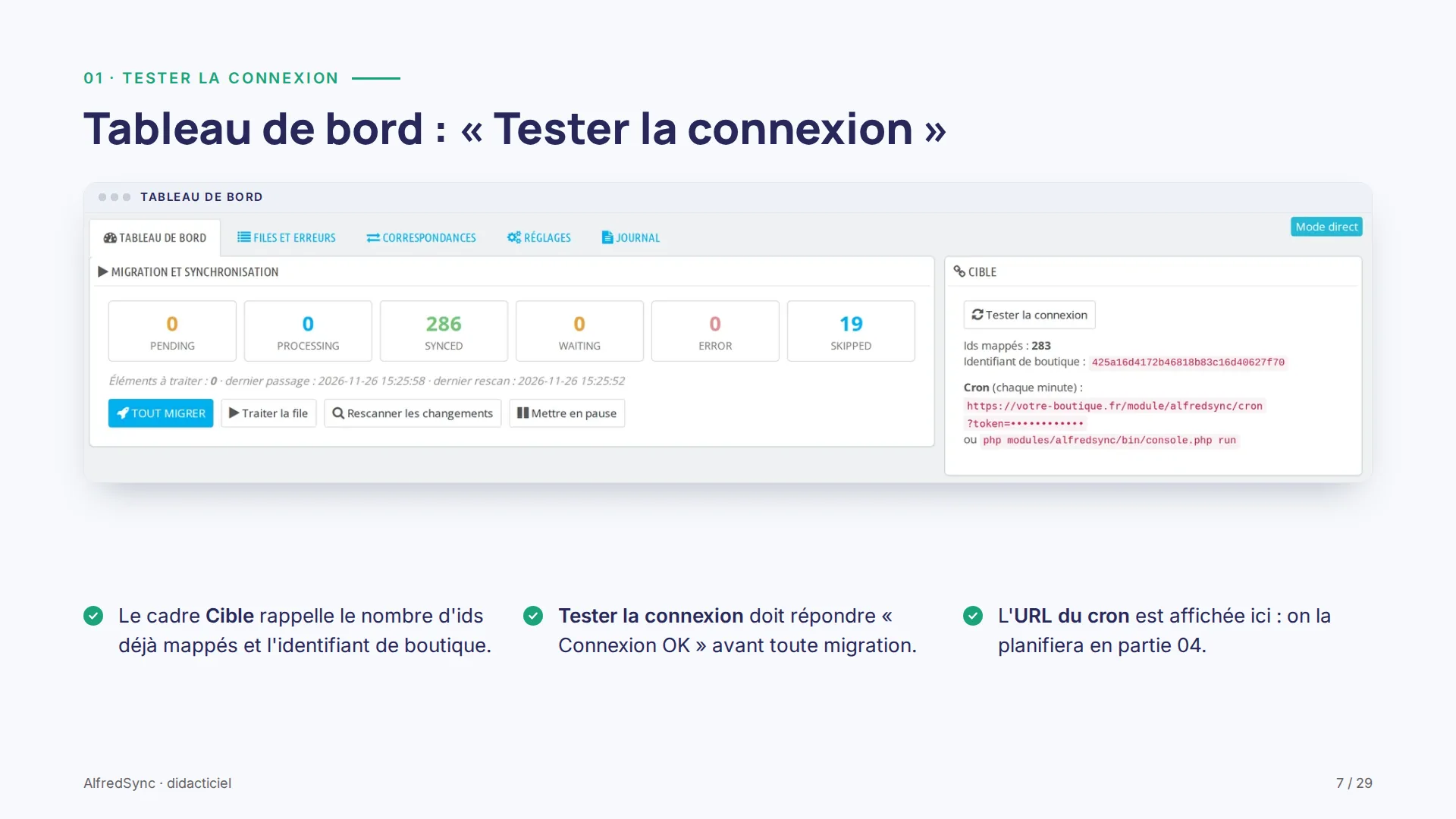
- Dashboard: counters, “Migrate everything”, process the queue, rescan, pause, status per type;
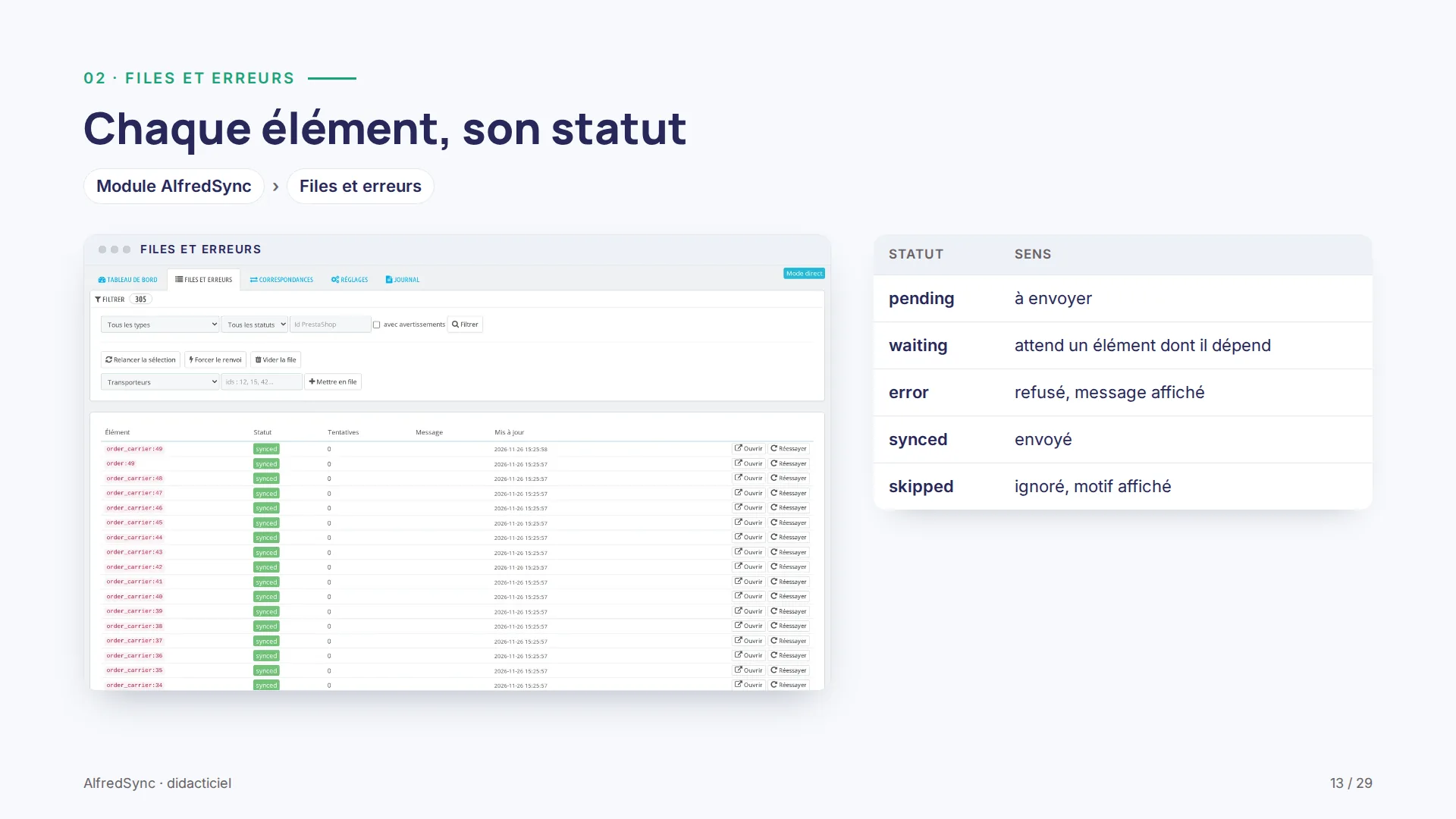
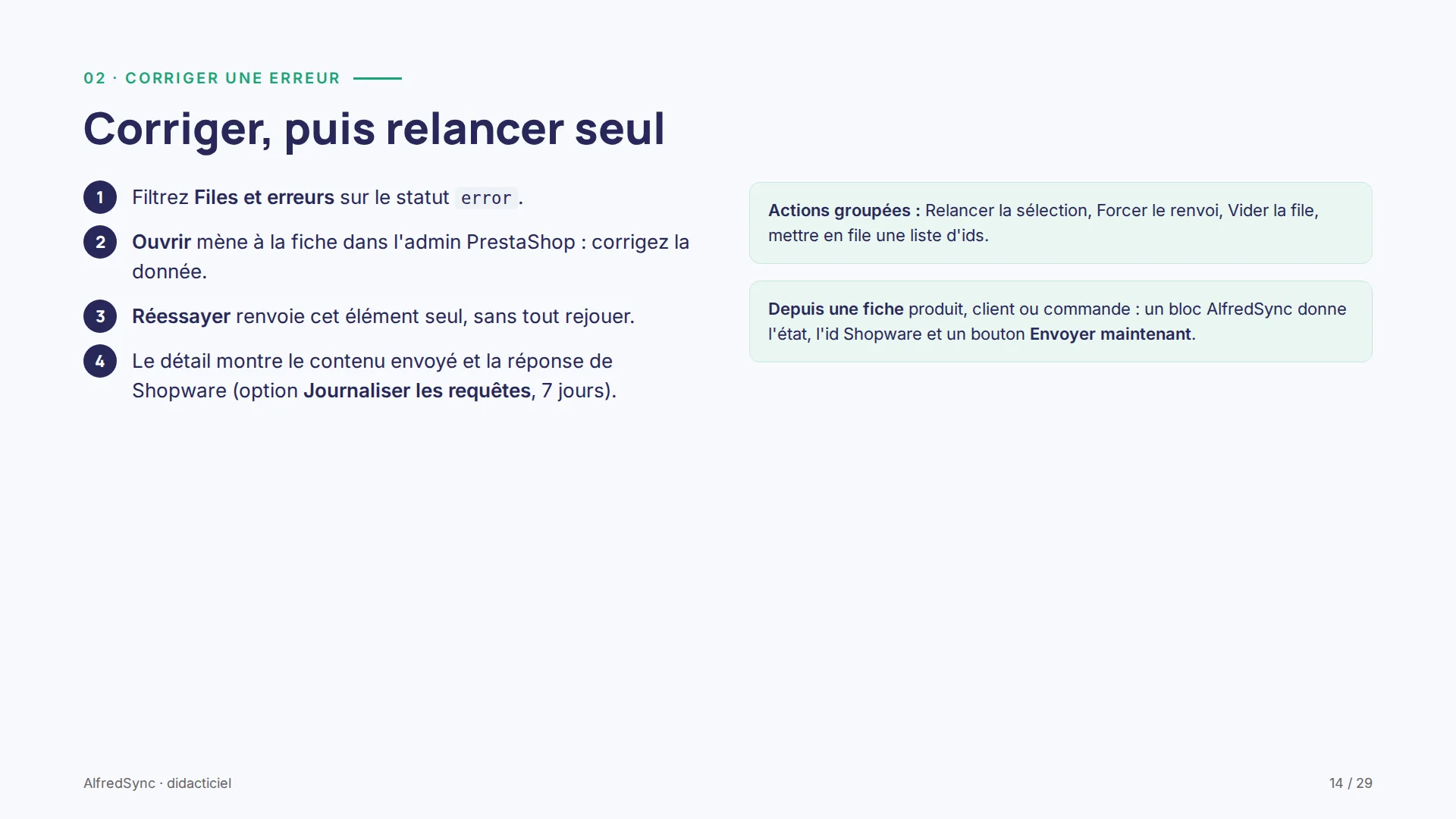
- Queues and errors: each item, its status, attempts and message; retry or force a selection to be resent;
- Mappings: PrestaShop order statuses and their Shopware equivalent (order, payment, delivery);
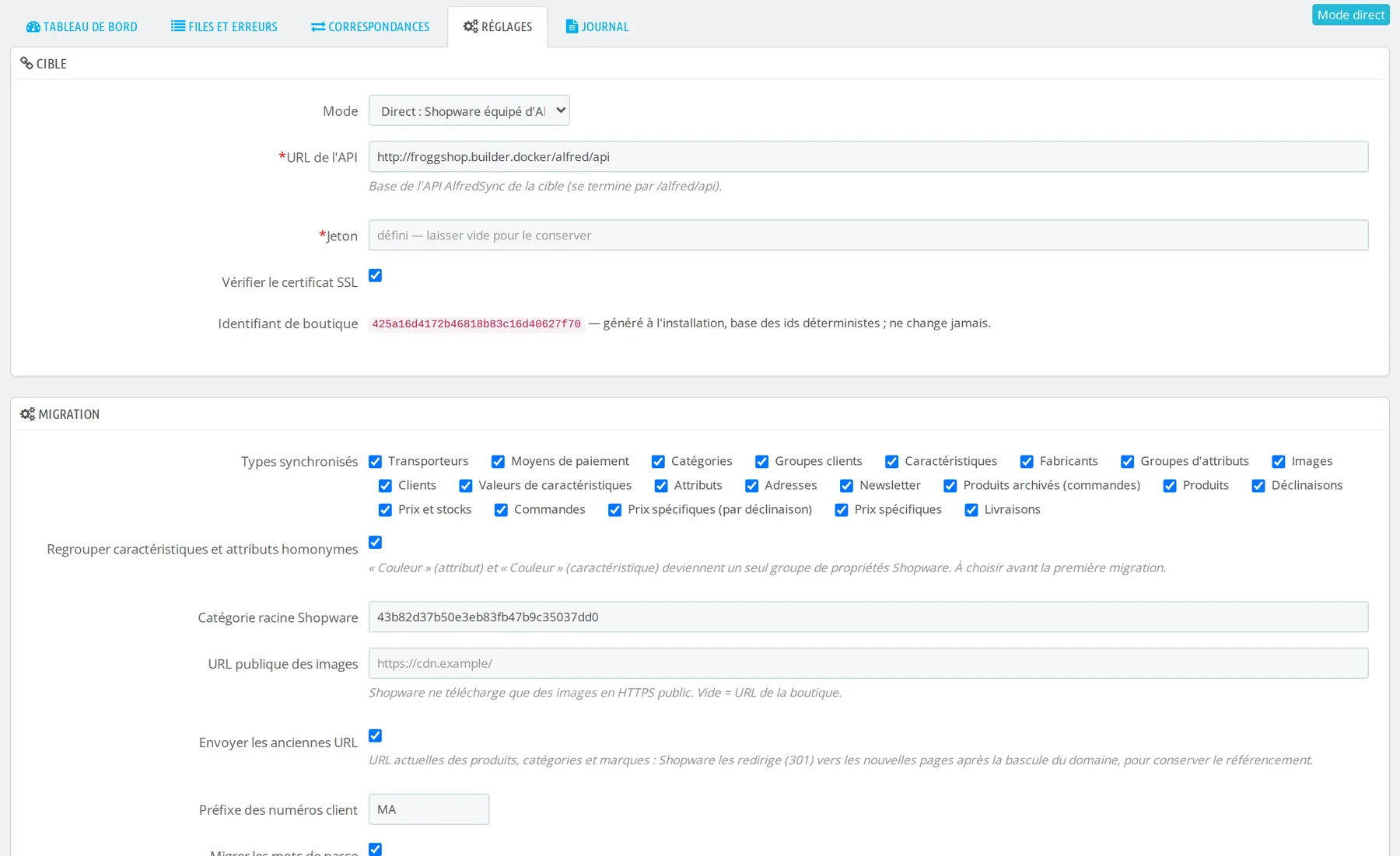
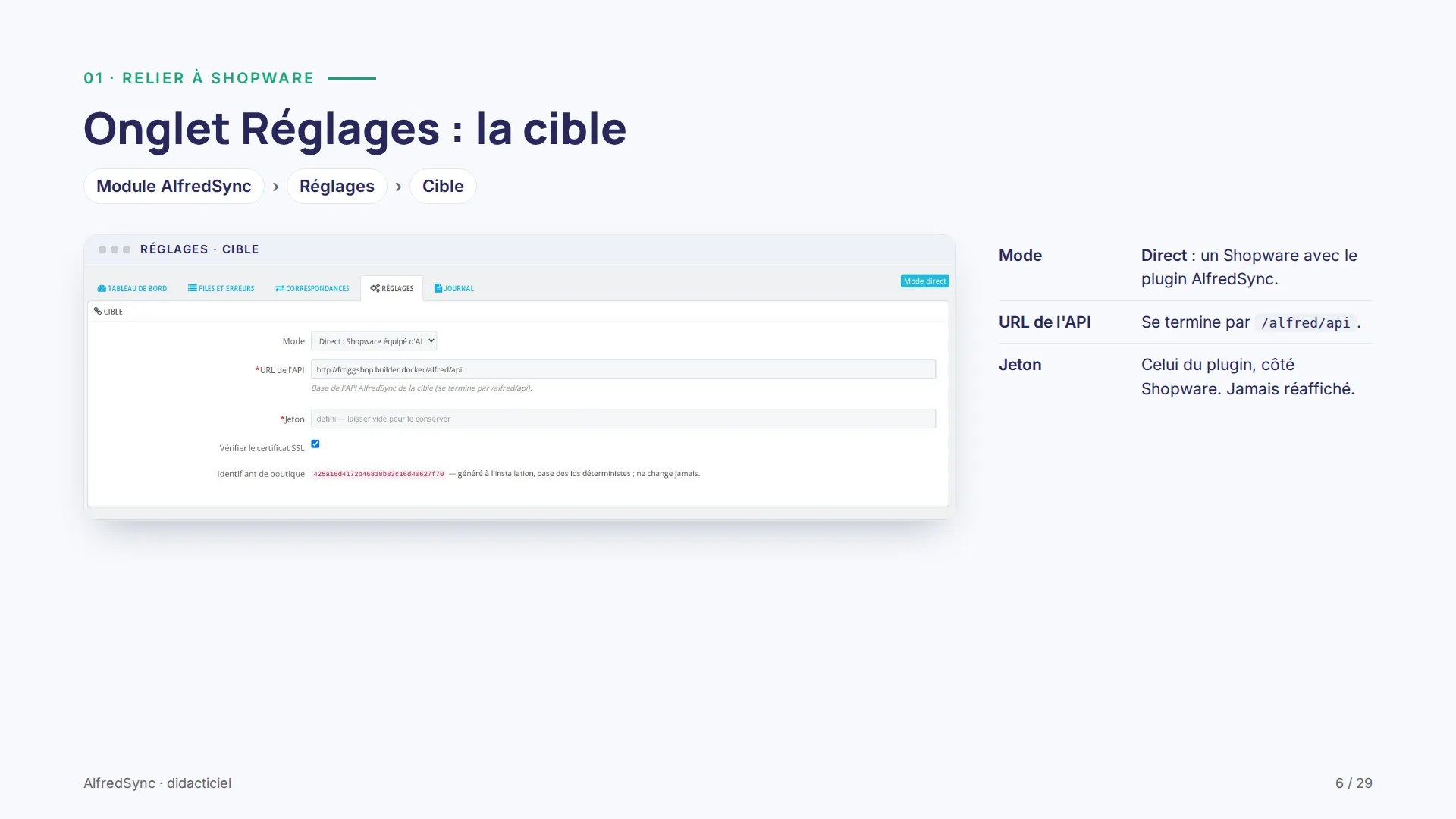
- Settings: Shopware address and token, connection test, synchronised types, customer number prefix, sending old URLs;
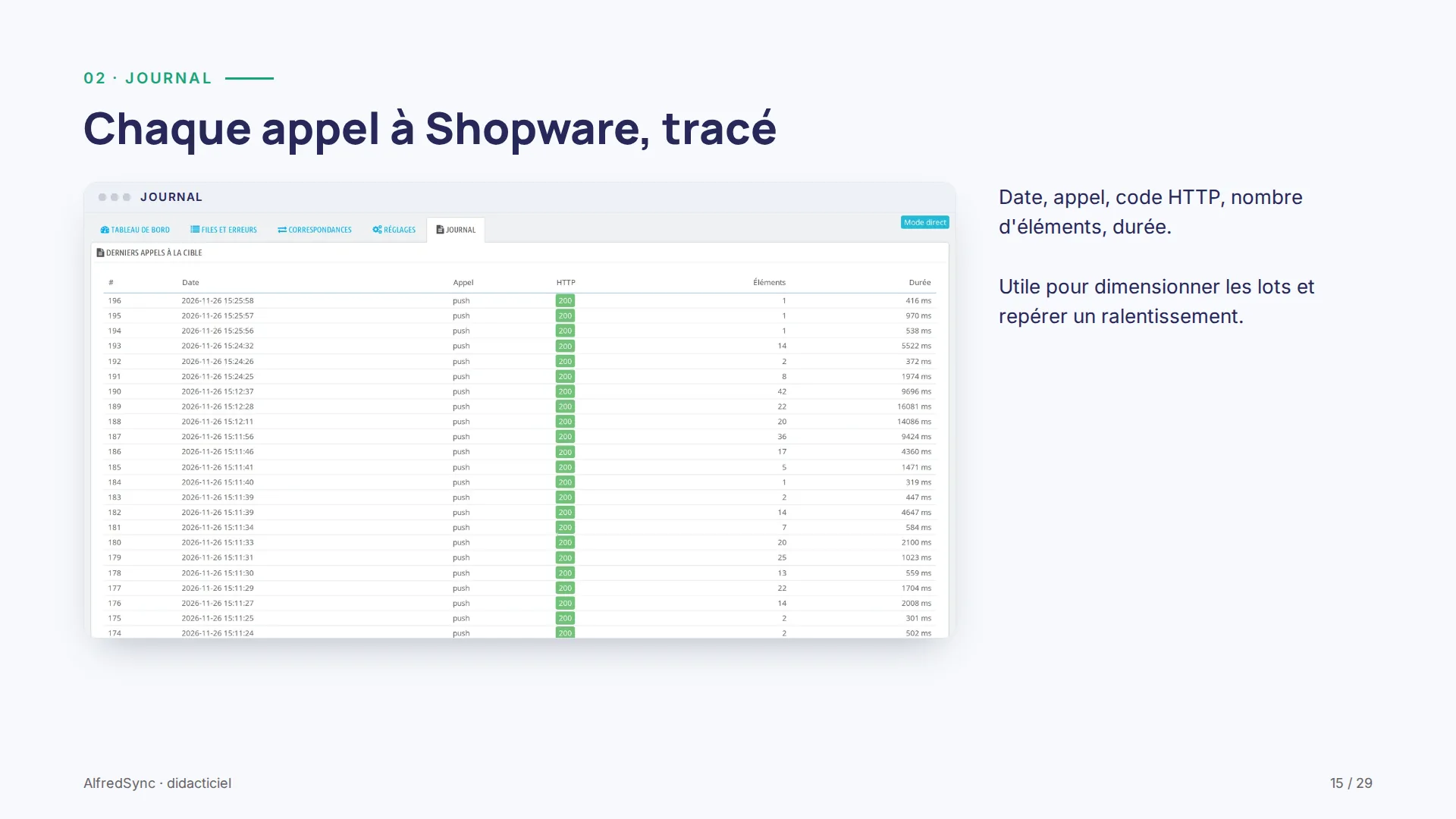
- Log: every call to Shopware, its code and its duration.
What remains after the migration
AlfredSync moves your data. A few topics remain to be handled on the new site, knowingly:
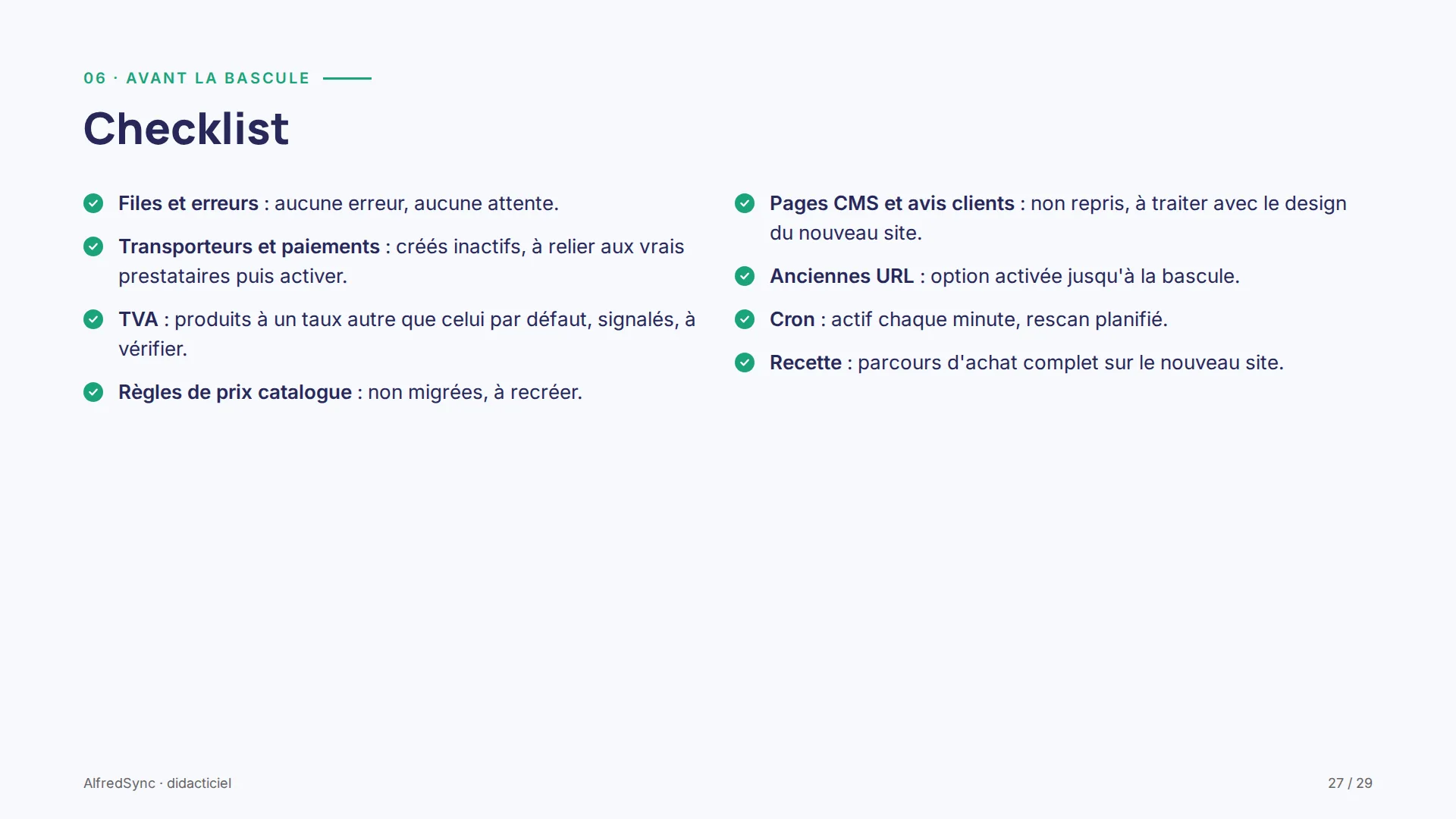
- Carriers and paymentsThey are created inactive: connect them to the real Shopware providers, then activate them.
- Pages and contentCMS pages and home page blocks are not migrated: that is the design work for the new site.
- Customer reviewsThey depend on your reviews module: migrate them according to the chosen solution.
- The switchoverOne last sync, then the domain name points to Shopware. Old URLs keep working: kept as they are, or redirected with a 301.
Also check: VAT rates other than the default rate and catalogue price rules, flagged by the module, must be recreated in Shopware. One source shop per module in PrestaShop multistore mode.
Frequently asked questions
Do I need to close the shop during the migration?
No. The module reads PrestaShop while it runs and sends in batches. The shop keeps selling, and its new sales follow within the minute.
My shop runs 1.6, do I need to upgrade it first?
No. The same module works from PrestaShop 1.6 to 9: you migrate directly to Shopware.
What happens if I run the migration again?
Nothing is duplicated. The module recognises what has already been sent and only resends what has changed.
Will my customers have to change their password?
Migrating passwords is a module option, to avoid a reset. Support for passwords from version 1.7 onwards is coming soon.
What if Shopware rejects an item?
It appears in “Queues and errors” with its message. Fix the data or the setting, then retry it on its own, without replaying everything.
Can several shops be brought together?
Yes, in a single Shopware, one storefront per brand, by migrating the shops one after the other. Simultaneous synchronisation is coming soon.
The tutorial, slide by slide
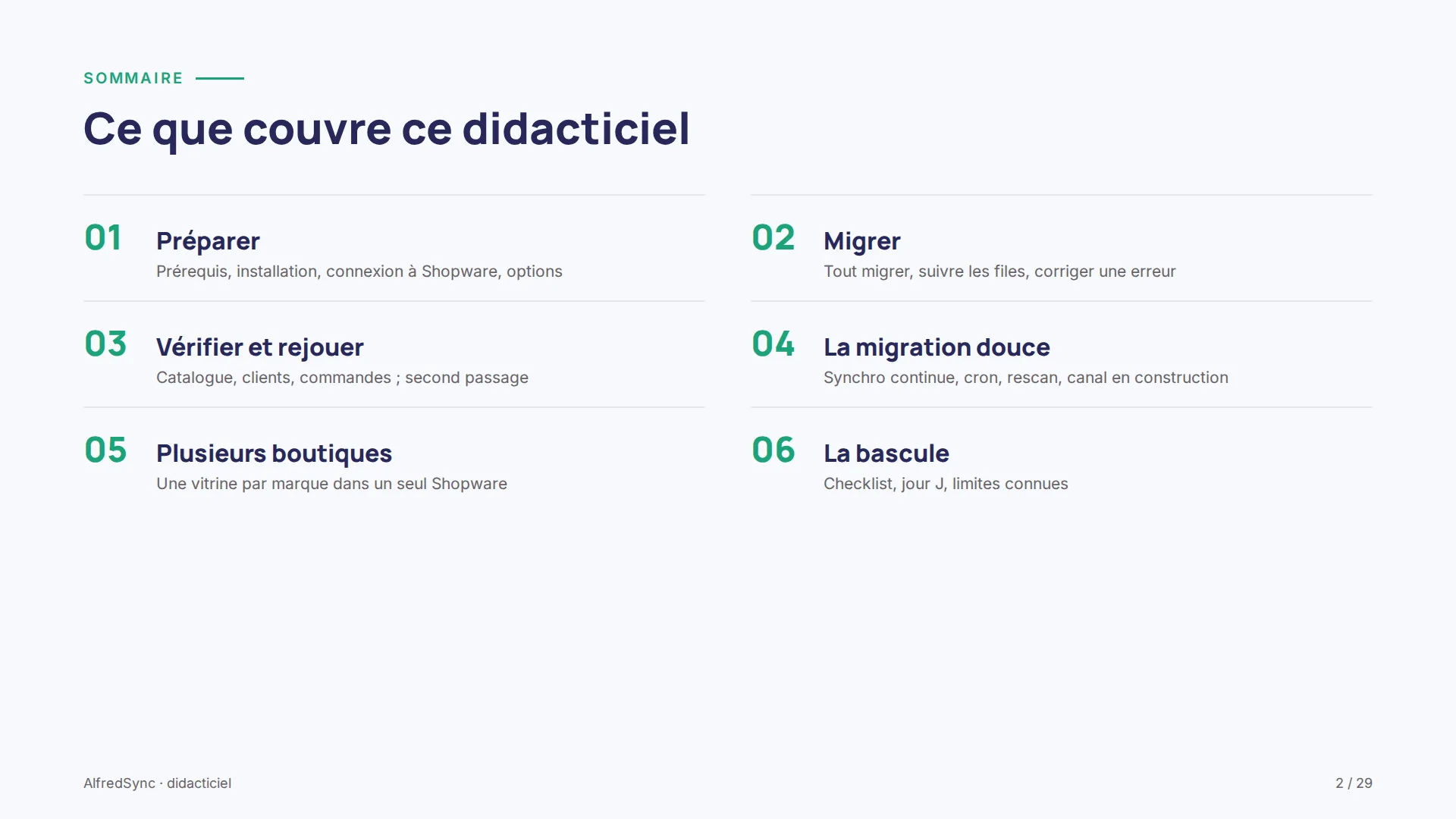
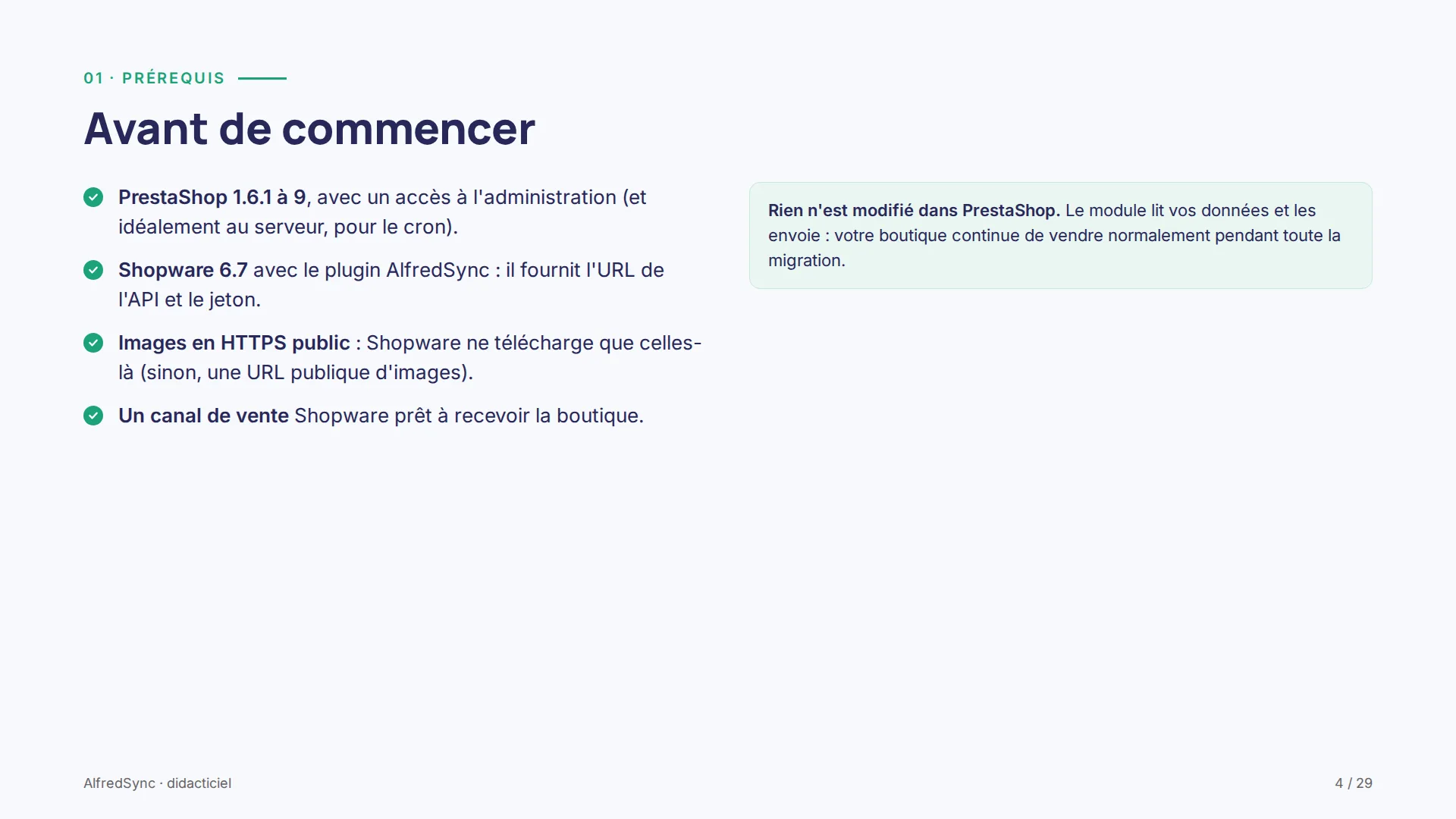
Install, connect, migrate, check, replay, synchronise, switch over: one action per slide.





Your PrestaShop shop, on Shopware
Tell us about your shop: its version, its volume, its modules. Together we prepare a replayable trial migration, then the switchover.
Discuss your migration