


Dynamic product groups in Shopware: selections that fill themselves
A “ready for the rain” category, a low-price selection, suggestions under each product: maintained by hand, these selections age quickly. With Shopware’s dynamic product groups, included in FroggShop, you describe the products you want and the selection keeps itself up to date.
A rule instead of a list
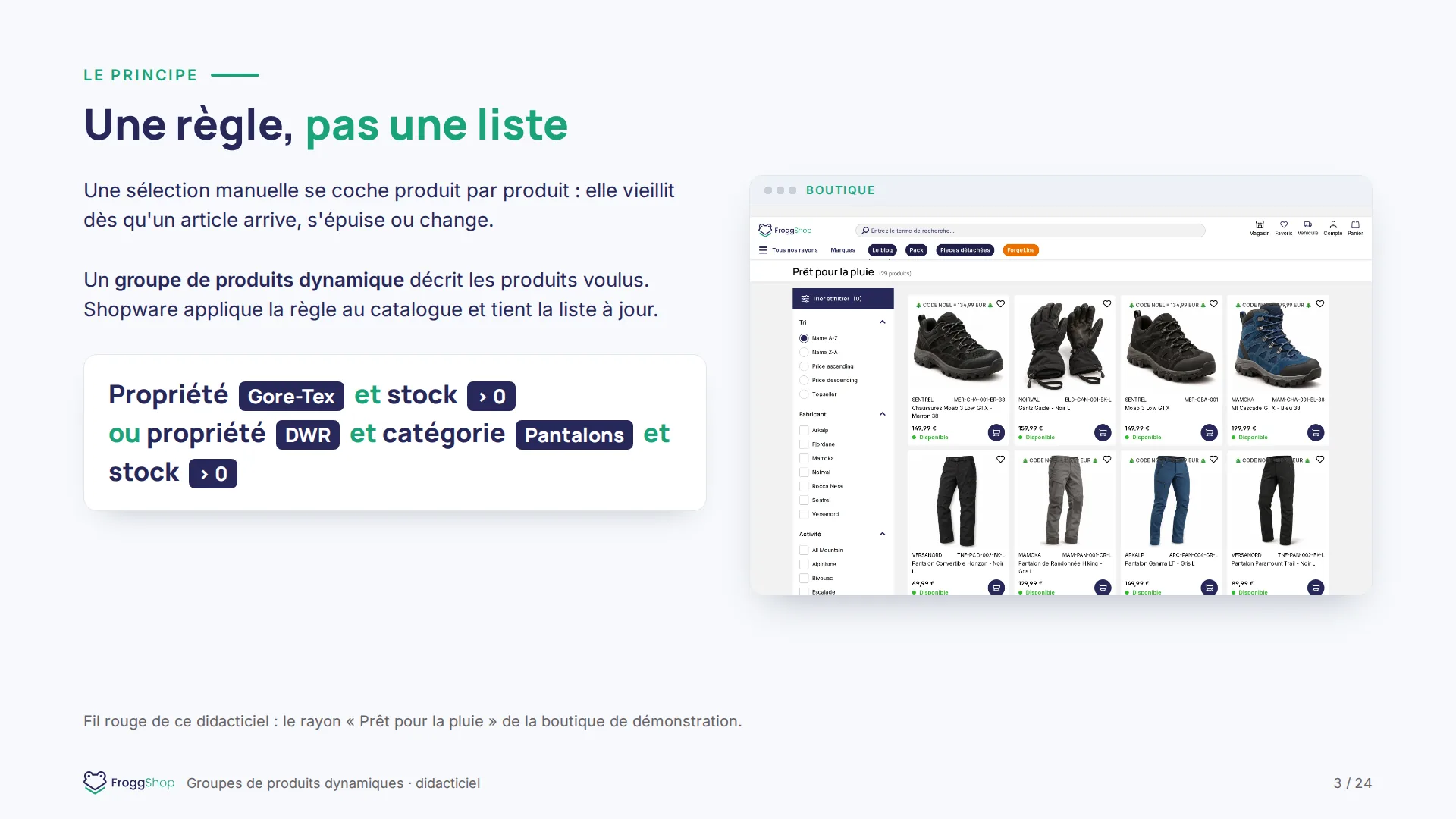
A manual selection is ticked product by product. It ages as soon as a product arrives, goes out of stock or changes price, and updating it comes back with every collection, every season, every commercial operation.
A dynamic product group is a rule saved on your catalogue. You no longer tick products: you describe the ones you want, and Shopware makes the selection.

Build the rule with the mouse
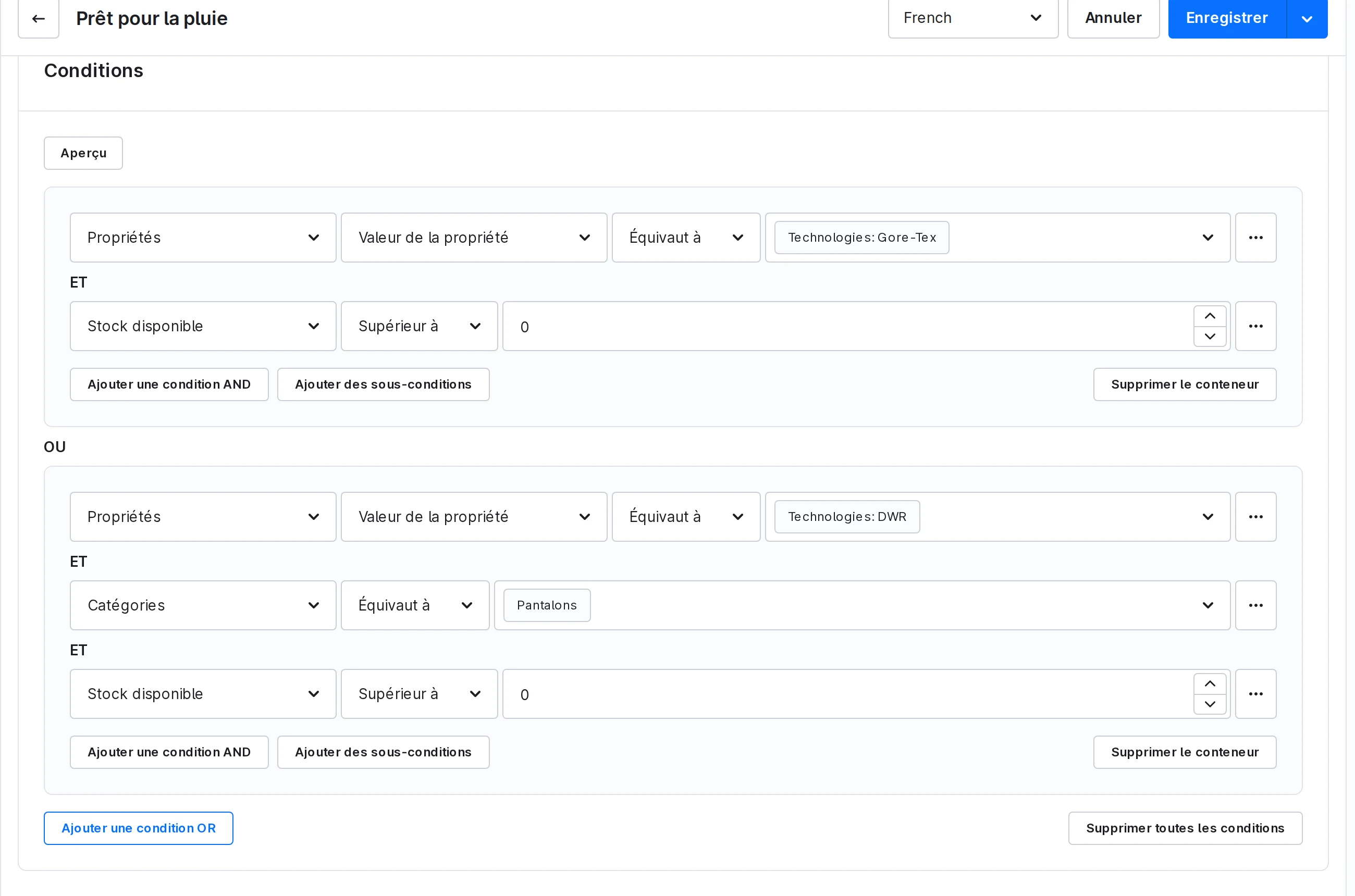
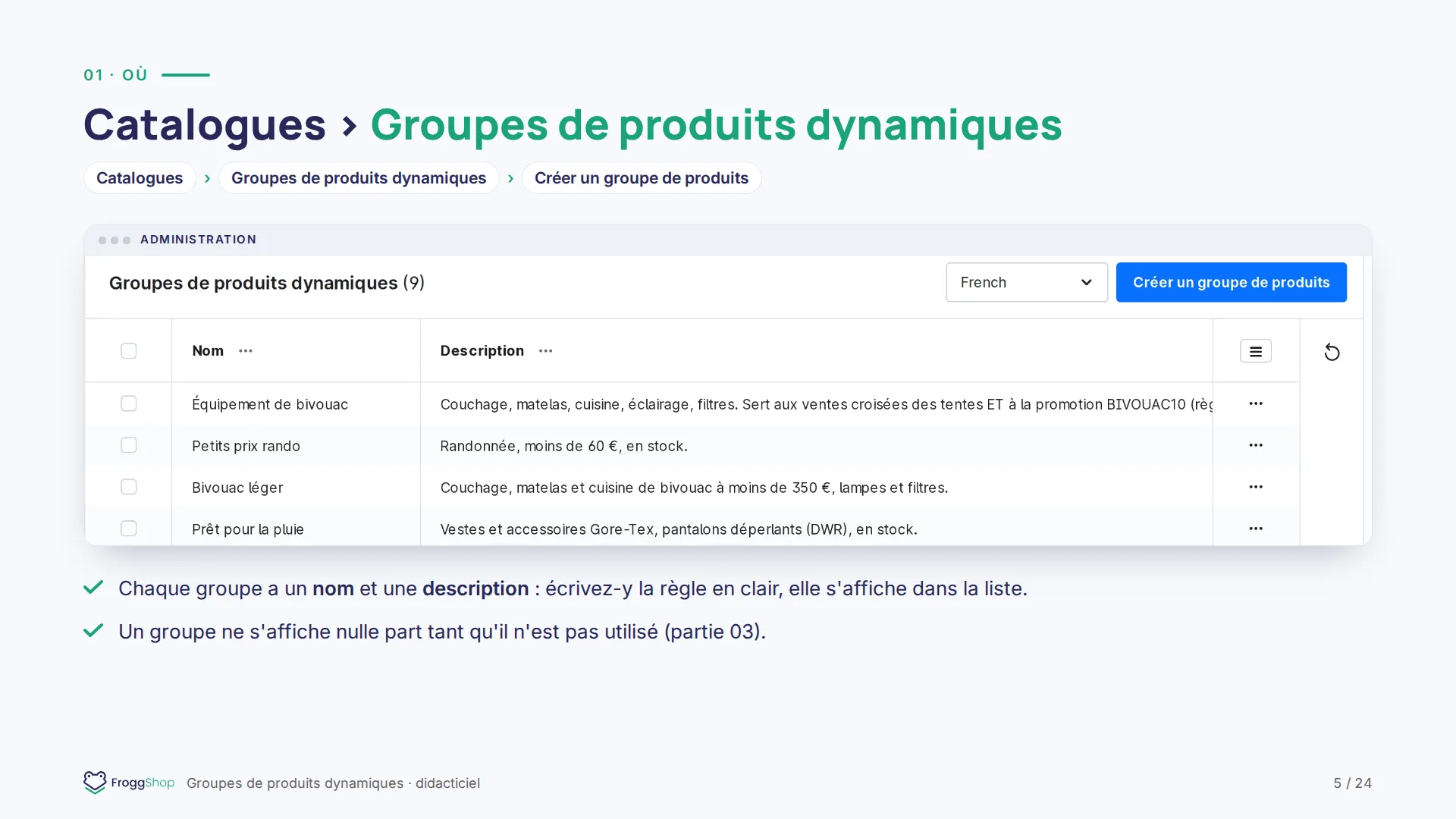
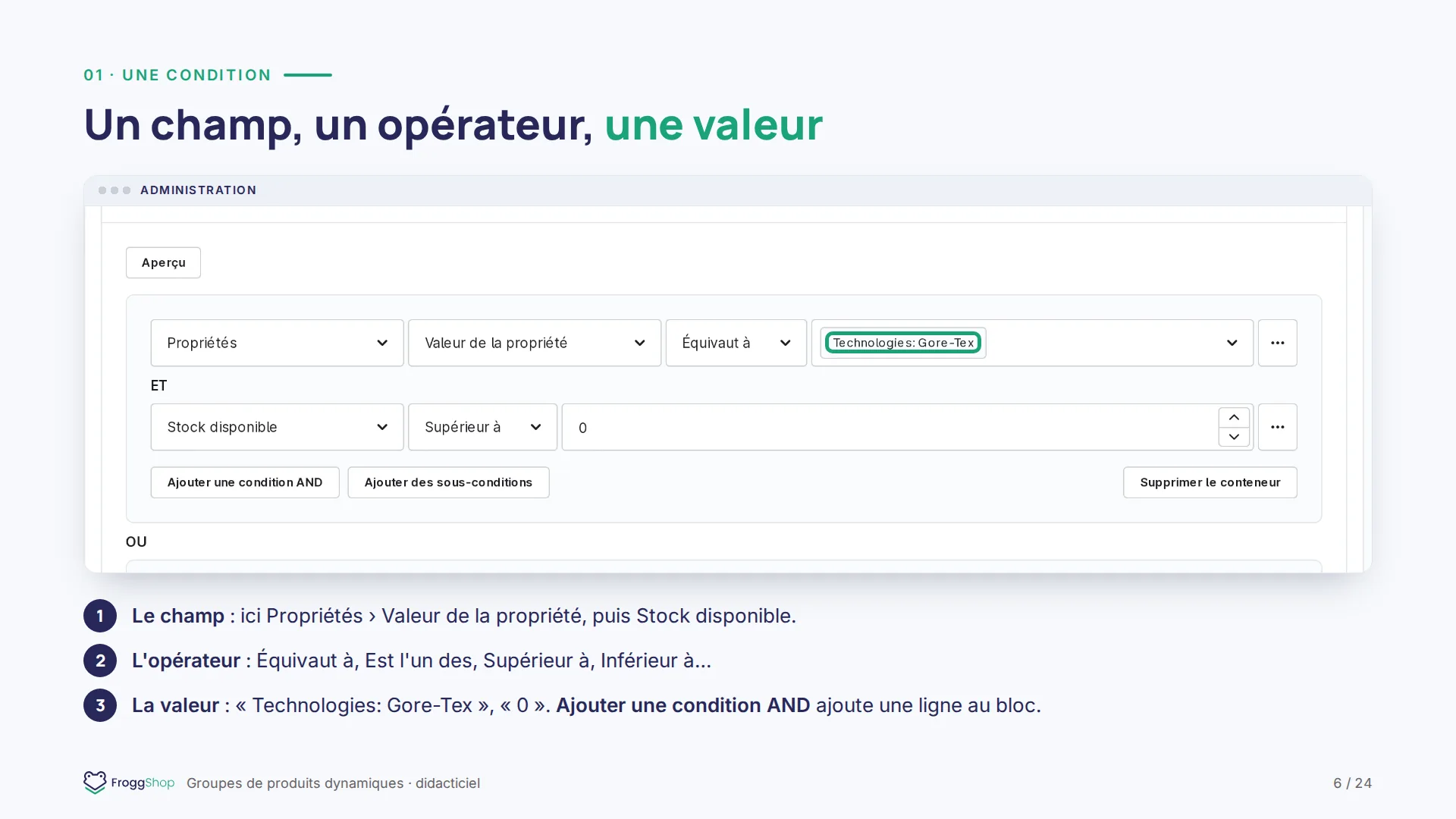
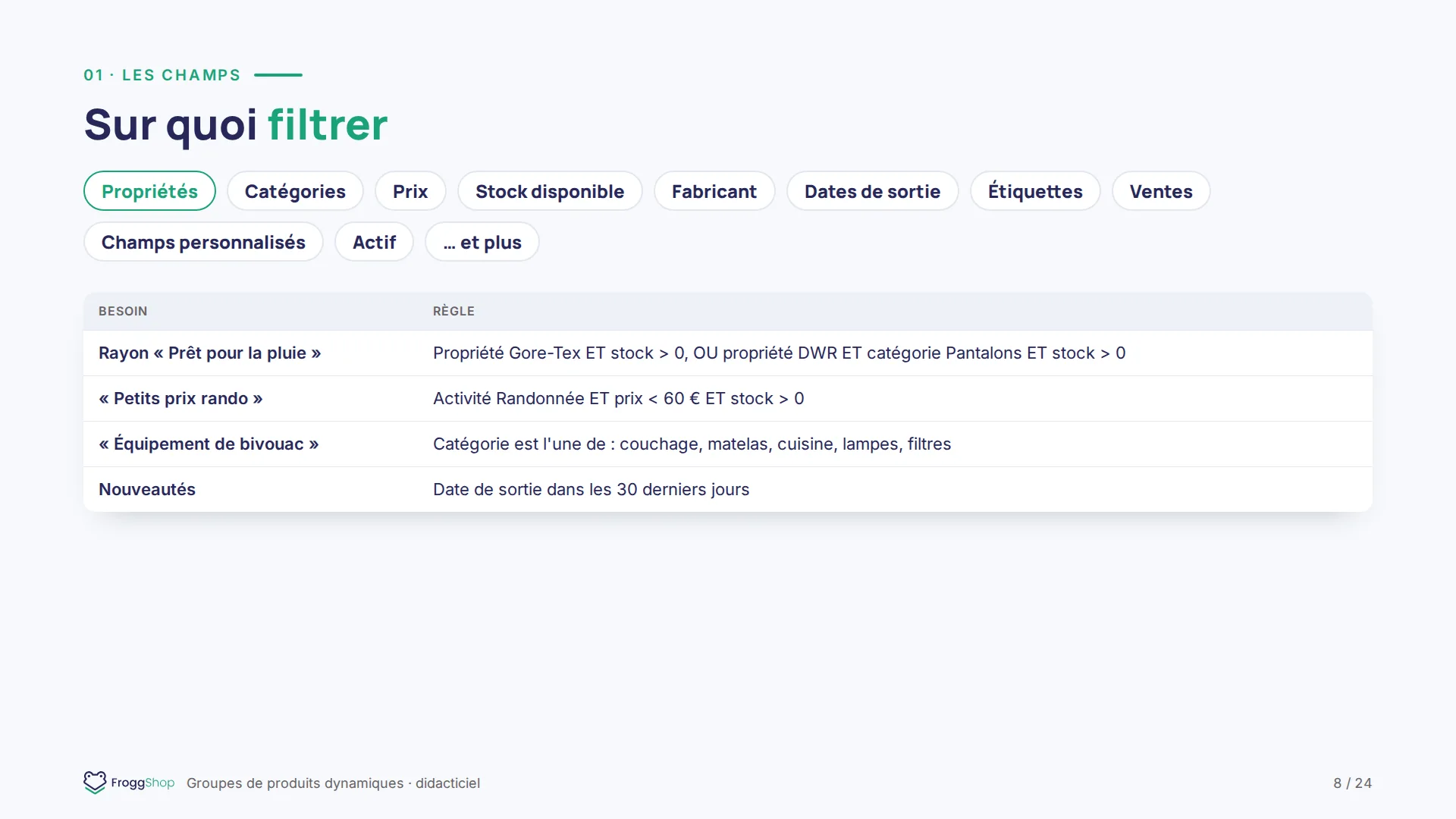
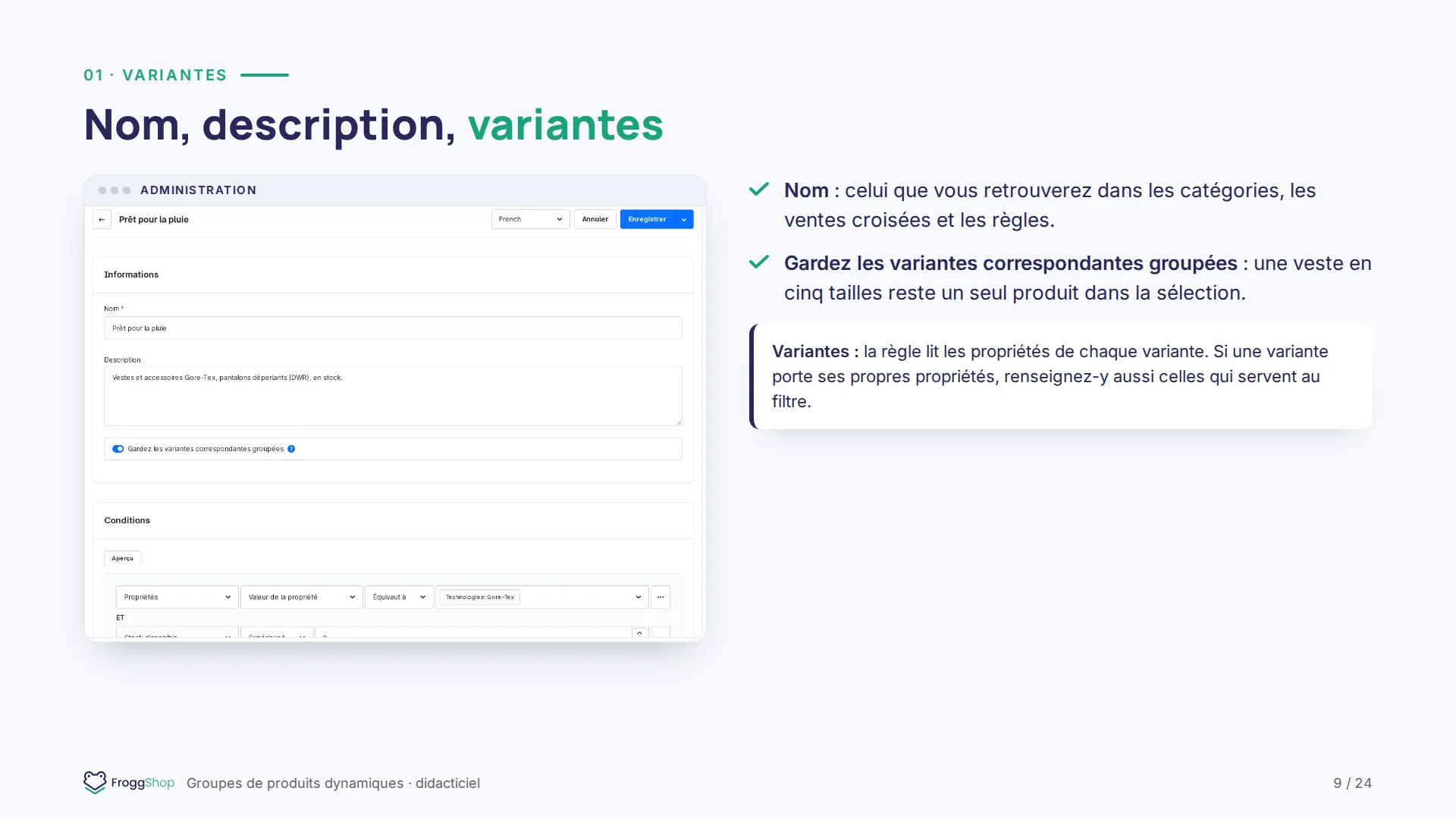
In Catalogues → Dynamic product groups, a group is made of conditions: a field, an operator, a value. Fields cover properties, categories, price, available stock, manufacturer, release dates, tags, custom fields and sales.
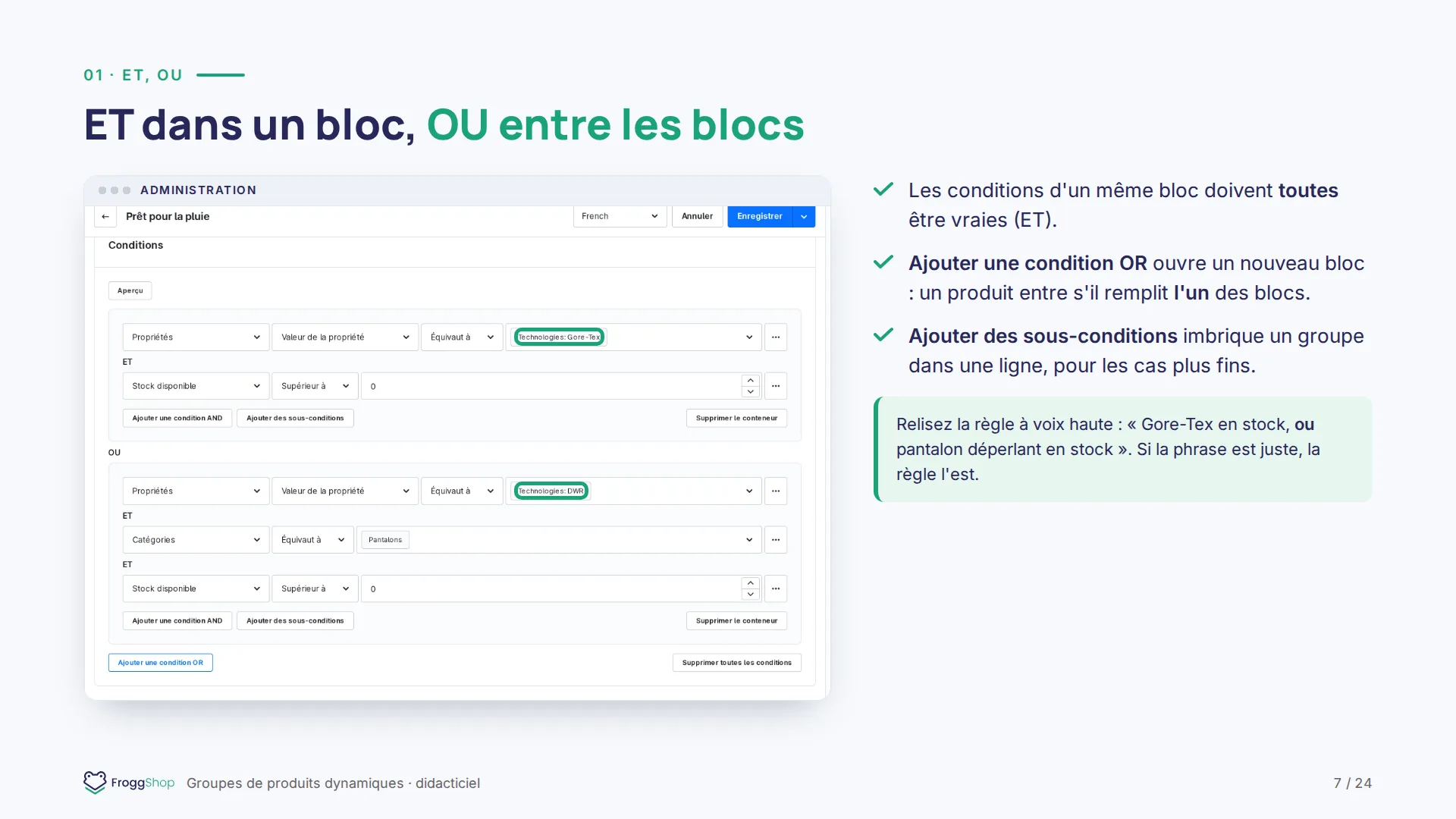
Conditions in the same block add up (AND); several blocks combine (OR), with sub-conditions if needed. The rule reads like a sentence: Gore-Tex products in stock, or water-repellent trousers in stock.
Check before publishing
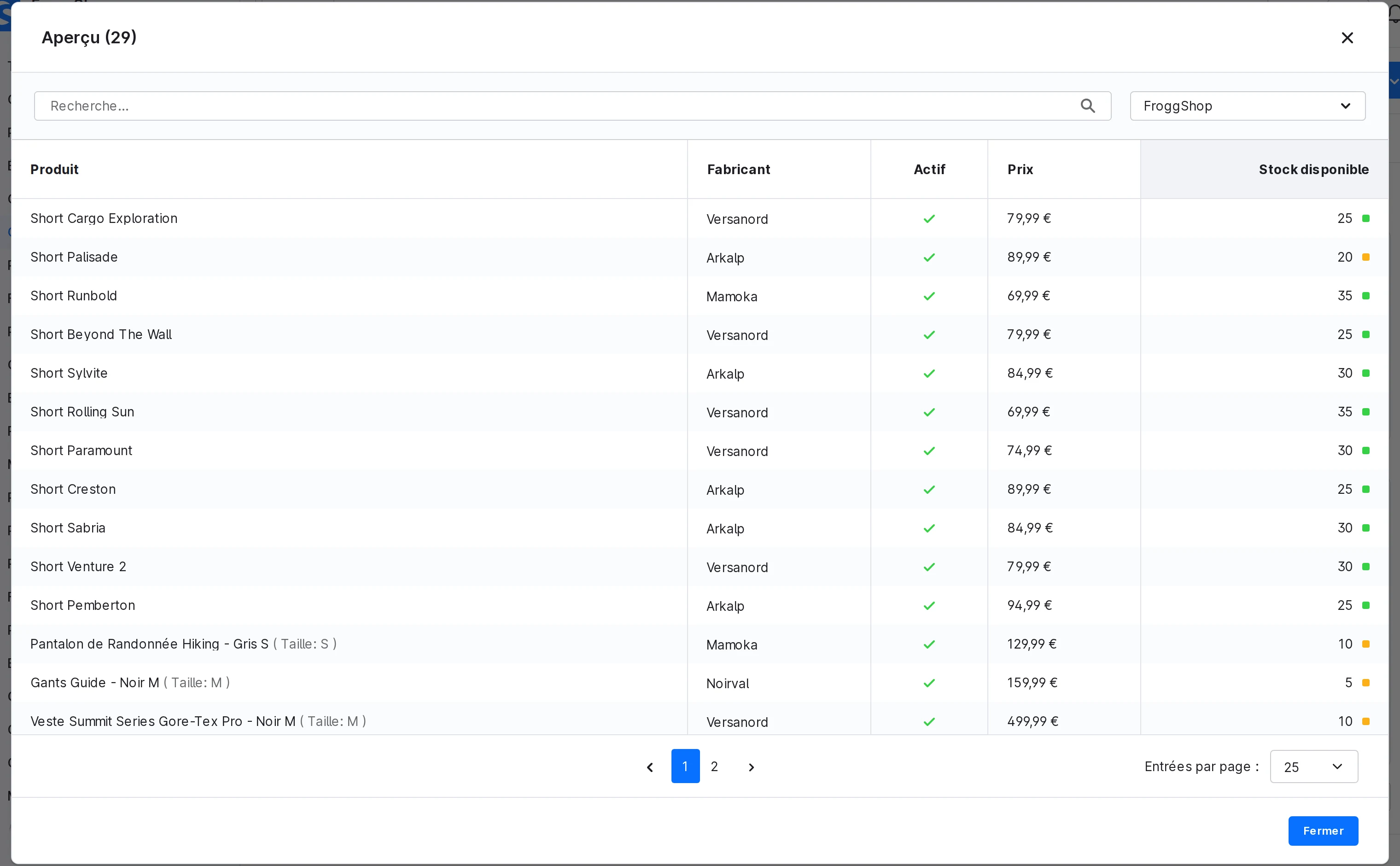
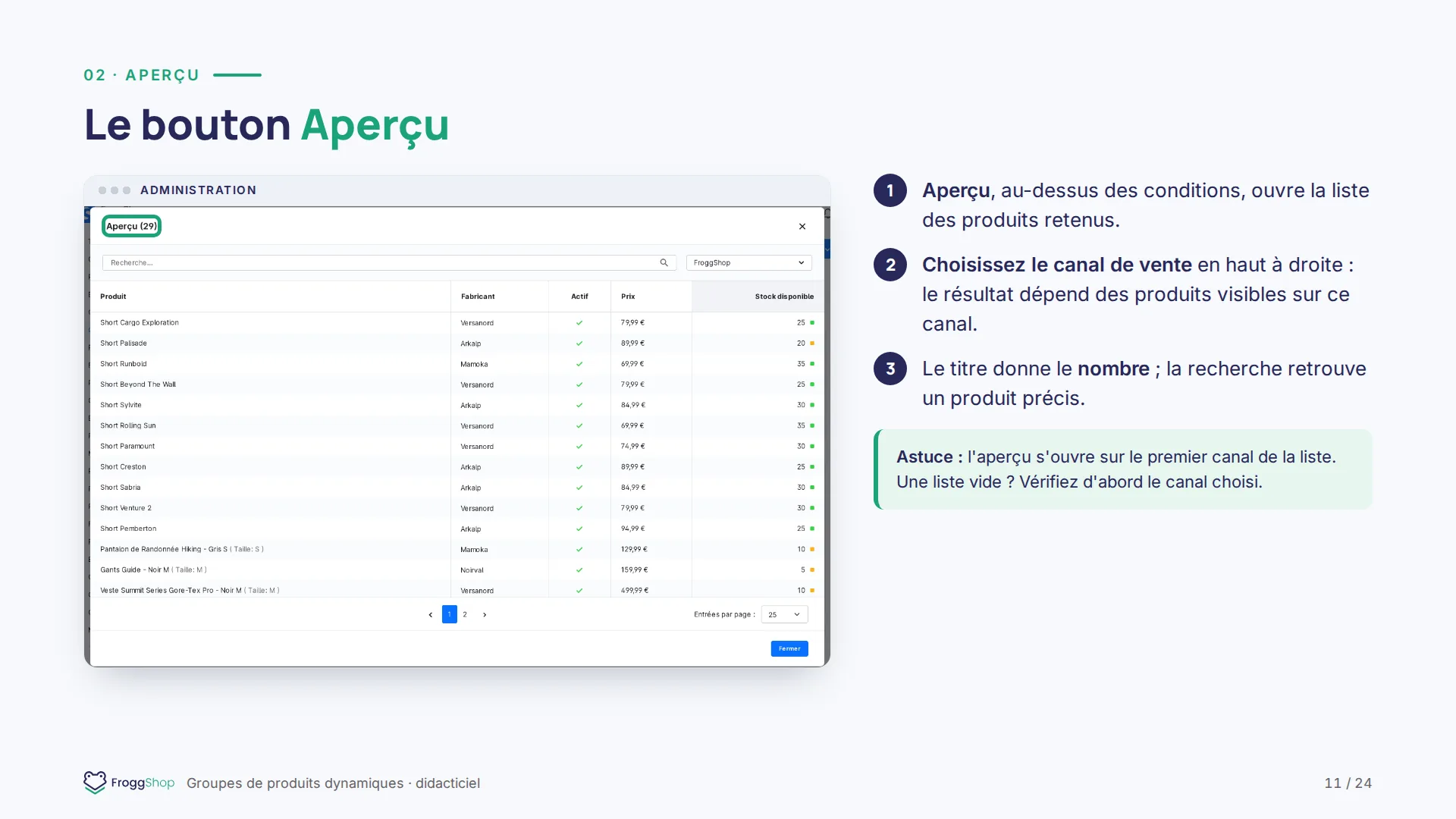
The Preview button shows the exact result of the rule, sales channel by sales channel, with a search within the result.
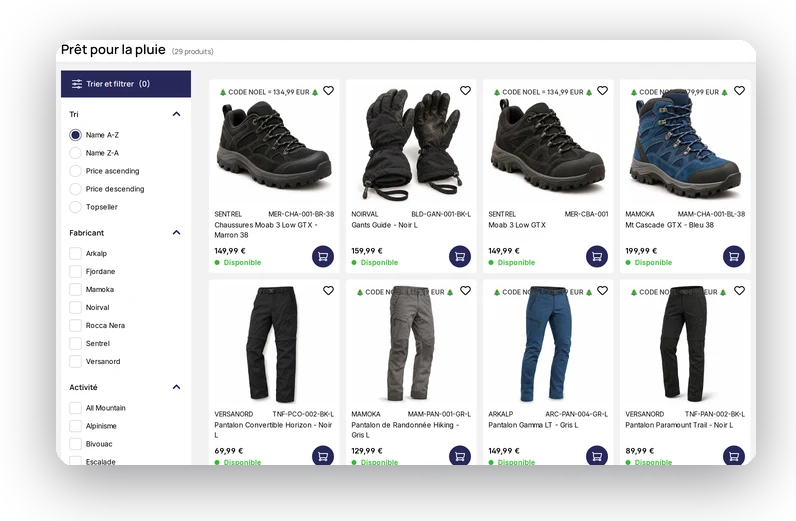
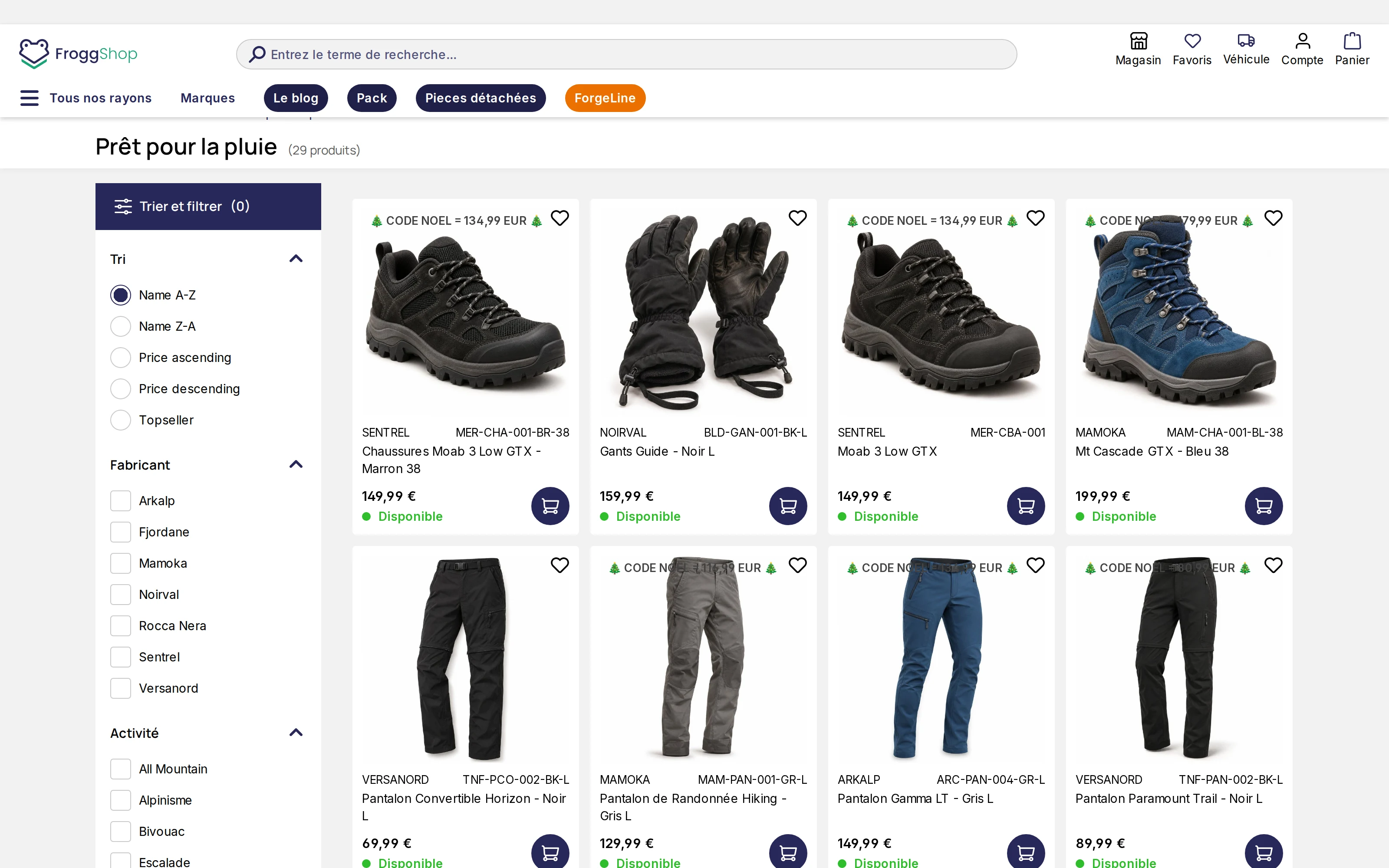
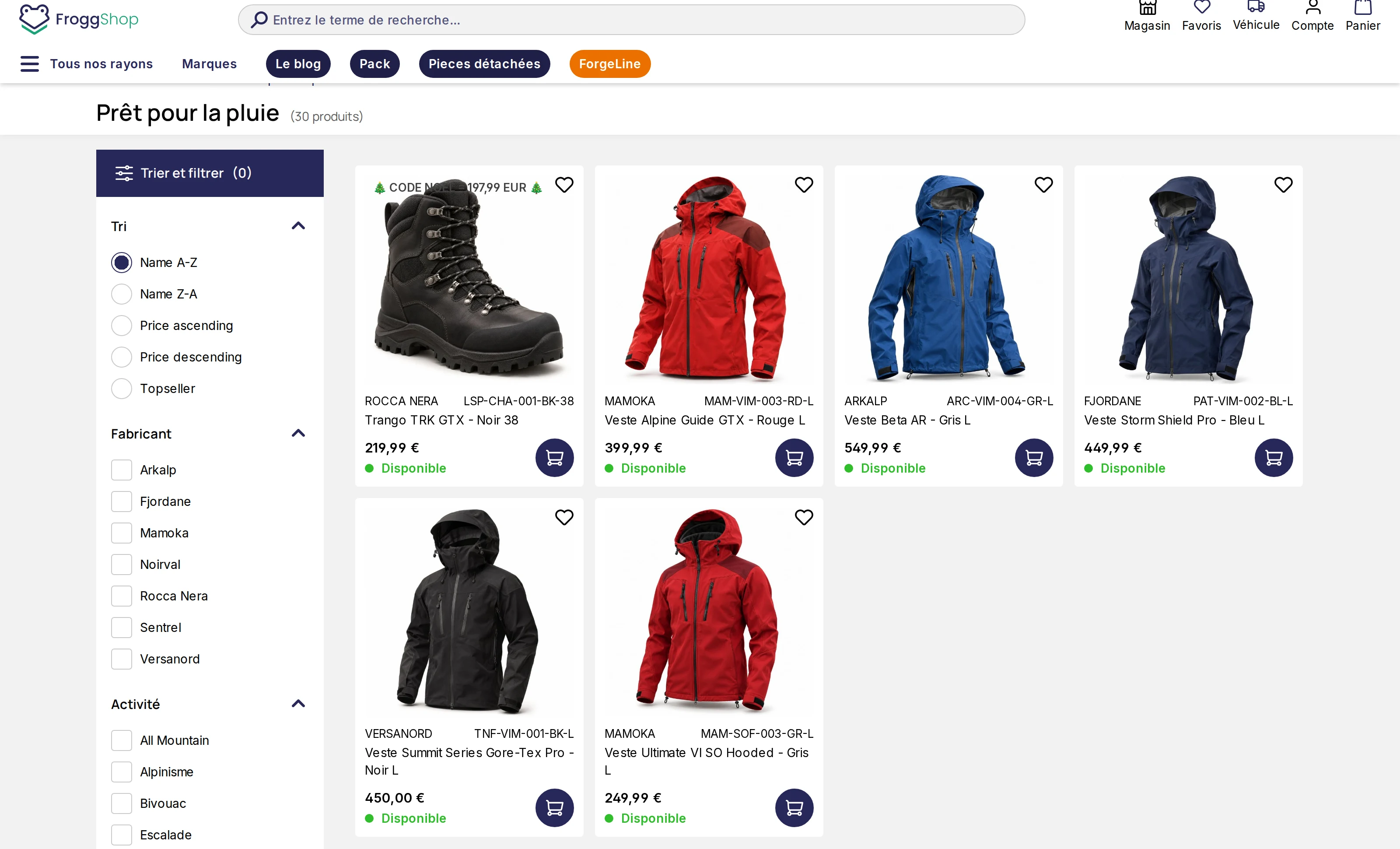
On the demo shop, “Prêt pour la pluie” (Ready for the rain) selects 29 products: Gore-Tex jackets, gloves and shoes, water-repellent trousers and shorts.
A category that fills itself
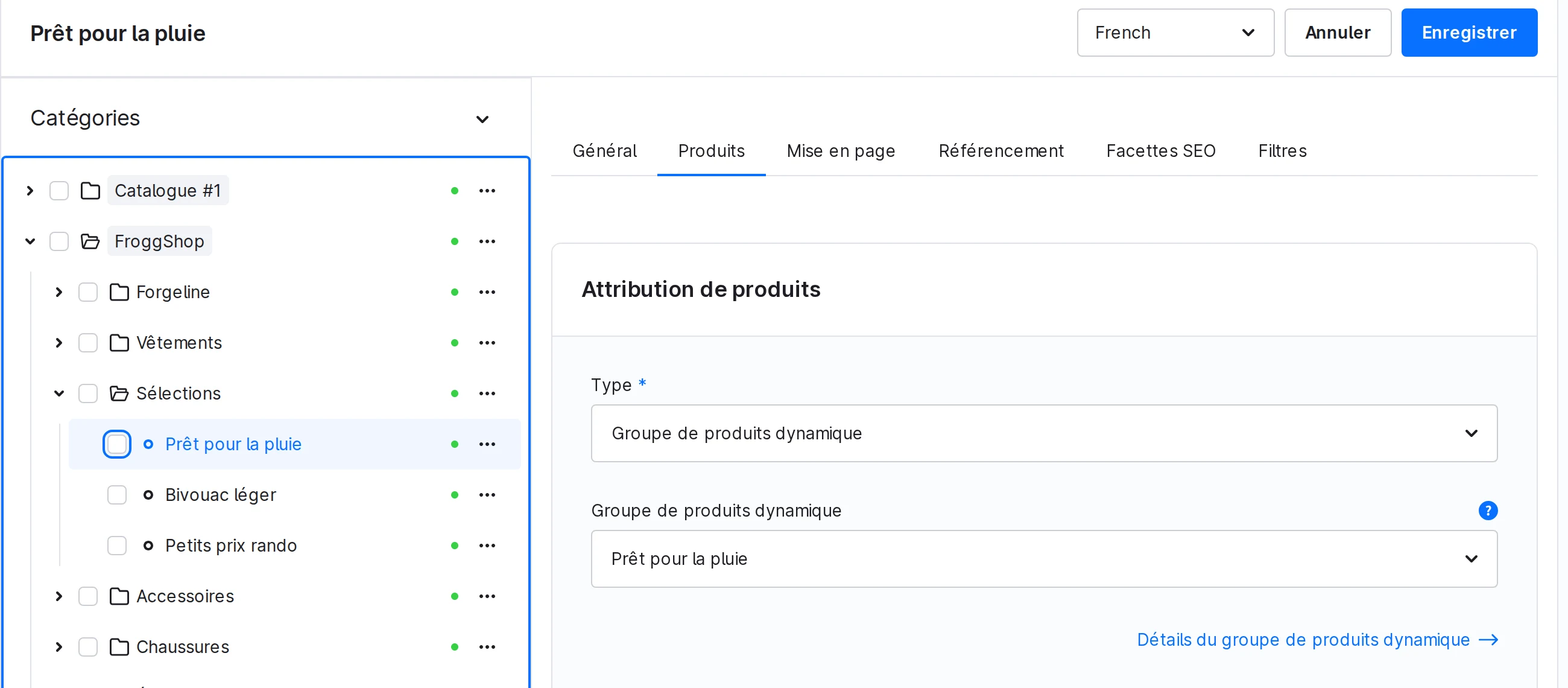
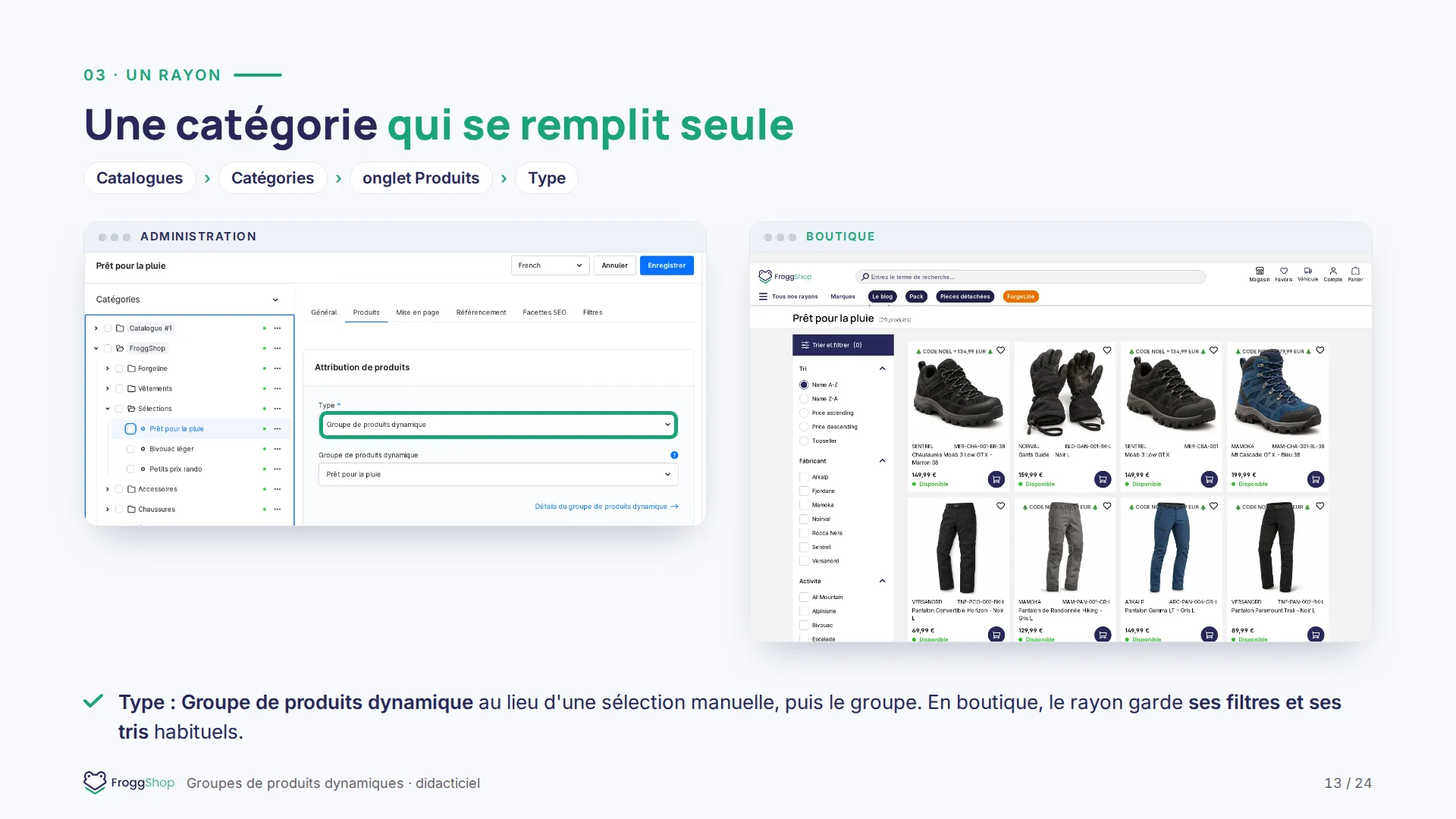
In a category, Products tab, choose the Dynamic product group type instead of a manual selection, then the group.
In the shop, the category displays the selection with its usual filters and sorting.
On your pages, as product sliders
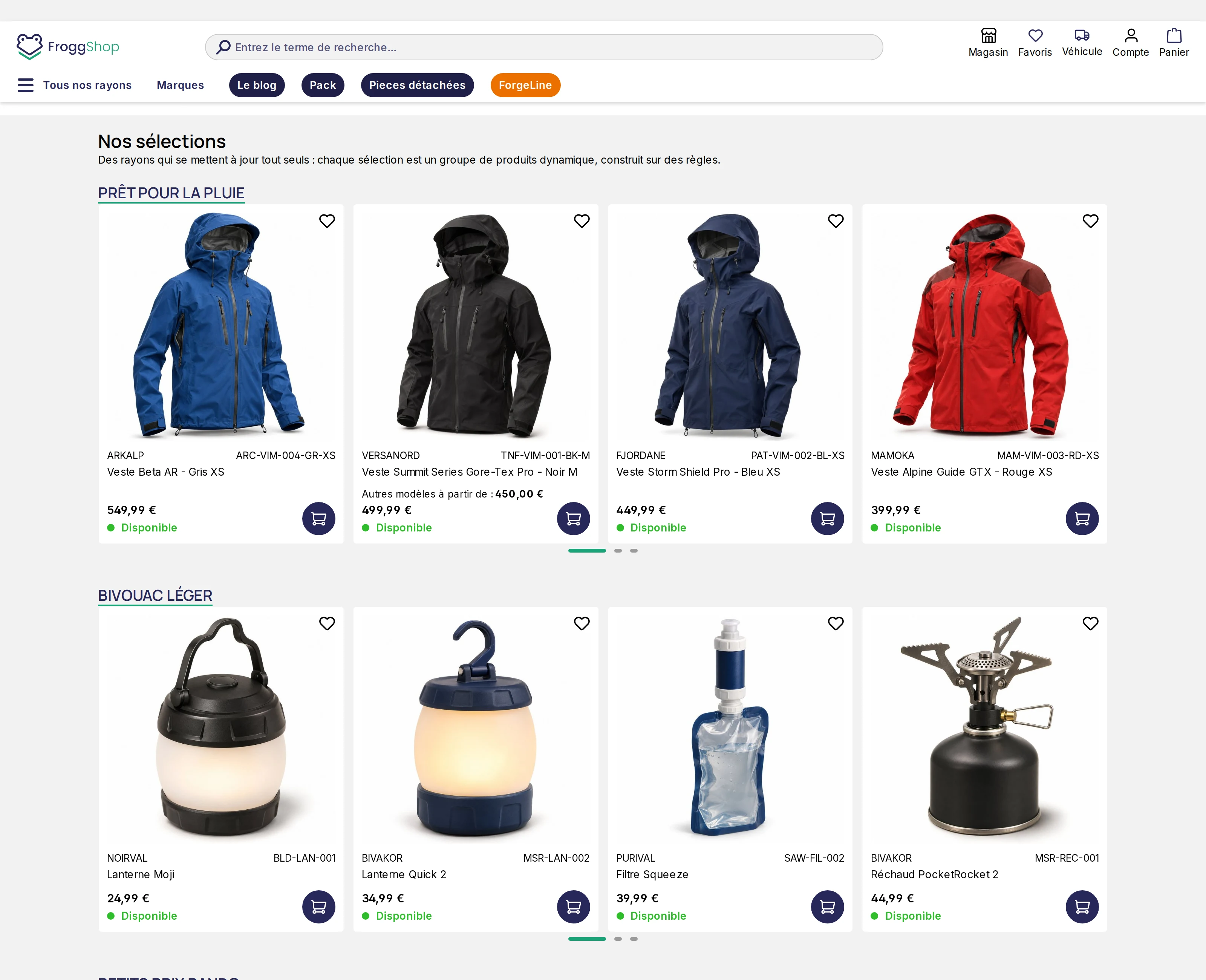
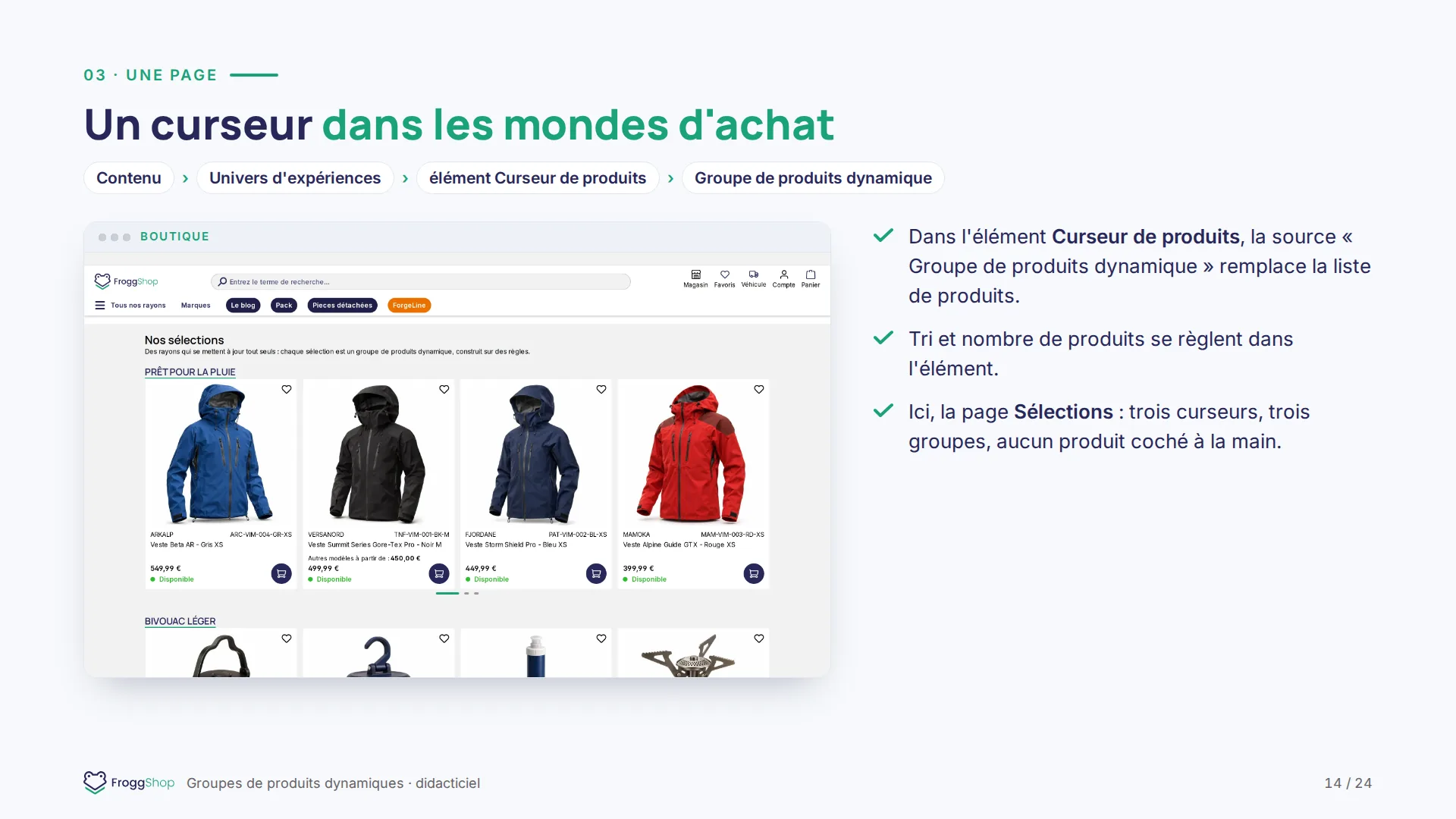
In shopping experiences, the Product slider element can take a group as its source, with a sort order and a maximum number of products.
A home page, a campaign page or a selections page thus fills itself.
Cross-selling without a list to maintain
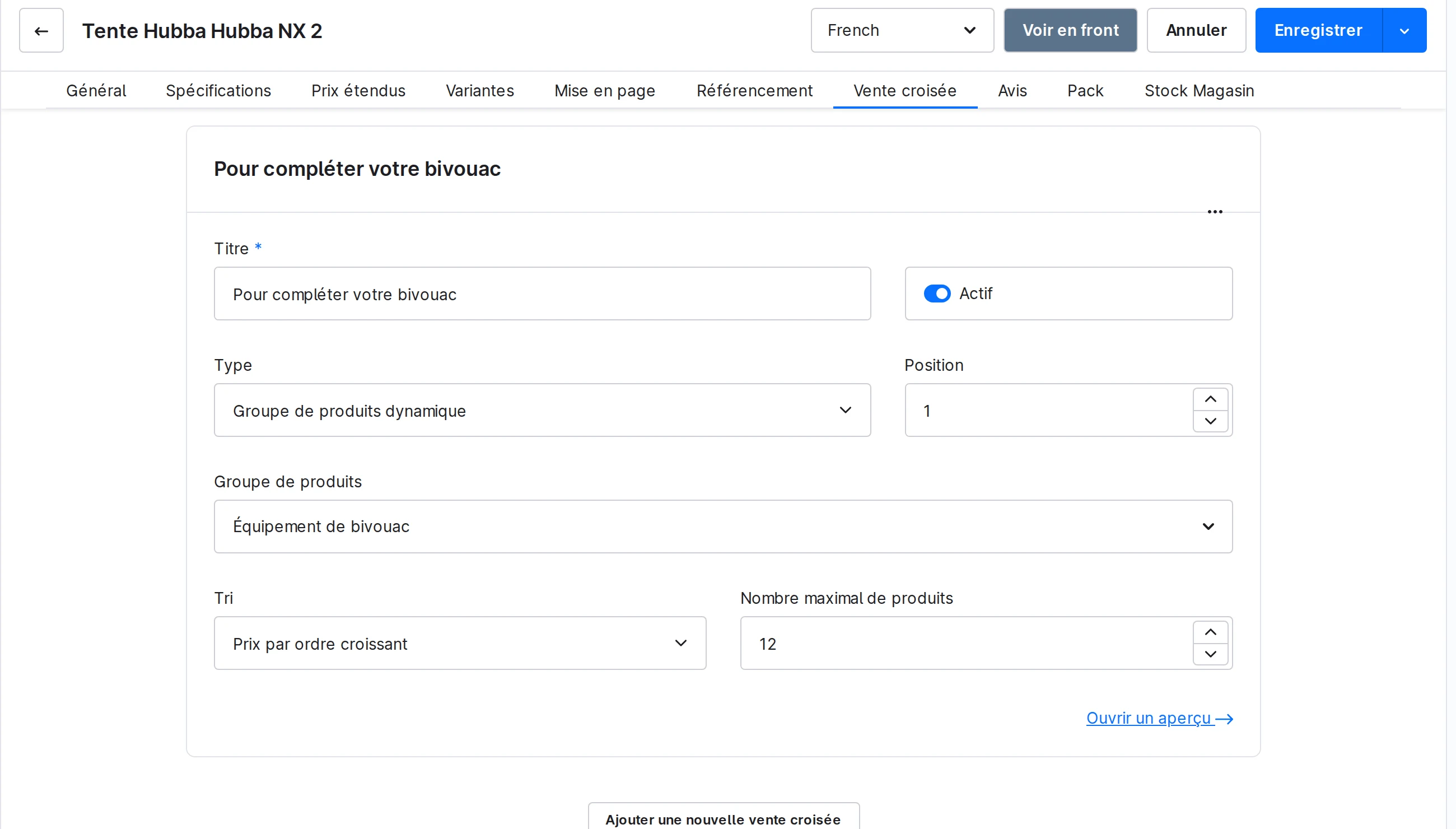
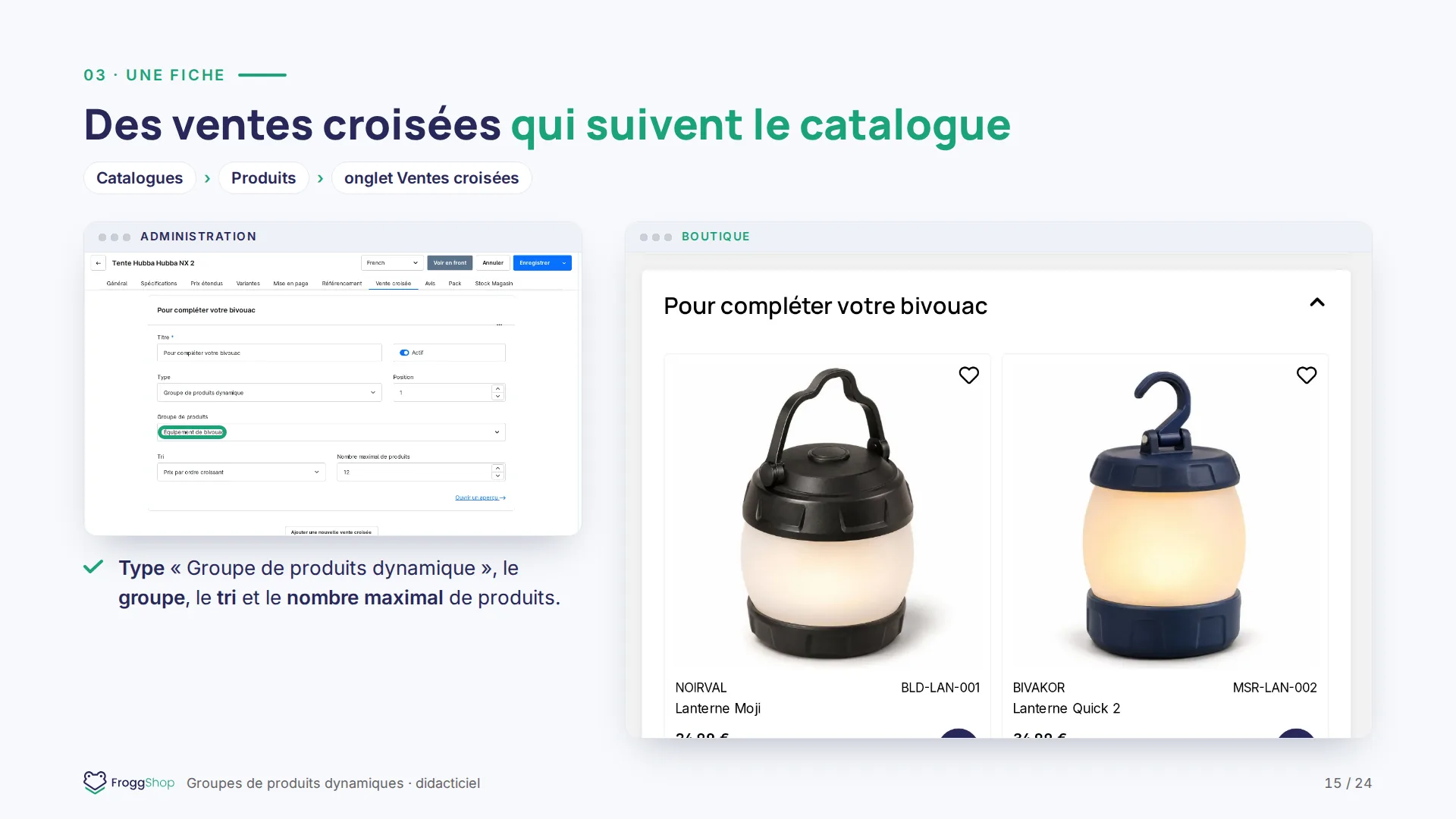
On a product page, Cross-selling tab, a cross-selling of the Dynamic product group type displays the group’s products, with the sort order and number of items of your choice.
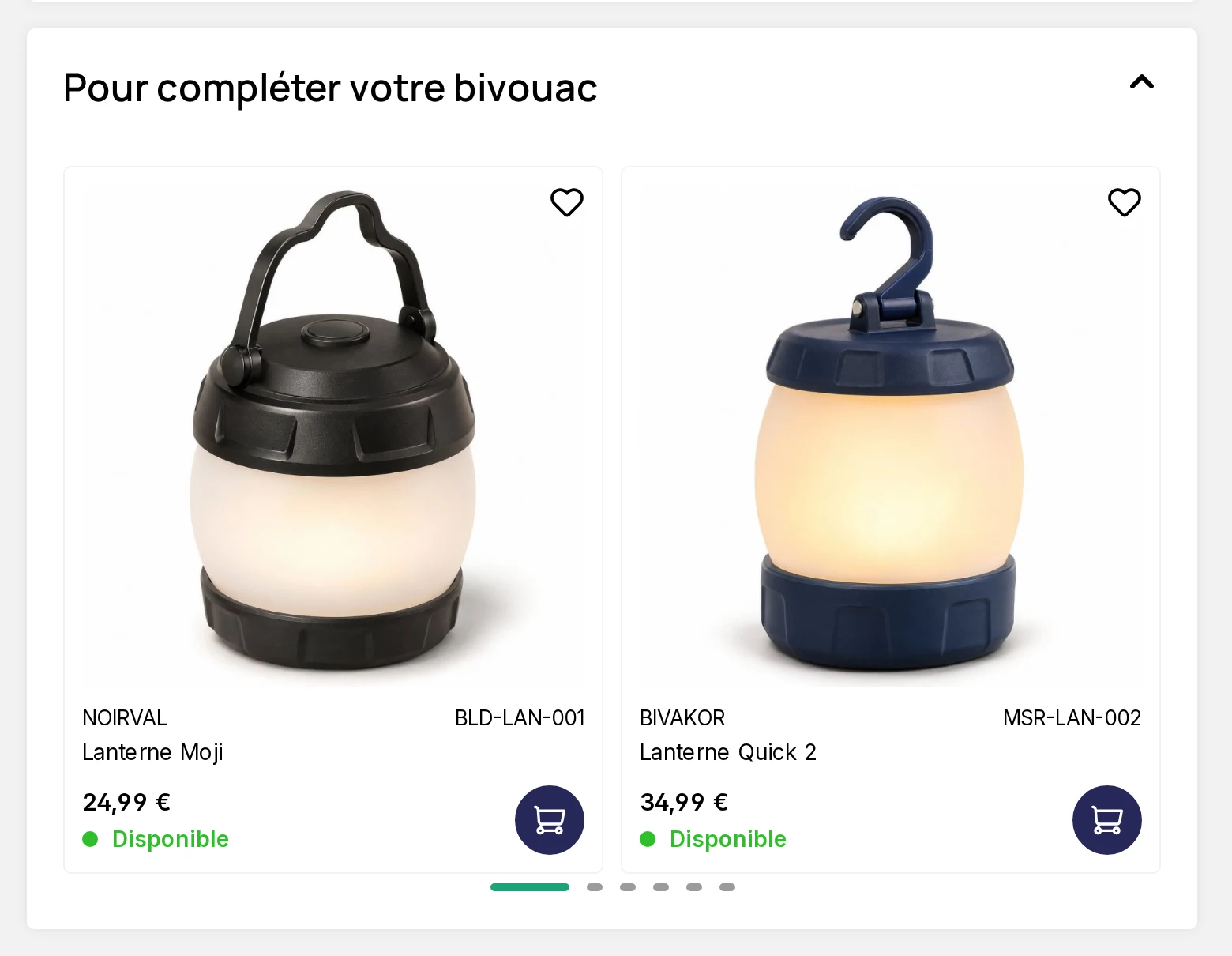
On the demo, each tent offers “Pour compléter votre bivouac” (To complete your bivouac): sleeping gear, mats, cooking, lighting, filters.
All the way to promotions
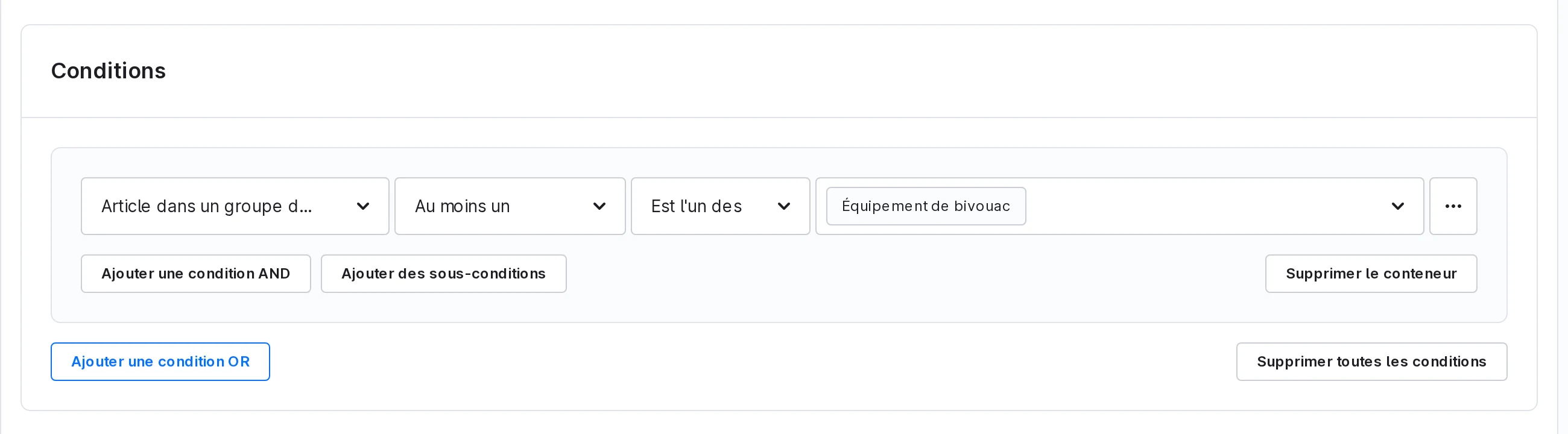
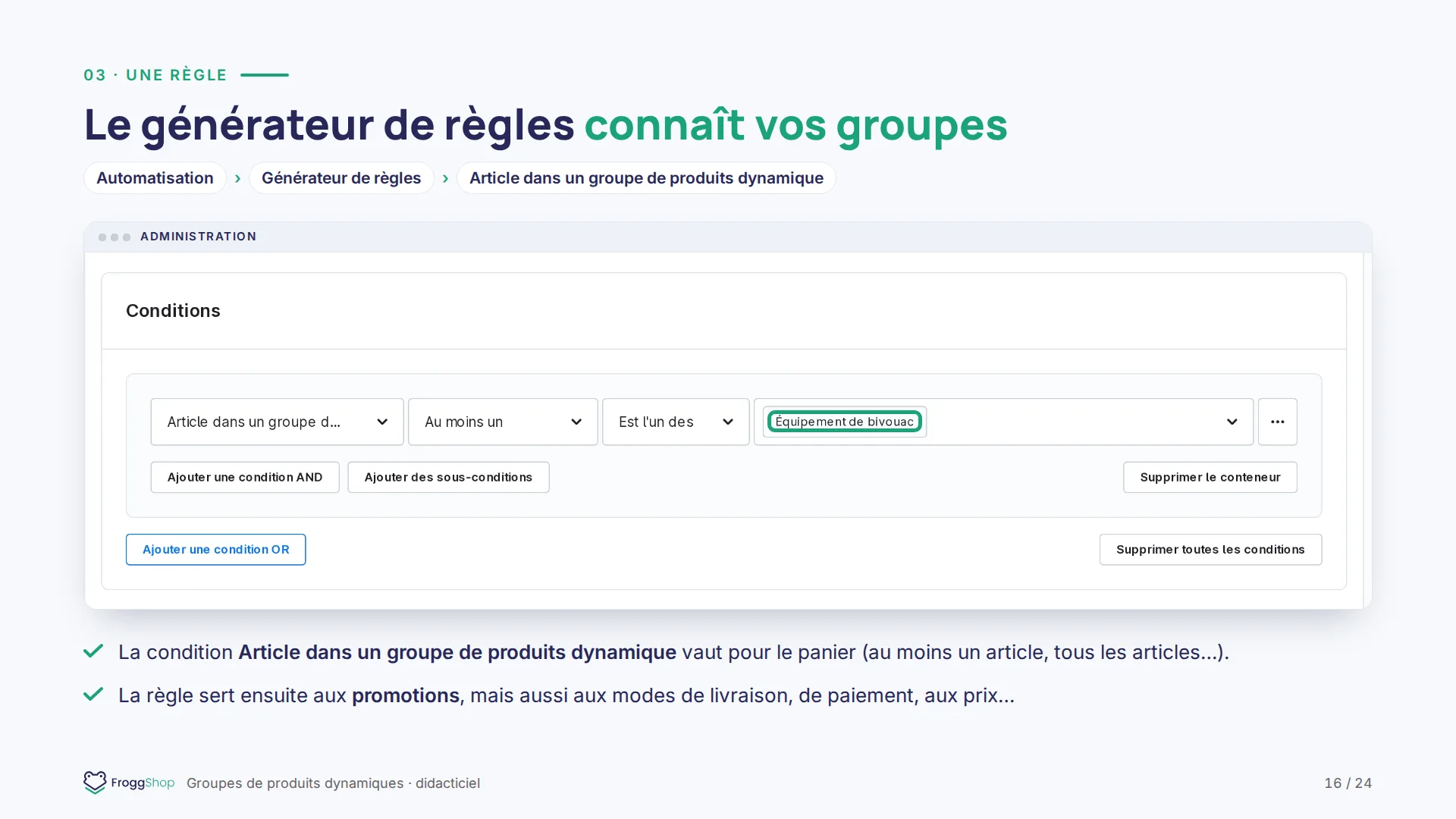
The Rule builder knows your groups: the “Item in dynamic product group” condition serves as a condition for a promotion, or as the target of its discount. The same condition can decide on a shipping method or a payment method.
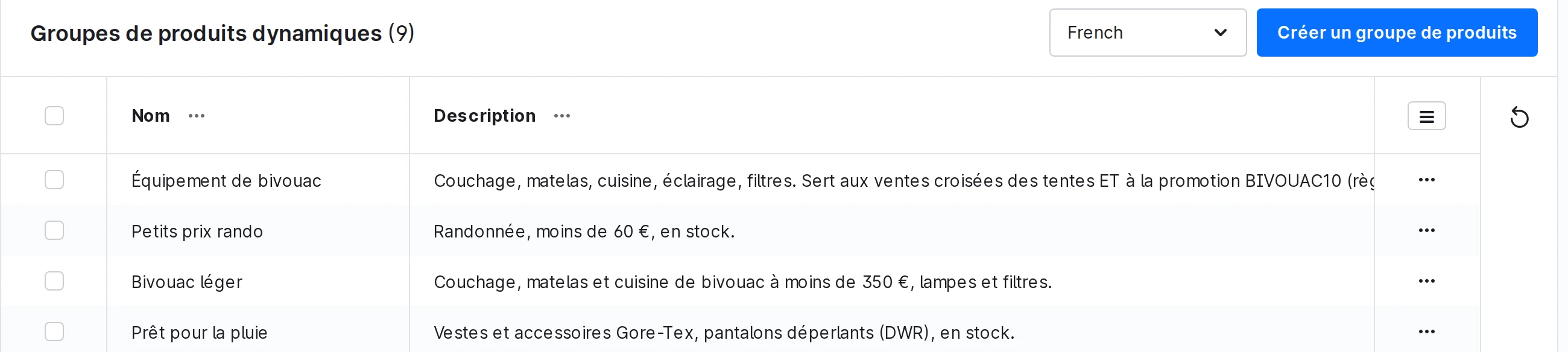
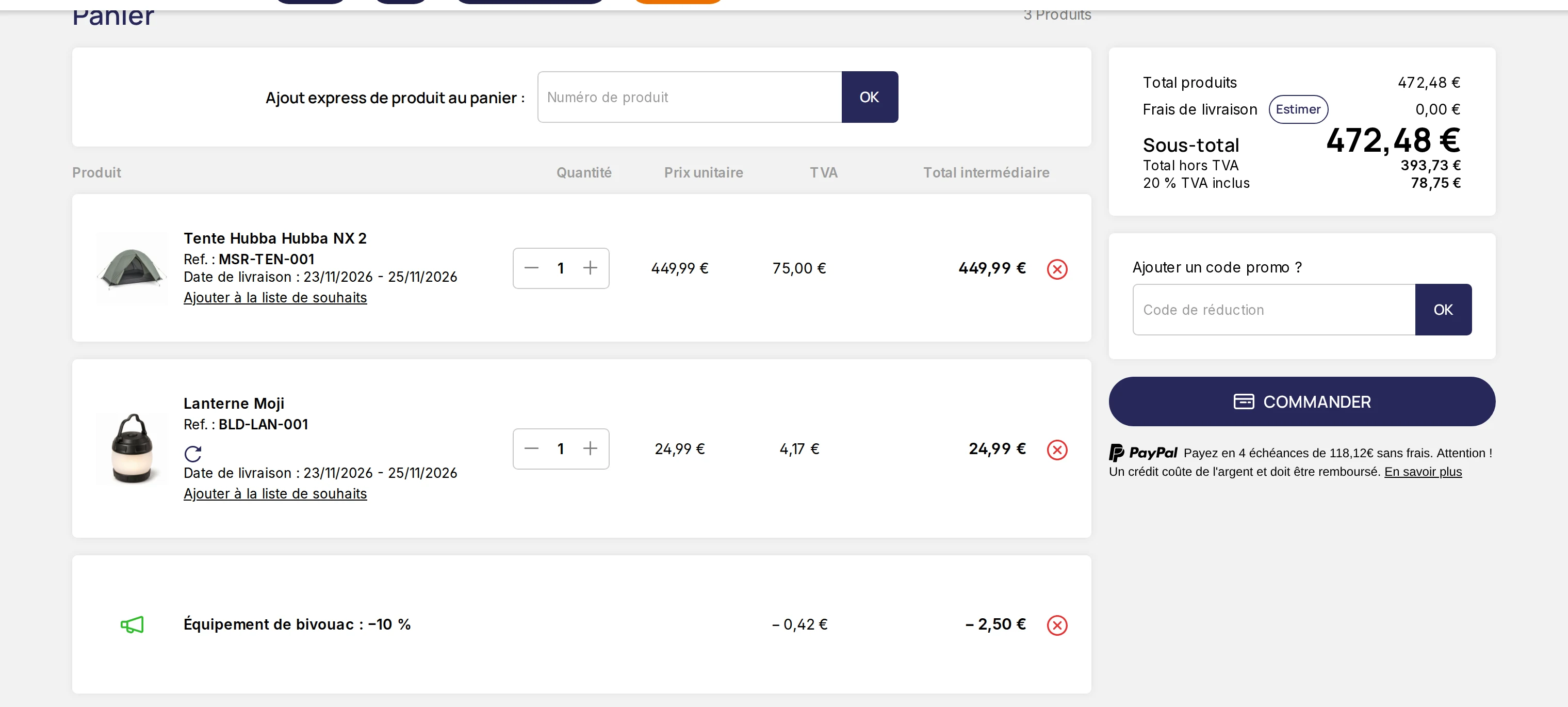
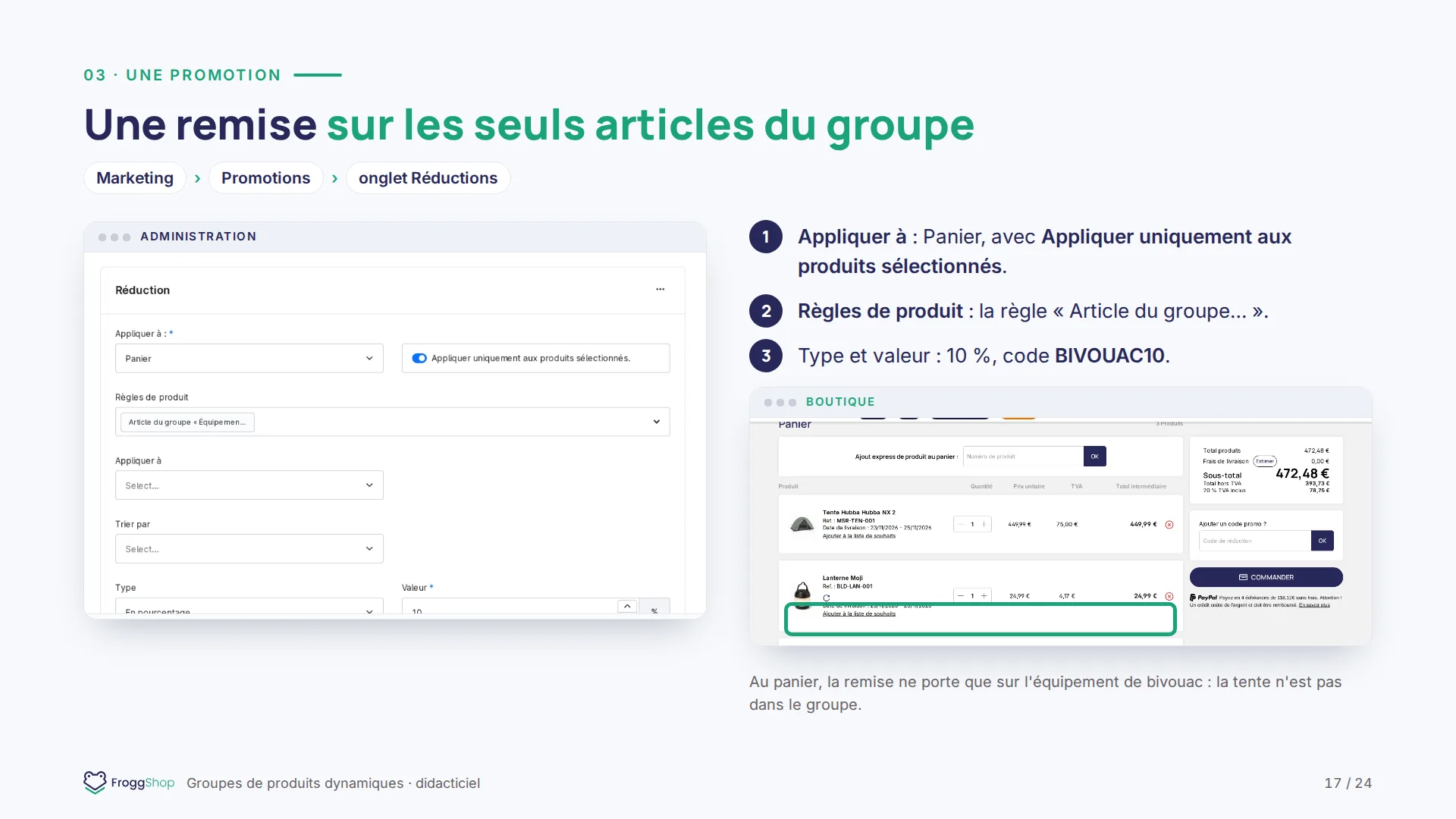
On the demo, the code BIVOUAC10 takes 10% off only the items of the “Équipement de bivouac” (Bivouac equipment) group: in a basket with a tent and a lantern, only the lantern is discounted.
Always up to date
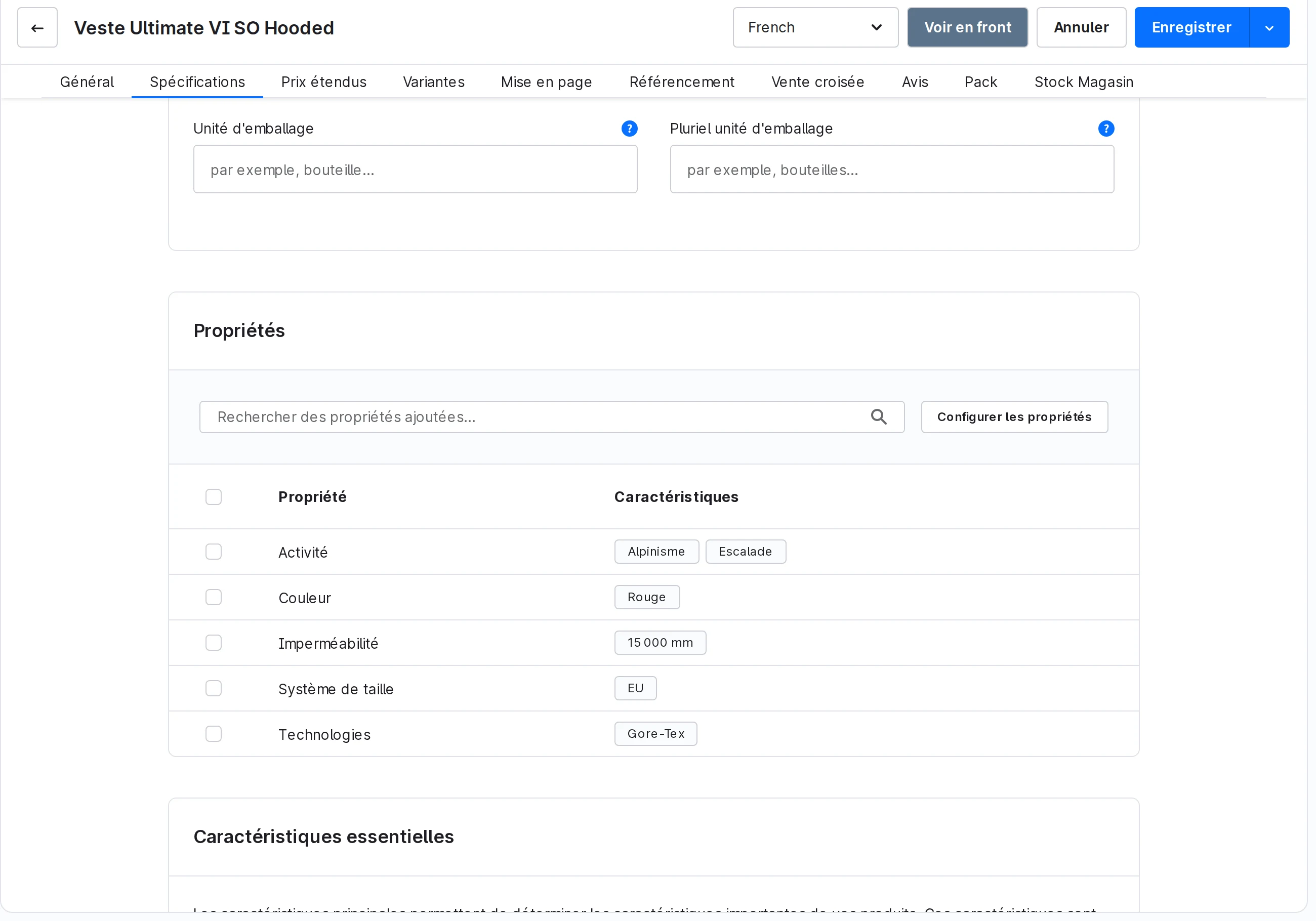
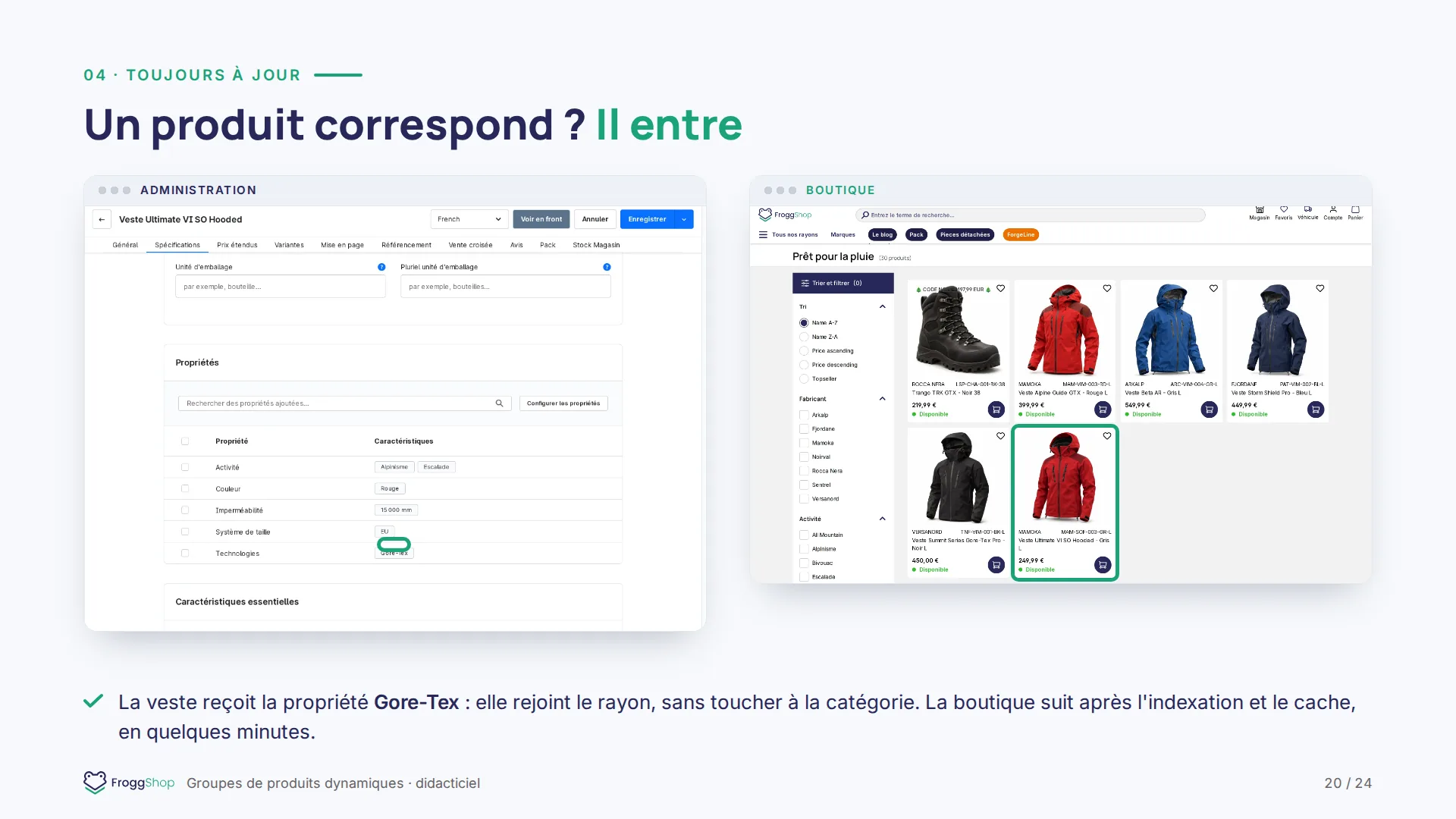
A product receives the “Gore-Tex” property? It joins the selection, without touching the category, the slider or the cross-selling. A product that runs out of stock leaves it, if the rule requires stock.
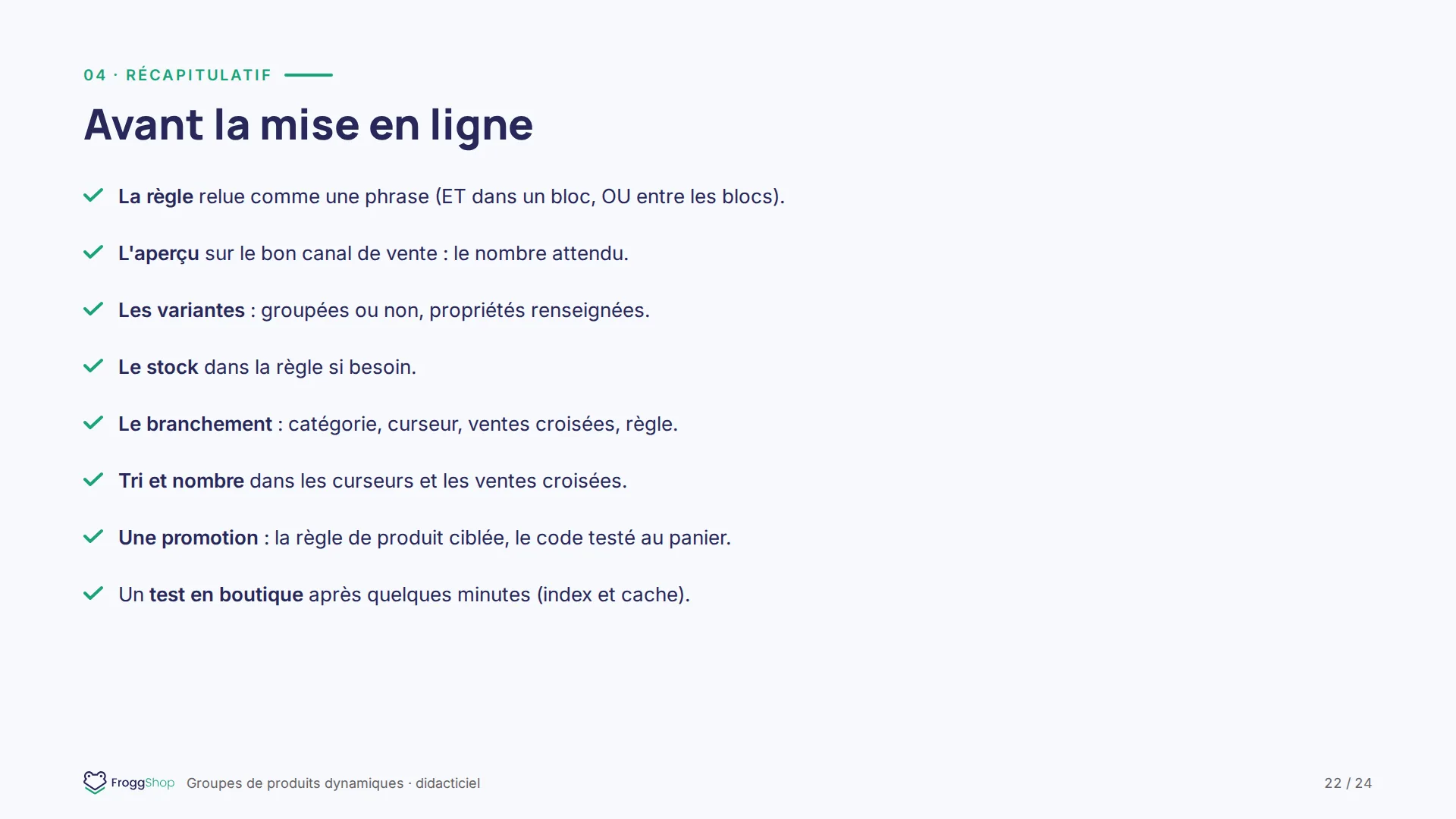
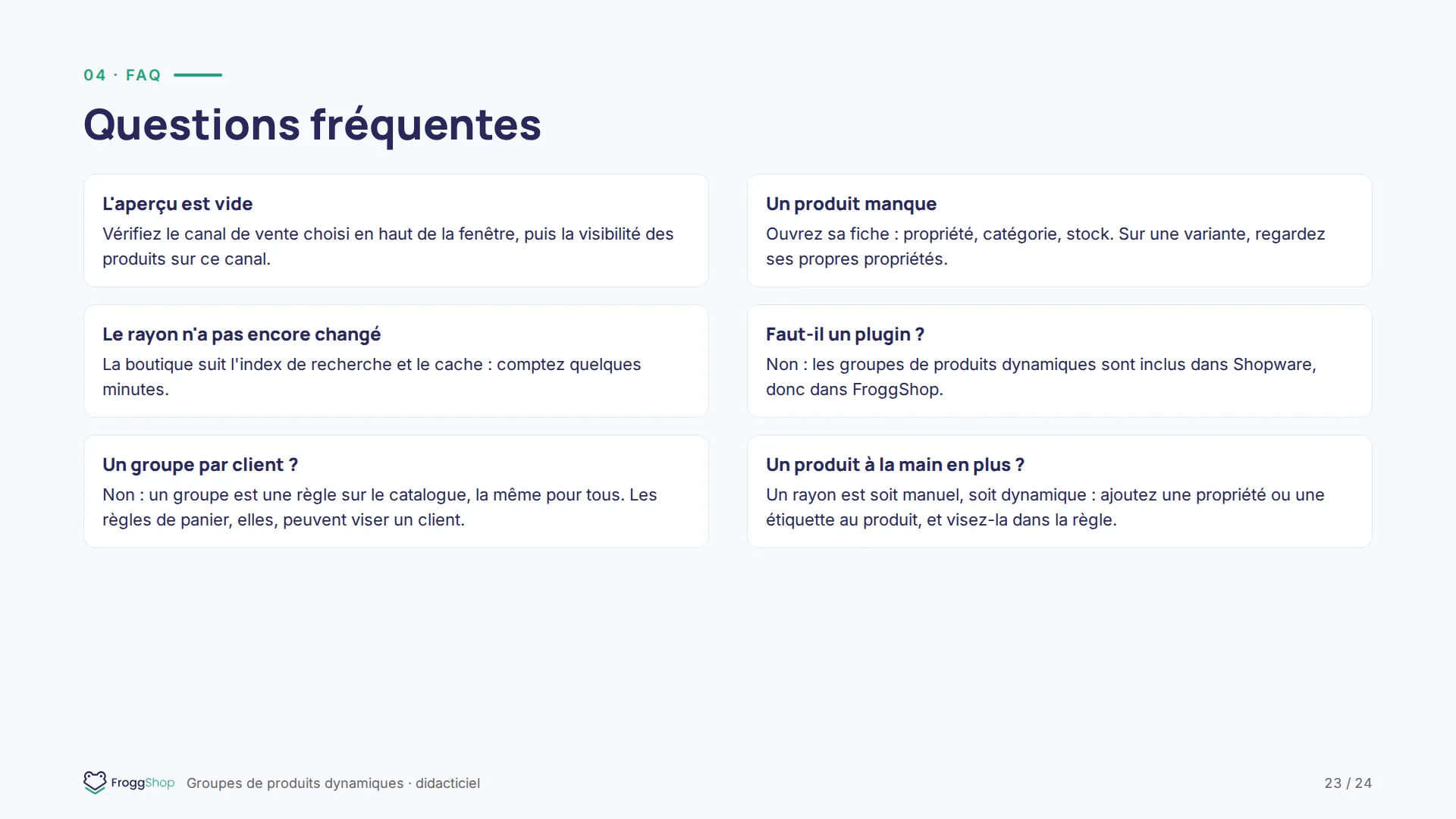
The shop display follows once the search index and the cache are updated, within a few minutes.
The complete journey, commented
Build the rule, check it, then connect it to a category, a page, cross-selling and a promotion: the complete journey, in about 2 minutes (French voice-over).
One group, several uses
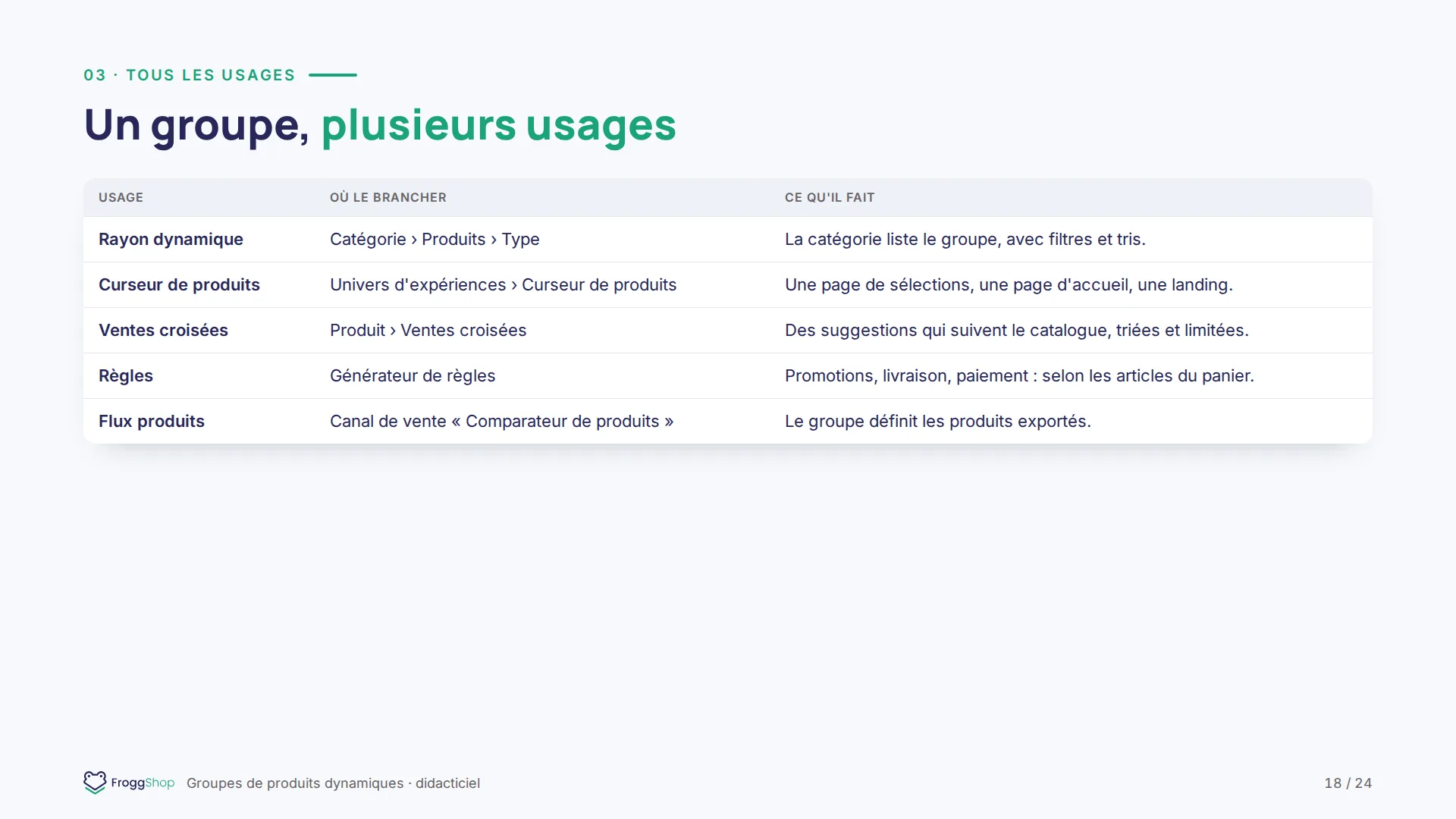
The same group feeds a category, a product slider, cross-selling, the rules of promotions, shipping methods and payment methods, and the product list of a feed sent to a comparison site.
Groups are also exposed through the Admin API (product-stream entity): a third-party tool or a headless shop can use them.

What you need to know
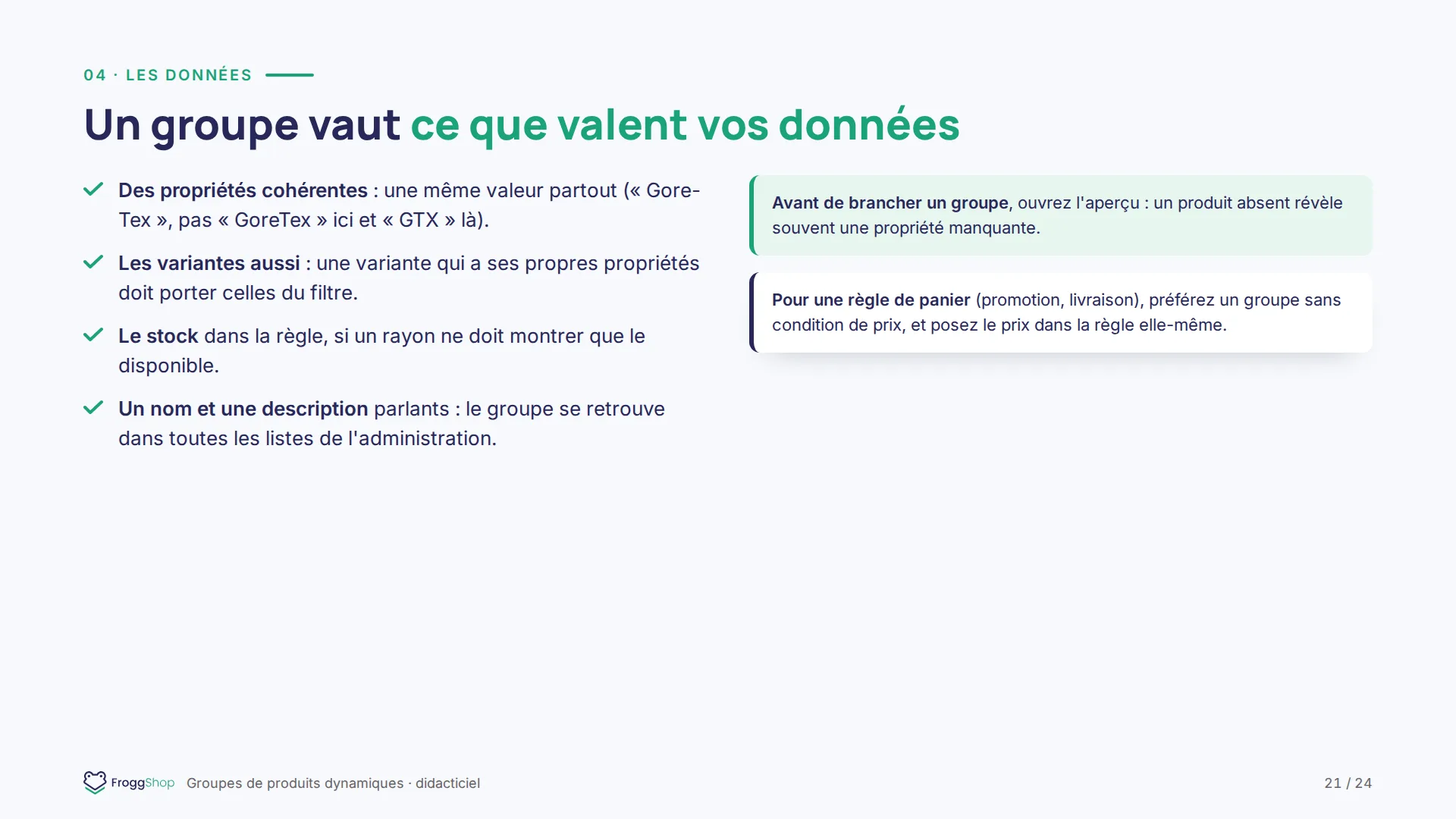
A group is only as good as your data: properties, categories and stock filled in carefully, including on variants when they carry their own properties. For a promotion or shipping rule, use a group without a price condition and put the price limit in the rule.
A group applies the same rule to all visitors: it is merchandising, not personalised recommendation. Dynamic product groups are included in Shopware, and therefore in FroggShop, with no plugin.

The tutorial, slide by slide
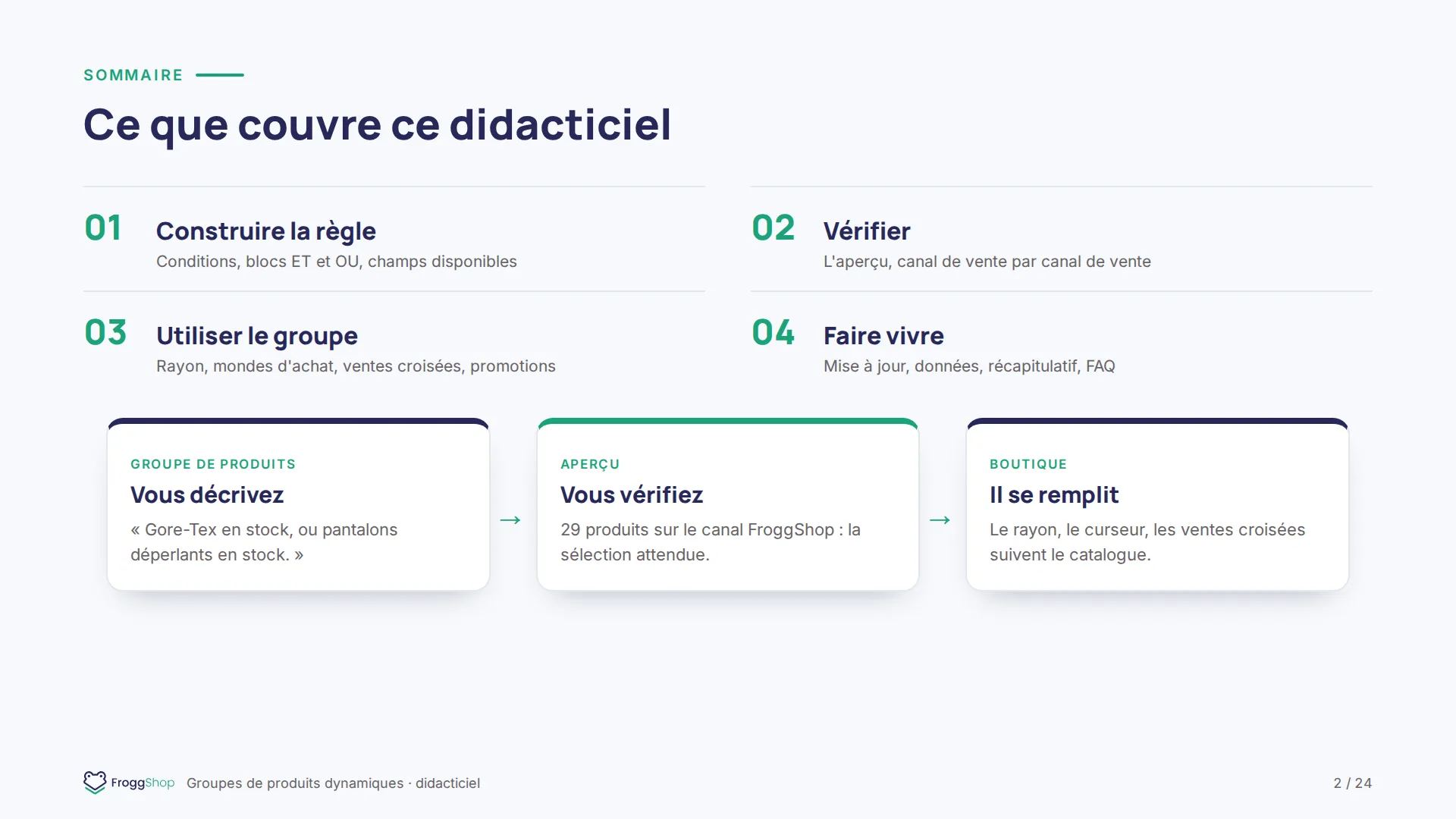
Create a group, check it, then use it in a category, a page, cross-selling and a promotion: the complete setup, with slides in French. Use the arrows or full screen.



What is the scope of your project?
Tell us about your needs and the tools you use. We can clarify the possibilities, conditions, alternatives and scope of work suited to your project.
Discuss your needs