


Resume checkout: retrieve the saved comment in Shopware
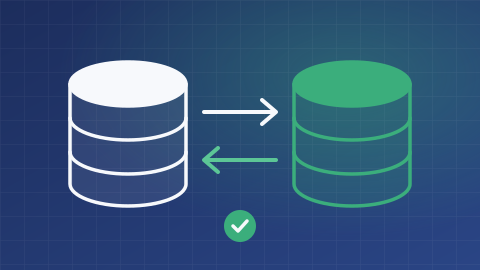
Save customers from retyping their saved comment when they resume a purchase. FroggShop keeps a draft on the basket without saving every checkout field.
Retrieve the comment linked to the basket
The customer comment can be saved on the server-side basket before the order is placed. The mechanism also retains the state of the terms and conditions checkbox when the journey uses it.
This information stays attached to the relevant basket. It is not a copy of every field on the page.

Save only relevant changes
The server checks comment length and saves the basket only when the retained values change. An overlong comment is rejected rather than silently truncated.
The team can enable the draft and set the permitted length. Restoring these values must be integrated into the forms of the theme in use.
Do not confuse a draft with a paid order
Resuming depends on retaining the basket and its access context. It does not promise recovery across all devices or automatic abandoned-basket reminders.
This draft confirms no payment status. Final order validation and acceptance of the terms of sale remain separate steps; requirements for evidence of acceptance must be defined separately.
What is the scope of your project?
Tell us about your needs and the tools you use. We can clarify the possibilities, conditions, alternatives and scope of work suited to your project.
Discuss your needs