


Stock rules: link movements to order stages in Shopware
When an order affects stock depends on your organisation. FroggShop adapts movements to order states and changes to order lines.
Choose which states affect quantities
Rules distinguish order states that participate in stock tracking from those that do not. Moving from one group to the other triggers the corresponding movement.
Teams can therefore align quantity changes with the stages their operations actually use.
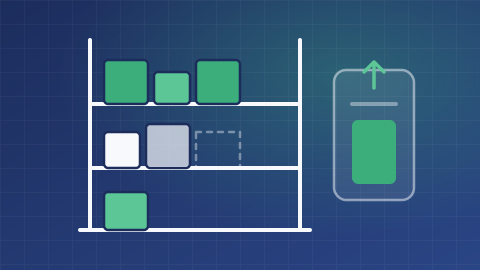
Account for line changes
Changes to ordered items and quantities are also taken into account. Extension points allow the project to examine or block a movement before it is applied.
Movements provide tracking events to feed logging and any configured additional processing.

Avoid competing decisions across systems
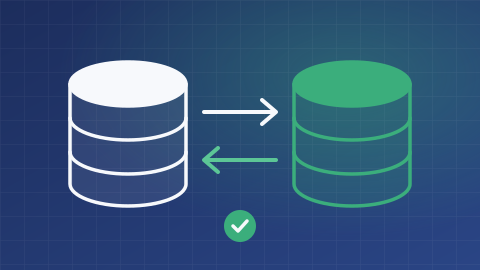
When orders and stock are also managed in Alfred or another tool, responsibilities must be explicit to avoid counting the same operation twice.
Cancellation, modification and import scenarios need to be validated. These movement rules are distinct from simply viewing stock by store.
What is the scope of your project?
Tell us about your needs and the tools you use. We can clarify the possibilities, conditions, alternatives and scope of work suited to your project.
Discuss your needs